

Premium FiveM QBCore Scripts
QBCore gets a FiveM server online, but the stock install still needs the systems players touch every session. This category keeps qb-core compatible resources in one place, from WAIS HUD V6 Customizable to rm_minigames and Advanced Multijob & Boss Menu. If you run Qbox or a heavy fork, confirm the listing before checkout.

Scripts in this category
119 products
- QBCore
- Qbox
FREE Admin Menu
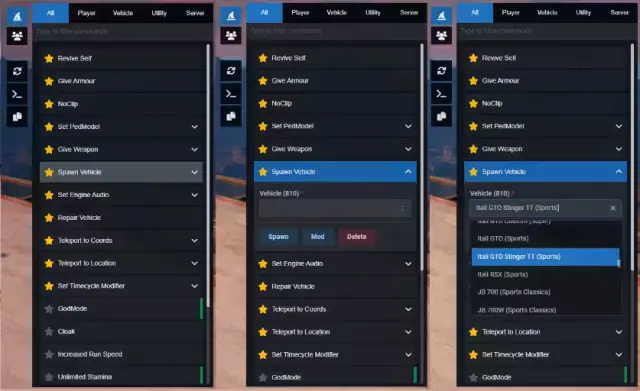
A free React 18 FiveM admin menu with live player headshots, searchable commands, 700+ timecycles, 3000+ vehicles, and ACE permission support. QBCore, ESX & standalone.
FREE



 Sale
Sale
- ESX
- QBCore
- Qbox
DRC Beanmachine Job
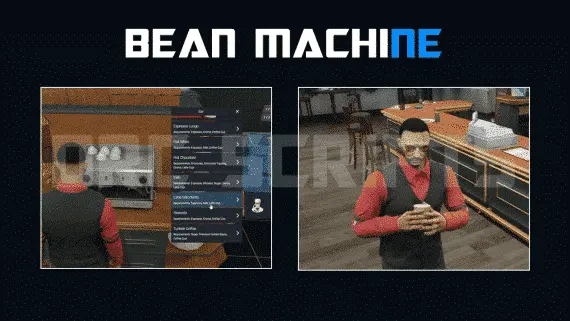
DRC Bean Machine brings a NoPixel-inspired coffee shop job to ESX, QBCore, and Qbox with 57 interactive items, multi-step cooking, 40 delivery routes, and a full boss management suite.
$10.00

- ESX
- QBCore
- Qbox
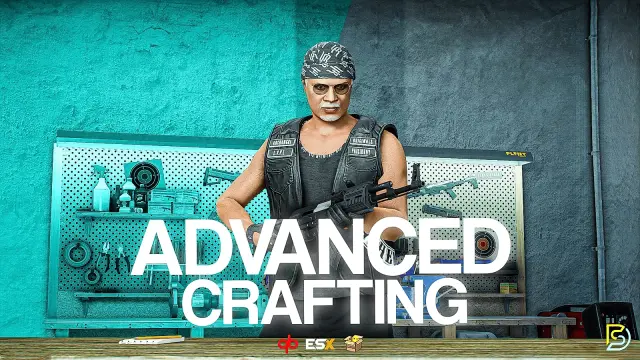
FiveM Police Dispatch
Tactical mapping, unit radio channels, and real time dispatch analytics.
$20.00
 Sale
Sale
- ESX
- QBCore
- Qbox
Advanced Crafting
Samuel’s Advanced Crafting delivers branching tech trees, placeable persisted workbenches, blueprint durability, shared crew queues, and 11+ inventory integrations for ESX, QBCore, and QBox at under 0.01ms resmon.
FREE
 Sale
Sale
- QBCore
- Qbox
FiveM Lore Friendly Cars Pack 300+ Vehicles
310+ FiveM vehicles organised by GTA fictional manufacturers — Vapid, Declasse, Grotti, Karin and more. Includes police packages, emergency variants, and utility vehicles. Compatible with QBCore, Qbox, ESX, and any framework.
$189.00
$750.00
 New
New
- ESX
- QBCore
- Qbox
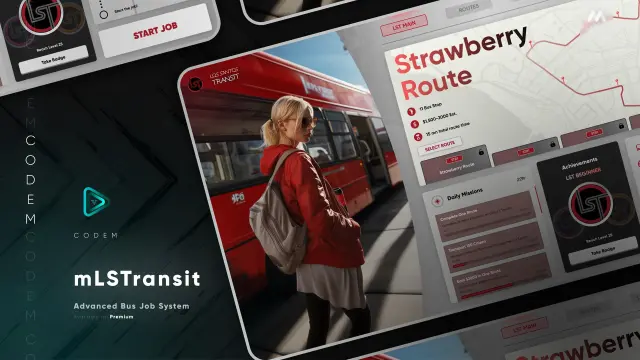
FREE Tackle Script
Free FiveM tackle script with 0.00ms idle and 0.03ms active cost. Hold G to sprint, release to lunge — contact required to ragdoll a player. Standalone, unencrypted, ESX/QBCore/Qbox/Gamzky compatible.
FREE
- ESX
- QBCore
- Qbox
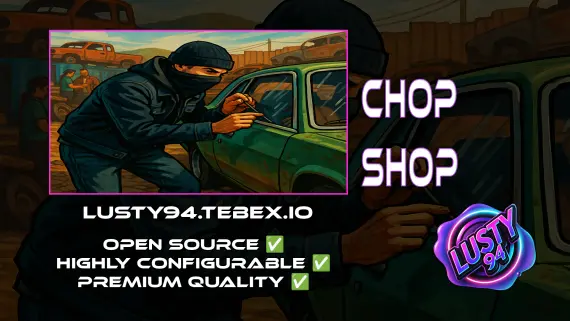
FREE Chop Shop
Free QBCore chop shop script with two mission types, reputation-gated export runs, configurable vehicle parts, NPC flatbed collection, and police dispatch integration — rated 4.11/5 by the community.
FREE
- ESX
- QBCore
- Qbox
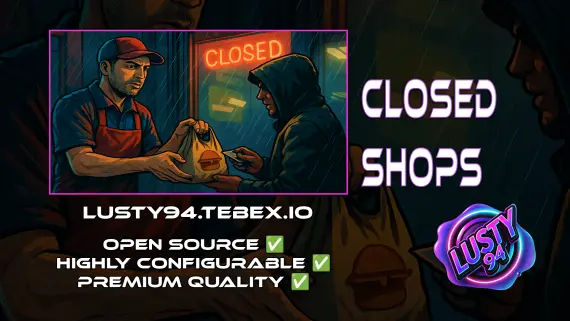
Closed Shops NPC
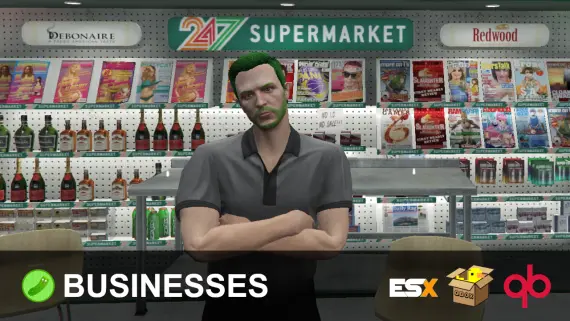
Closed Shops NPC keeps food job locations open when workers log off. Workers restock inventory to earn passive income; the NPC despawns the moment real staff return. QBCore, ESX, Qbox. Live pricing with admin price caps.
$3.00
- ESX
- QBCore
- Qbox
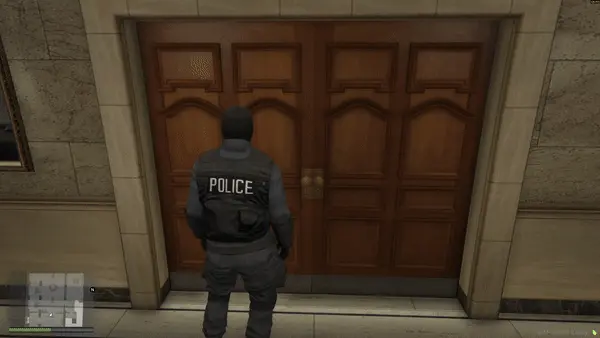
FREE Snake Cam / Under Door Camera
Free FiveM snake cam gives officers a live under-door feed before breaching. Auto door detection, configurable angles, item-gateable, 0.02ms active. ESX, QBCore & Qbox.
FREE
 Sale
Sale
- QBCore
- Qbox
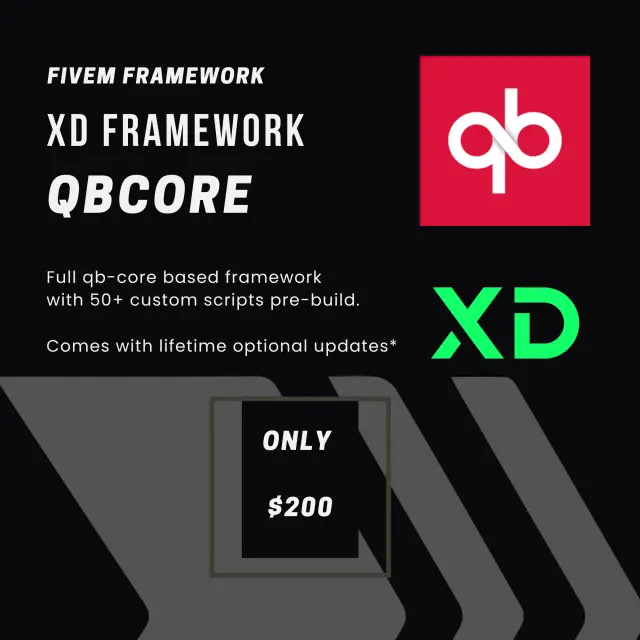
QBCore Framework V1
Custom-built QBCore full server with laser bank heists, four-game casino, PDM V3 MLO, police K9 unit, hunting, farming, fishing, and a configurable HUD — not another stock QBCore base.
$60.00
- ESX
- QBCore
- Qbox
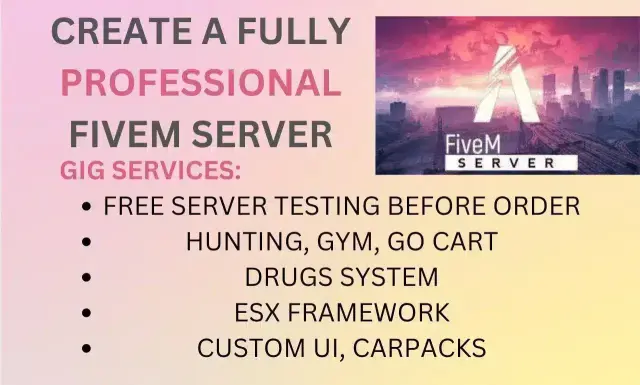
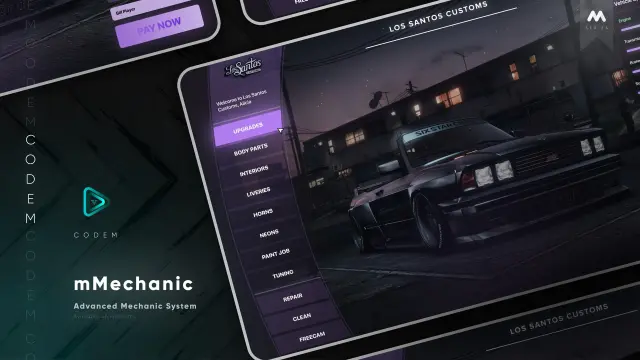
ESX Framework V2
Premade ESX Legacy V2 FiveM server with OX Inventory, iPhone 13 phone, police MDT, karting, bowling, hookah lounge, hunting, mining, and a full criminal and civilian economy on install.
$100.00
- ESX
- QBCore
- Qbox
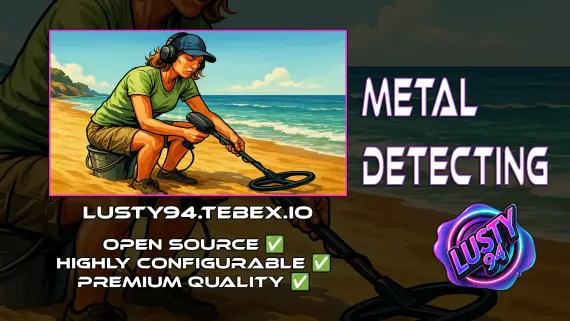
Metal Detecting
FiveM metal detecting script covering 8 named beach and coastal zones with 20 discoverable items, detector overheating for natural pacing, and configurable loot rates. ESX, QBCore, Qbox. Solo leisure content for £5.
$5.00

- ESX
- QBCore
- Qbox
Optimized Anticheat FiveM
Server-side FiveM anticheat with 841 blocked models, multi-identifier banning, event protection, and entity spam limits. No client component. Framework-free. Refined over 5 years.
$9.00
QBCore Scripts is where a server starts becoming a city instead of a clean base folder. QBCore gives you the framework, but the feel comes from the resources layered on top: the HUD that players stare at every minute, the minigames that make actions feel less like button pressing, and the job tools that keep staff from editing databases for every promotion.
This collection holds 119 FiveM QBCore scripts, so it is not just one type of add-on. You can shop practical systems like Advanced Multijob & Boss Menu, player facing UI such as WAIS HUD V6 Customizable, and utility packs like FiveM Minigames Bundle by RainMad. The common thread is simple: these scripts are picked for qb-core builds that already run and now need better day to day gameplay.
What to look for in QBCore Scripts
- Framework fit: Start with qb-core support, then check whether the author mentions your exact build path. A clean QBCore install is not the same as an older city with renamed events, custom jobs and swapped inventories.
- Dependency clarity: Good listings make it obvious what the script expects before you buy. Check for database steps, required libraries, target systems, inventory hooks, permissions and any exports you need to wire into another resource.
- Config that matches your economy: Boss menus, multijob systems and paid activity scripts should let you change ranks, payouts, job access and labels without editing half the codebase. If your economy is strict, config depth matters more than flashy UI.
- UI that will not fight your server style: A HUD like WAIS HUD V6 Customizable is seen constantly, so it needs to fit the rest of your interface. Look at screenshots, scale, colors and what can be turned off for your player base.
- Replay value: Minigames are only useful if they can be reused in more than one loop. A bundle such as rm_minigames makes sense when you want consistent interaction checks across jobs, activities or custom events.
- Maintenance risk: The best FiveM QBCore scripts are easy to read, easy to configure and clear about updates. Before adding anything that touches jobs or money, ask how painful it will be to debug during peak hours.
Compatibility & installation
QBCore compatibility starts with qb-core, but it does not end there. Most active servers are not stock for long. Inventories get replaced, target systems change, admin permissions get customized and old job scripts leave exports behind. That is why the product page matters more than the category label when you are buying something that touches economy, player state or management menus.
Install order also matters. Build the base systems first, then add the scripts that depend on them. A HUD can usually be judged once player data loads correctly. A multijob script needs your jobs, grades and boss access cleaned up first. Minigames are different again because they often become a shared layer that other scripts call into. Dropping everything into resources at once is how you end up chasing five errors that all came from the first missing dependency.
Before purchase, match the listing against your actual server folder. Check if the resource expects default QBCore job names, default items, a certain menu system or a specific database table. If you have moved from older qb resources to ox_inventory, ox_lib or another common tool, look for explicit mention of that support on the product page. If it is not listed, assume you will need to adapt something or ask before buying.
For heavily modified servers, test new QBCore scripts on a staging copy, not live at restart. Watch server console, client F8, SQL imports and resmon while the script is idle and while players are using it. A resource can look fine in a trailer and still clash with a forked event name. Ten minutes of controlled testing beats an hour of support tickets from players stuck without job access.
Why buy from us
This category is sorted for server owners who already know they are building on QBCore and do not want to dig through ESX only resources to find usable options. You get a focused catalog of 119 QBCore scripts, covering the early build staples and the extras that start making sense once players are active.
The mix matters. A new city might need HUD work first because players notice health, hunger, stress, voice and vehicle info before almost anything else. A more established city may be hunting for multijob management because players keep asking to work EMS and run a business on the same character. Another server may just need a minigame bundle that developers can tie into custom ideas.
Buying from a focused category also helps you compare resources by role. You can line up QBCore HUD scripts against HUD scripts, job tools against job tools, and utility bundles against utility bundles. That is how server builds actually happen: one clear problem, one script that fixes it, then the next system after testing.
Use this page as the QBCore shelf, not a random pile of FiveM resources. Start with the systems your players touch every session, then move into jobs, management tools, activities and polish. A server with fewer clean scripts will always feel better than a server stuffed with resources that do not agree on framework, inventory or player data.
Frequently asked questions
Are these scripts made for QBCore?
Yes, this category is focused on QBCore scripts and qb-core server builds. Always check the individual product page for exact dependencies, because many resources also rely on a specific inventory, target system, library or database setup.
Will these QBCore scripts work on Qbox?
Do not assume Qbox support unless the listing says so. Qbox and QBCore can be close in some areas, but exports, events and resource expectations may differ on a real server.
What should I add after a fresh qb-core install?
Start with the systems players notice every session, usually inventory, HUD and garage. After that, jobs, boss tools, minigames and activity scripts make more sense because players have places to earn, spend and interact.
Do you have QBCore HUD scripts here?
Yes, the category includes HUD focused resources such as WAIS HUD V6 Customizable. A HUD is one of the first scripts worth replacing because players see it constantly, not just during a job or menu interaction.
Can I find QBCore job and boss menu scripts?
Yes, this category includes management focused scripts such as Advanced Multijob & Boss Menu. These are useful once your server has enough jobs, ranks and business activity to need proper control instead of manual staff edits.
Are these scripts escrowed or open source?
Licensing can vary by product, so check the individual listing before buying. If source access matters for your server, do not guess from the category name alone.
How hard are QBCore scripts to install?
It depends on how much the script touches. A visual or utility resource may be quick, while boss menus, multijob systems and economy tools can require job data, permissions, SQL imports and dependency checks.