- ESX
- QBCore
- Qbox
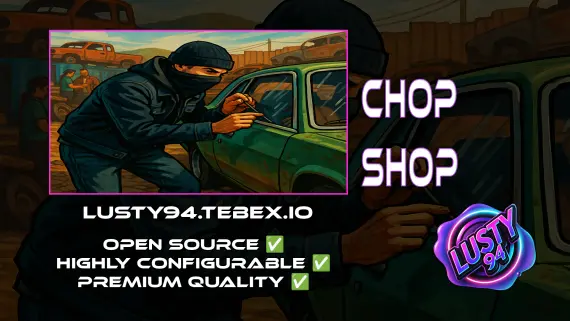
FREE Chop Shop
Free QBCore chop shop script with two mission types, reputation-gated export runs, configurable vehicle parts, NPC flatbed collection, and police dispatch integration — rated 4.11/5 by the community.
FREE


Shelved in ESX Scripts110 products on this shelf QBCore Scripts119 products on this shelf Qbox Scripts120 products on this shelf Tebex FREE Scripts23 products on this shelf
Equip your players with one of 5 custom metal detector props and send them across the map to hunt for buried loot. We included over 50+ preconfigured items to discover, paired with a built-in leveling system and a dedicated shop to sell the findings. While criminal activities dominate most servers, engaging civil activities like treasure hunting keep players logged on.
Players follow the distinct audio beeps of their hardware to zero in on underground valuables. Every tier of detector brings unique search radiuses, cooldowns, and specific loot pools.
resources folder.ensure line for it to server.cfg and restart.ESX, QBCore and Qbox. Nothing else is needed alongside it — the bridge is open source and included, as are the function files, so an unusual setup can be adapted rather than replaced.
Use the documentation included with the download as the final authority. This plan helps you prepare a rollback, install in the right order, and verify the resource before it reaches players.
Open the supplied documentation before moving files or changing the database. Build the install order from the package, not from assumptions.
Ready when Every dependency and required file has a place in your install plan.
Prepare the server so the change can be reversed cleanly if the resource conflicts with your current stack.
Ready when You can restore the previous database, files, and configuration.
Apply only the changes supplied for this resource, keeping dependency and startup order intact.
Ready when The resource starts without missing files, exports, tables, or dependencies.
Restart the test server, watch both server and client consoles, and exercise the resource before opening it to players.
Complete when The intended flow works twice with no new console errors.
Metal Detecting
Contact support
Reviews are moderated before appearing. Purchased the product? Your review gets a VERIFIED badge automatically.
Free QBCore chop shop script with two mission types, reputation-gated export runs, configurable vehicle parts, NPC flatbed collection, and police dispatch integration — rated 4.11/5 by the community.
A fully free police MDT for FiveM with warrants, criminal records, vehicle database, auto nearest-player lookup, and five-language support. ESX, QBCore & Qbox. Rated 4.89/5.

Free, open-source FiveM drone script with full controller support, Fivemanage aerial screenshots, night vision, configurable HUD, and signal-loss mechanics. ESX, QBCore & Qbox ready.
 New
New
Free FiveM tackle script with 0.00ms idle and 0.03ms active cost. Hold G to sprint, release to lunge — contact required to ragdoll a player. Standalone, unencrypted, ESX/QBCore/Qbox/Gamzky compatible.
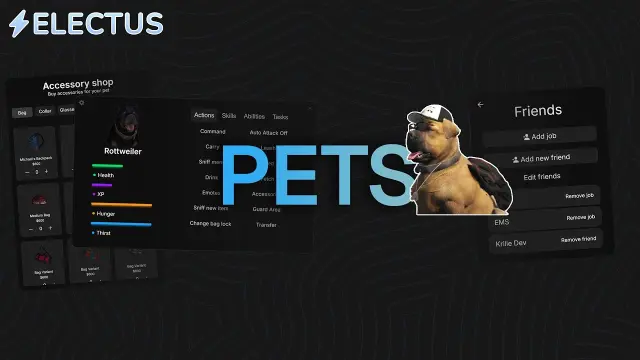
Dynamic pet system featuring leveling, breeding, and over 400 accessories
 New
New
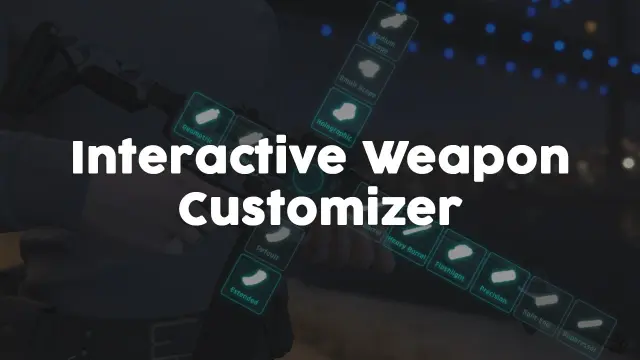
Visual FiveM weapon attachment UI with inventory persistence, addon weapon support, job/item gates, and 0.01ms active cost. Standalone or integrated with ox, ESX & QBCore inventory.
 Sale
Sale
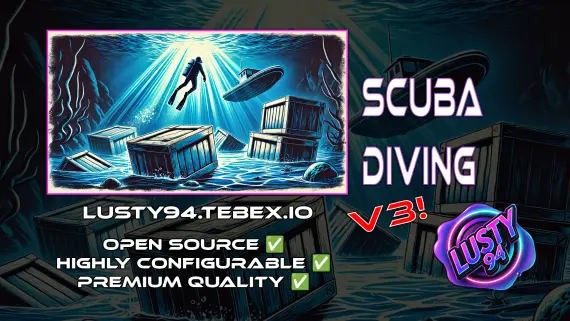
Advanced Scuba Diving V3 builds a full underwater economy: boat rental, oxygen-tracked dive tanks, shipwreck loot, skill-based crate minigames, and a quest system with XP leaderboard. ESX, QBCore, Qbox — one purchase.

Premade ESX Legacy V2 FiveM server with OX Inventory, iPhone 13 phone, police MDT, karting, bowling, hookah lounge, hunting, mining, and a full criminal and civilian economy on install.
QBCore dealership script with public showrooms — test drives, financing, license checks — and player-owned operations with stock ordering, employee commissions, and sell-back. Tested with ox_lib, oxmysql, and major banking/inventory resources.
Metal Detecting is a FiveM resource for esx, qbcore, qbox servers. Review the product details, requirements, and compatibility notes before ordering.
Use the included files and documentation as the source of truth for installation, configuration, dependencies, and any stated performance information.