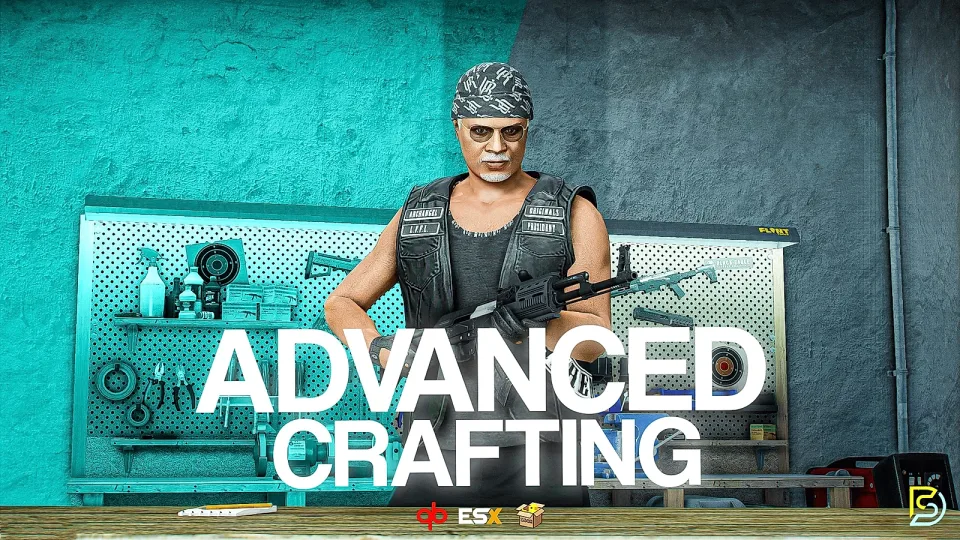
Advanced Crafting
Samuel’s Advanced Crafting delivers branching tech trees, placeable persisted workbenches, blueprint durability, shared crew queues, and 11+ inventory integrations for ESX, QBCore, and QBox at under 0.01ms resmon.
Advanced Crafting System
Advanced crafting, redefined.
The most comprehensive and polished crafting system for FiveM.
Every feature has been carefully designed to feel complete. Static and placeable workbenches with full database persistence. Branching tech trees with optional shared progression. A blueprint system with durability saved as item metadata. Shared crafting queues where players take turns. A crafting stash that syncs across players or stays personal. Permission controls for placed benches. Job and gang restrictions with grade requirements. Per-workbench leveling. Framework-agnostic by design. This isn't just a crafting script, it's a fully-realized system built to be the backbone of your server's economy.
Fully configurable
Every feature, toggle, and value is exposed in the config. Browse the full config files on the docs site to see exactly what you're getting.
Showcase
Crafting Mechanics
Blueprint System
Require blueprints for rare recipes.
Blueprint features:
- Recipes only appear when attached
- Bench-type restrictions
- Durability support with ox_inventory
- Metadata-based durability tracking
- Legacy random-destruction option
Crafting Queue
Queue multiple crafts and process them sequentially.
Features:
- Shared queue mode
- Ownership tracking per player
- Real-time progress tracking
- Material refunds on cancellation
- UI lock option
- Radius movement restriction option
Leveling & XP
Every craft grants XP.
Features:
- Per-workbench specialization
- Shared global leveling option
- Crafting levels
- Recipe level requirements
- Progression-based unlocks
Blueprint Image Creator
Included Node.js tool for generating blueprint-style inventory images.
Features:
- Batch processing
- Custom sizing
- Color tinting
- Multiple templates
- Auto-detect inventory system
- Overlay existing item images
- Ready-to-use output graphics
Inventory Wrapper & Crafting Stash
A crafting-focused inventory interface wrapped around your actual inventory.
Features:
- Shared or personal stash modes
- Database persistence
- Survives server restarts
- Real-time updates
- Drag-and-drop materials
- Recipe ingredient filtering
- Item search
- Weight management
Inspired by ProdigyRP.
Workbenches & Placement
Tech Trees
Unlock recipes through branching progression trees.
Features:
- Shared unlock mode available
- Earn tech points by crafting
- Multiple skill branches
- Prerequisite-based progression
- Unique tree per workbench type
In shared mode, if one player unlocks a node, every user of that workbench gains access.
Placeable Workbench System
Allow players to purchase and deploy portable workbenches anywhere.
Features:
- Gizmo placement
- Raycast placement
- Database persistence
- Survives server restarts
- Unique prop model per workbench type
- Custom recipe tables
- Custom tech trees
Static Workbenches
Place workbenches at fixed locations through config.
Each station can have:
- Its own recipe pool
- Its own tech tree pool
- Optional map blips
Ideal for public-use crafting locations.
Permission System
Placed workbenches are owner-controlled by default.
Owners can:
- Manage permissions from a dedicated tab
- Grant access
- Revoke access
Access lists are stored in the database.
Optional setting:
- Disable permissions entirely
- Allow all players to access any placed bench
Infinite Possibilities
Create:
- Specialized crafting stations
- New workbench types
- Custom recipe tables
- Unique tech trees
Build a single all-purpose station or an entire crafting network.
Admin & Commerce
Shop System
Configure NPC vendors to sell:
- Raw crafting materials
- Portable workbenches
Features:
- Bank payments
- Custom pricing
- Cash payments
Players can stock up before heading to their crafting location.
Admin Panel
Complete real-time administration interface via /craftadmin.
Queue Management
- Live queue monitoring
- Force complete
- Cancel with refund
- Remove without refund
Player Management
- Bulk resets
- View players
- Edit XP
- Edit levels
- Edit tech points
- Edit unlocked nodes
Placement Tools
- Shift for 1° adjustments
- In-game placement mode
- Scroll wheel rotation
- Arrow key rotation
Station Management
- Teleport to stations
- Edit stations
- Delete stations
- View all stations
- Static benches
- Player-placed benches
- Admin-created benches
Tech Tree Editor
- Full node editing
- Visual node canvas
- Zoom & pan controls
- SVG prerequisite connections
Recipe Management
Full CRUD support for:
- Output amounts
- Ingredients
- Tools
- Craft times
- Level requirements
- XP rewards
- Tech points
- Failure chances
- Blueprints
- Costs
- Images
Everything persists and syncs in real time through net events. No restart required.
This is only the beginning. More features are already built in, with future updates adding even more functionality.
Core Systems
Highly Configurable
Detailed configuration surface to adapt every aspect of the script to your server.
Check the linked config, it's one of the most customizable resources I've shipped.
Job & Gang Restrictions
Lock any static workbench to:
- Minimum grade requirements
- Specific jobs
- Specific gangs
Players without the required job, gang, or rank cannot interact with restricted workbenches.
Restrictions can also be edited on the fly via the admin menu.
Metadata Support
Configure any item with any metadata field:
- Custom values
- Durability
- Quality
- Grade
Craft multiple variants of the same item, for example:
- Weed item with og_kush metadata
- Weed item with skywalker_og metadata
Everything can also be managed through the admin menu.
Peak Performance
- Up to 0.01ms during active crafting operations
- 0.00ms idle
- 0.00ms with UI open
Server-side uses intelligent caching to minimize database load and keep tracking responsive.
Translations & Localization
Full locales system for easy text customization.
Included:
- English (en)
- German (de)
Adding a new language is only a few minutes of work.
Compatibility
Fully compatible with:
- QBCore
Auto-detected.
Supported Inventories
- qs-inventory
- qs-inventory-pro
- ox_inventory
- qb-inventory
- ps-inventory
- lj-inventory
- esx_inventory (esx_addoninventory)
- codem-inventory
- origen_inventory
- jaksam_inventory
Drop it in and it detects your setup. Adding more inventories is easy, ping me and I'll help.
Extensive Logging
Built-in logging support for:
- Grafana
- Loki
- Discord (formatted embeds)
- Fivemerr
- FiveManage
A separate logs.lua file lets you configure destinations and choose exactly which actions get recorded.
Supported Inventories
Auto-detected.
Choose whatever you already run:
- tgiann-inventory
- ox_inventory
- qb-inventory
- ps-inventory
- lj-inventory
- esx_inventory
- codem-inventory
- origen_inventory
- jaksam_inventory
- qs-inventory
- qs-inventory-pro
Dependencies
Required Framework
Choose one:
- es_extended
- qbx_core
Libraries
- ox_lib
Targeting
Choose one:
- ox_target
- qb-target
- q-target
Set up Advanced Crafting safely
Use the documentation included with the download as the final authority. This plan helps you prepare a rollback, install in the right order, and verify the resource before it reaches players.
- Resource type
- FiveM script
- Catalog category
- ESX Scripts
- Package source
- Samuel's Development
-
Audit the package and requirements
Open the supplied documentation before moving files or changing the database. Build the install order from the package, not from assumptions.
- Identify the actual resource folder, required dependencies, and supported framework version.
- Locate any SQL, configuration examples, permissions, or optional integrations.
- Check whether the documentation requires a specific start order.
Ready when Every dependency and required file has a place in your install plan.
-
Create a rollback point
Prepare the server so the change can be reversed cleanly if the resource conflicts with your current stack.
- Keep an untouched copy of the downloaded package.
- Back up the database and every configuration file you will edit.
- Use a test server or schedule a maintenance window before changing production.
Ready when You can restore the previous database, files, and configuration.
-
Install in the documented order
Apply only the changes supplied for this resource, keeping dependency and startup order intact.
- Place the resource folder where your server loads resources, without renaming it unless instructed.
- Install dependencies first, then import included SQL once and review configuration values.
- Add the documented resource name to the server startup configuration after its dependencies.
Ready when The resource starts without missing files, exports, tables, or dependencies.
-
Verify the complete player flow
Restart the test server, watch both server and client consoles, and exercise the resource before opening it to players.
- Test the main workflow with an authorized player and a player without permission.
- Reconnect and restart once to confirm saved state and startup behavior.
- Review console output again before promoting the same configuration to production.
Complete when The intended flow works twice with no new console errors.
Advanced Crafting
Contact support
Advanced Crafting compatibility and specs
Related scripts
About this FiveM script
Advanced Crafting is a FiveM resource for esx, qbcore, qbox servers. Review the product details, requirements, and compatibility notes before ordering.
Use the included files and documentation as the source of truth for installation, configuration, dependencies, and any stated performance information.