
![Latest QBCore Framework V7 [NoPixel 4.0 Inspired]](/uploads/card/29d450513a2b02f57f656184ccb3ed97.webp) Sale
Sale
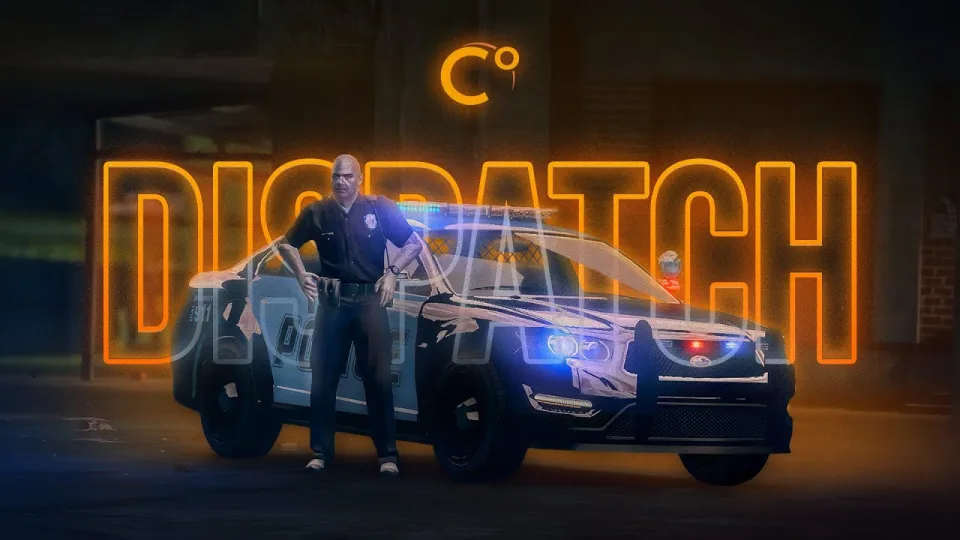
FiveM Police Dispatch
Tactical mapping, unit radio channels, and real time dispatch analytics.
Shelved in ESX Scripts110 products on this shelf QBCore Scripts119 products on this shelf Qbox Scripts120 products on this shelf
$20.00
Secure checkout by Tebex
Digital delivery after checkout
Tebex
Your Game Studio, Extended.
Overview
Reviews
Run tactical police operations across ESX and QBCore with a live map panel, unit radio controls, tactical drawing tools, and crime analytics.
### Map Draw System
* Custom drawings: create and save tactical drawings per unit to plan police operations.
* GTA map sync: paint strategy overlays in the drawing panel and view them directly on the in-game map.
### Tactical Radio Integration
* TAC channels: isolate communication in tactical channels to mute global radio clutter during active operations.
* Targeted broadcasting: broadcast to everyone in your job or transmit directly to specific frequencies without altering your primary radio setting.
* Radio access: switch between private unit radios, job-wide frequency channels, and TAC channels.
* Dependency requirement: requires pma-voice using the resource uploaded on the rcore-cz GitHub.
### Interactive Map Panel
* Blip customization: adjust how individual map blips display and behave.
* Real time tracking: view officer locations, active calls, and full alert details on a live server map overlay.
* Unit management: form patrol squads, assign officers to specific units, and monitor active call signs.
* Crime analytics: evaluate criminal activity patterns using statistical overview pages with crime heat maps.
### Alerts Switchboard
* Quick call responding: mark alerts directly from the switchboard to inform units you are responding.
* Fast unit assignment: route officers to specific units or assign radio frequencies directly from incoming call cards.
* Stolen vehicle details: view captured road location images automatically when a vehicle theft alert triggers.
* Enhanced alert details: monitor alert codes, categories, event types, and a real time list of responding units.
Framework Compatibility
Built for ESX, QBCore and Qbox servers. The live map, unit radio controls, drawing tools and analytics all arrive in the one resource. It also requires pma-voice, using the build published on the rcore-cz GitHub.
Installation
- Put the resource into
resourceson your server. - Add its
ensureline toserver.cfg, beneath your framework. - In the config, set which jobs get dispatch access and how blips should display for each type of call.
- Restart the server, go on duty as an officer, and confirm units, active calls and saved tactical drawings all show on the map panel.
Installation plan
Set up FiveM Police Dispatch safely
Use the documentation included with the download as the final authority. This plan helps you prepare a rollback, install in the right order, and verify the resource before it reaches players.
- Resource type
- FiveM script
- Catalog category
- ESX Scripts
- Package source
- RCore
-
Audit the package and requirements
Open the supplied documentation before moving files or changing the database. Build the install order from the package, not from assumptions.
- Identify the actual resource folder, required dependencies, and supported framework version.
- Locate any SQL, configuration examples, permissions, or optional integrations.
- Check whether the documentation requires a specific start order.
Ready when Every dependency and required file has a place in your install plan.
-
Create a rollback point
Prepare the server so the change can be reversed cleanly if the resource conflicts with your current stack.
- Keep an untouched copy of the downloaded package.
- Back up the database and every configuration file you will edit.
- Use a test server or schedule a maintenance window before changing production.
Ready when You can restore the previous database, files, and configuration.
-
Install in the documented order
Apply only the changes supplied for this resource, keeping dependency and startup order intact.
- Place the resource folder where your server loads resources, without renaming it unless instructed.
- Install dependencies first, then import included SQL once and review configuration values.
- Add the documented resource name to the server startup configuration after its dependencies.
Ready when The resource starts without missing files, exports, tables, or dependencies.
-
Verify the complete player flow
Restart the test server, watch both server and client consoles, and exercise the resource before opening it to players.
- Test the main workflow with an authorized player and a player without permission.
- Reconnect and restart once to confirm saved state and startup behavior.
- Review console output again before promoting the same configuration to production.
Complete when The intended flow works twice with no new console errors.
Support reference
Use the exact listing name when you contact support.
FiveM Police Dispatch
Contact support
FiveM Police Dispatch compatibility and specs
Category
Creator
Delivery
After checkout — order download link
Product terms
See product details — terms vary by resource
No reviews yet — be the first to write one.
Write a review
Reviews are moderated before appearing. Purchased the product? Your review gets a VERIFIED badge automatically.
[ You might also like ]
Related scripts
Sale
 New
New
- ESX
- QBCore
- Qbox
FREE Tackle Script
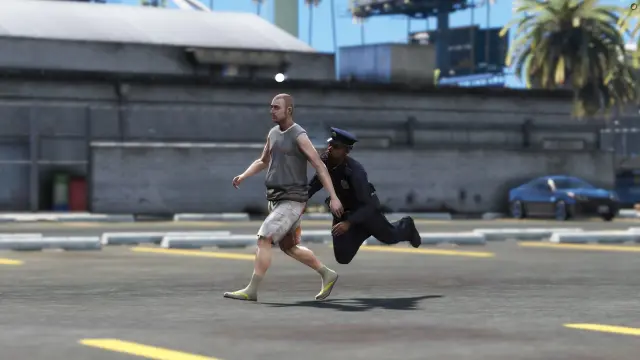
Free FiveM tackle script with 0.00ms idle and 0.03ms active cost. Hold G to sprint, release to lunge — contact required to ragdoll a player. Standalone, unencrypted, ESX/QBCore/Qbox/Gamzky compatible.
FREE
- QBCore
- Qbox
FREE Admin Menu
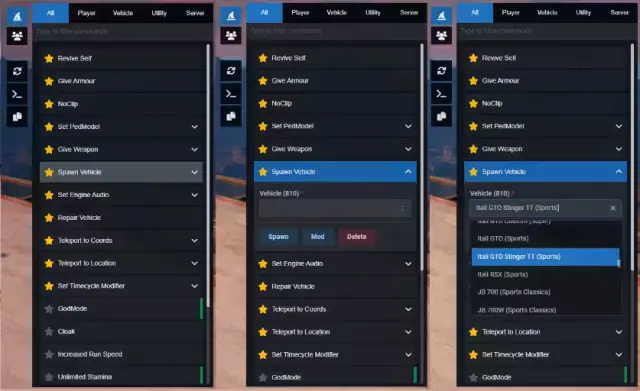
A free React 18 FiveM admin menu with live player headshots, searchable commands, 700+ timecycles, 3000+ vehicles, and ACE permission support. QBCore, ESX & standalone.
FREE
 Sale
Sale
 Sale
Sale
- ESX
- QBCore
- Qbox
All in one Restaurant Script
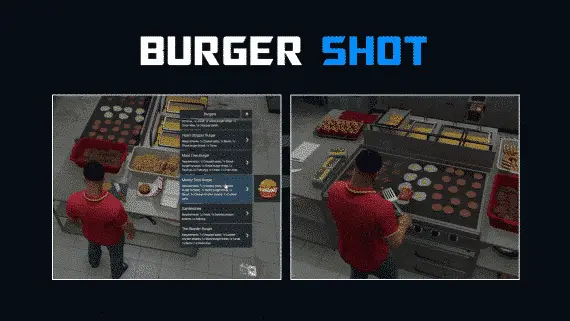
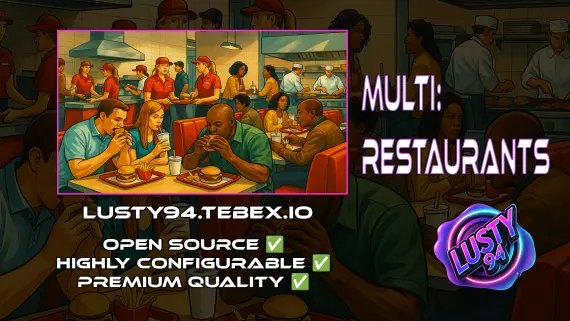
Single QBCore resource covering 14 FiveM restaurant locations — Burgershot, Bean Machine, Cat Cafe, and eleven more — with unified menus, staff storage, customer kiosks, surveillance cameras, and consumable effects.
$15.00
$20.00
About this FiveM script
FiveM Police Dispatch is a FiveM resource for esx, qbcore, qbox servers. Review the product details, requirements, and compatibility notes before ordering.
Use the included files and documentation as the source of truth for installation, configuration, dependencies, and any stated performance information.