
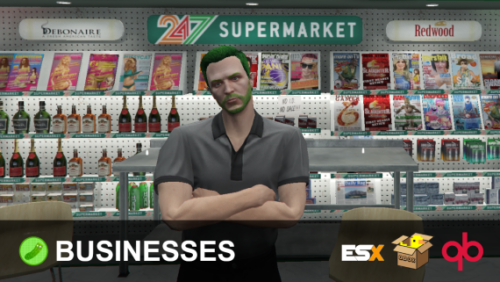
Player-Owned Businesses /w Trading System
Showcase
What is this?
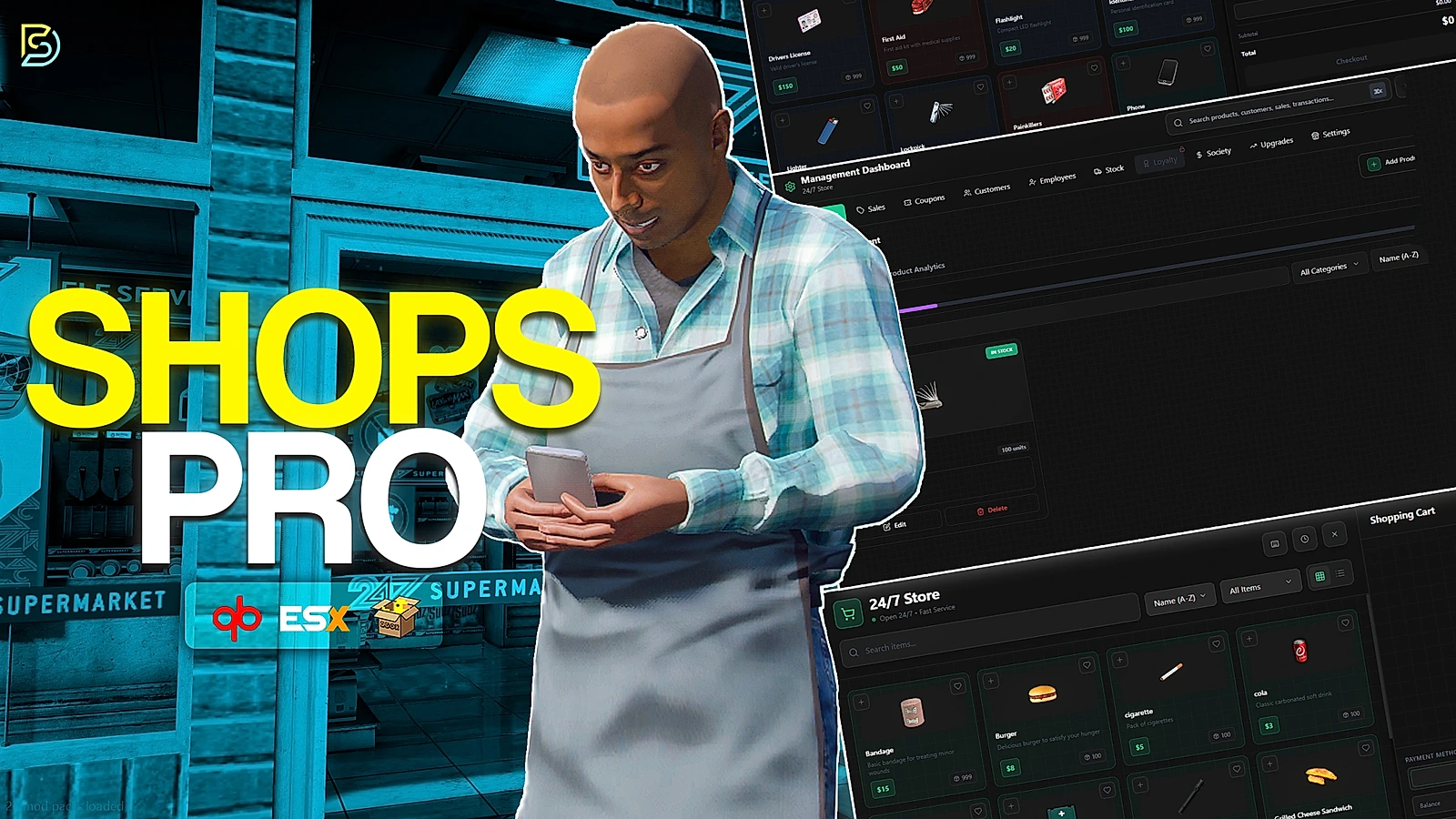
This is a resource that allows you to easily create businesses in-game for your players to own, manage, and utilize through out your server.
Your businesses will now be able to be more than a simple spot to purchase something, let’s go over the features to see why this resource is the best fit for your server’s business solution.
The main difference between this product, and competing products, is that mine offers a fully-integrated player economy.
Metadata Support
Currently the following are supported for the metadata reading & saving of items.
- Quasar Inventory
- Ox Inventory
- Any inventory that uses QBCore’s inventory functions (lj-inventory, qb-inventory, for example).
Installation
- Install the SQL and Items shown in the “INSTALL” folder
- ensure pickle_businesses
- Select a target option in the config if using a target resource for your server.
- Restart the server.
Features
- Currencies; supports taking dirty money for transactions based on the business zone’s settings!
- Persistent locations for both stores & placed down markets.
- Placeable Markets; which allow you to have a vending business rather than setting up a traditional business at a hard location.
- Custom business employee & role framework, create your own ranks and permissions via the business!
- Metadata item selling, meaning you can sell unique and used items! (this also prevents the infamous “repair glitch” with other business resources)
- Zone types; which determine what’s craftable and purchasable via the supply stores made available for zones in the config.
- Supplies Store which contain different items per business “zone type”, restrictable to certain zone types.
- Trade listings, which can be listed uniquely per business by the owner / permissable roles set by the owner.
- Storage for storing items and parts safely.
- Crafting; which has different item opportunities based on the business zone!
- Furniture is placeable by admins and owners per business!
- Sales Data; see your daily & recent sales through your management menu.
- Player ownable & rentable businesses created fully in-game.
- And more!
Requirements
- Ox Lib (Required, Works anywhere).
- ESX (1.1+) / QBox / QB, or code your own bridge to work with your framework. (the bridge is fully accessible!)

![Full Drugs Package [Processing + Sales]](https://scripts-tebex.io/wp-content/uploads/858ac079f079303eb2f86277eaf784af2b2eb76f.jpg)
![[200] Tattoo Pack for FiveM Servers | Supports qb and esx](https://scripts-tebex.io/wp-content/uploads/e73d9e860085a63ed71ca78e292331740ea973c4-scaled-1.png)
Reviews
There are no reviews yet.