
SALE
FiveM Gang Script | Electus Gangs
Shelved in ESX Scripts110 products on this shelf QBCore Scripts119 products on this shelf Qbox Scripts120 products on this shelf
$50.00
$30.00
Save $20.00

Secure checkout by Tebex
Digital delivery after checkout
Tebex
Your Game Studio, Extended.
Overview
Reviews
Electus Gangs
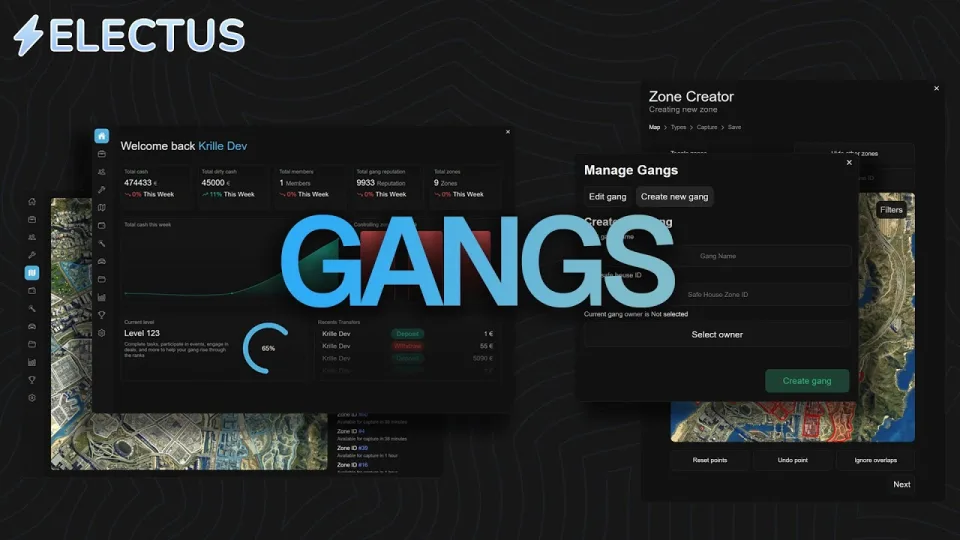
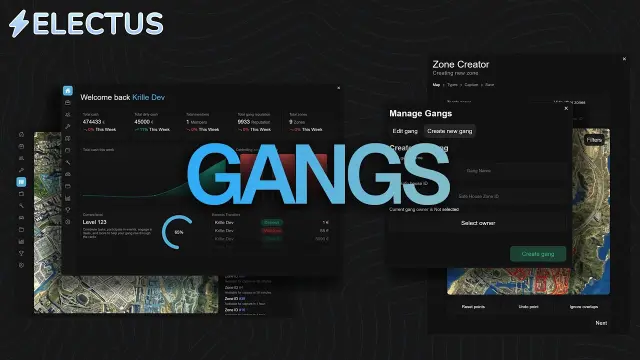
Electus Gangs is a customizable gang system built for ESX and QBCore servers, featuring admin tools for territory and gang management. Members interact through an intuitive UI accessible via the LB tablet, gang markers, or commands, while the system idles at 0.00ms.
System Requirements & Details
- Frameworks: ESX or QB-Core
- Target Systems: Compatible with your choice of target system
- Inventory Support: CodeM, QS, Tgiann, Ox, Qb, and Core inventories
- Performance: 0.00ms idle resmon with optimized resource usage
- Support & Updates: Free fast support through Discord and free future version updates
Usage & Configuration
- Event Times: Configure event start and end days and times inside events.lua in the shared folder
- Admin Logs: Set up logging destinations inside the admin_logs.lua file
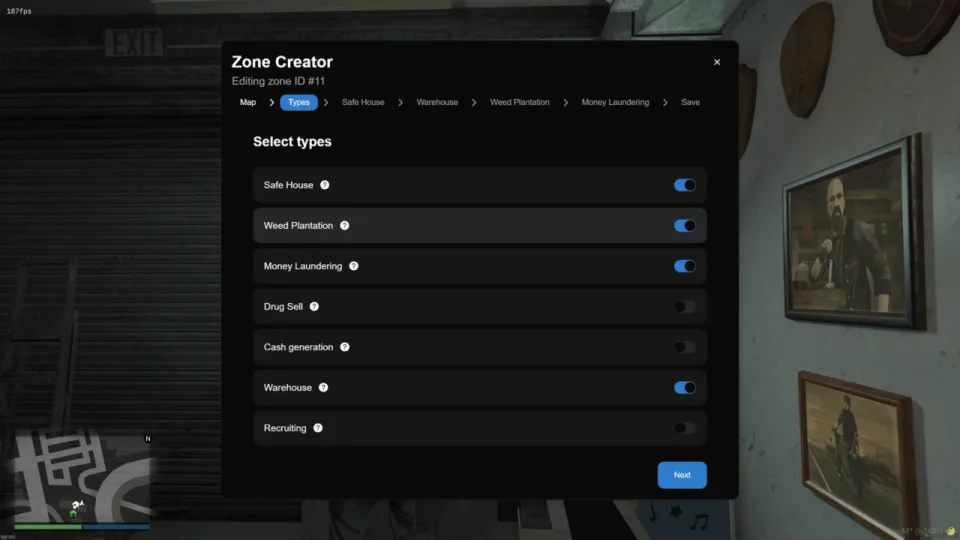
- Zone Management: Use
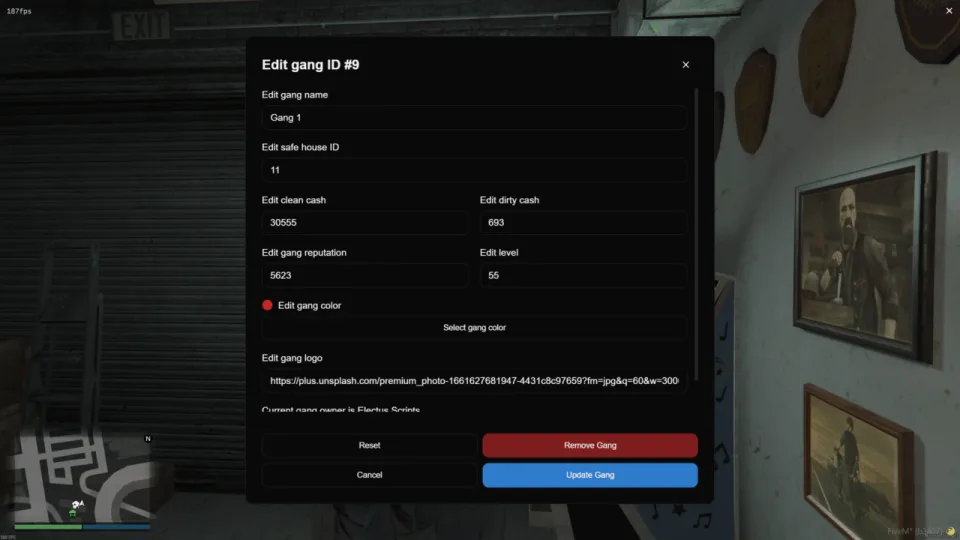
/manage_zonesas an admin to control territory settings - Gang Management: Use
/manage_gangsas an admin to oversee all active organizations - UI Access: Open the gang menu through the LB tablet, a gang marker, or
/gang_menu
Features
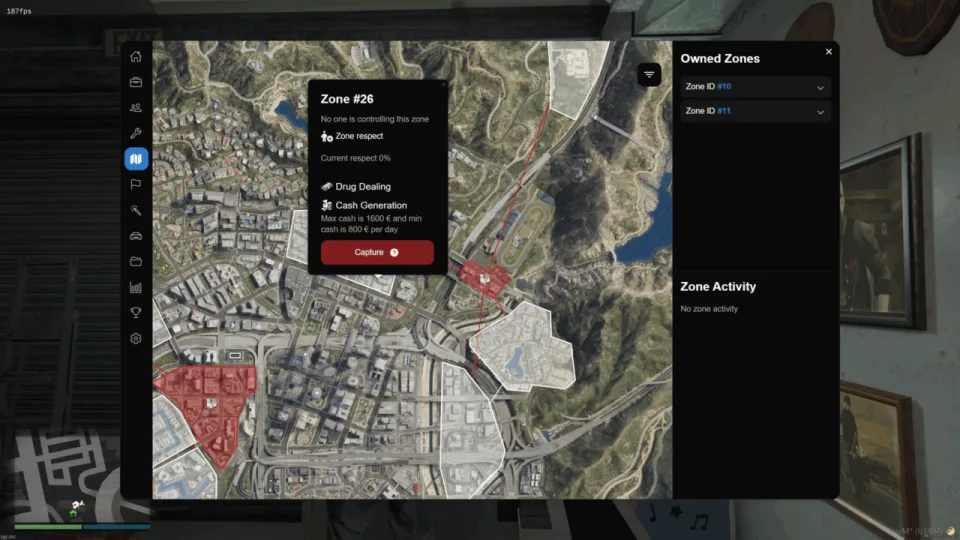
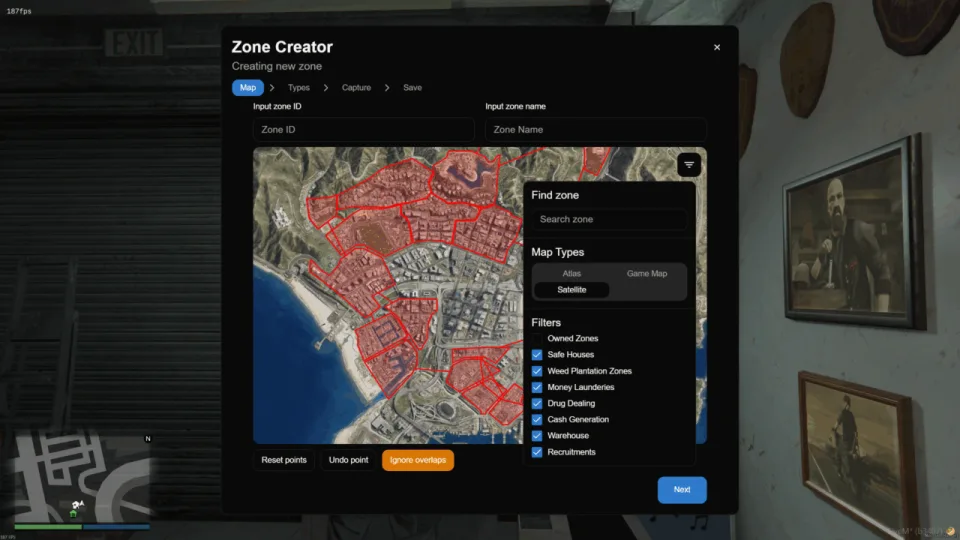
- Territories and Zones: Claim and defend territories, view current owners, and track upcoming capture windows
- Zone Types: Manage weed plantations, money laundering spots, drug dealing areas, cash zones, recruitment hubs, and safe houses
- Zone Respect: Increase zone respect daily to scale NPC defender counts and cash generation
- Zone Attacks: Initiate attacks with a preparation phase where both attacking and defending gangs can ready up
- Connected Zones: Restrict gang expansion so members can only target zones closest to their current territory
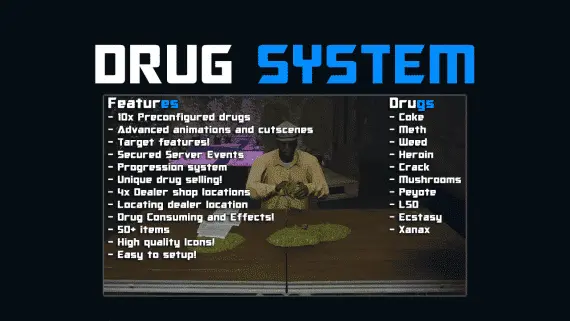
- Drug Dealing Zone: Claim zones to sell drugs to NPCs using an intuitive dialog UI with configurable drug types and prices
- Weed System: Grow, dry, and process weed to sell through the dialog UI, complete with locks on processing areas and warehouses
- Safe House IPLs: Add default or custom IPLs to gang safe houses
- Safe House Raids: Raid rival safe houses to steal a percentage of their stored cash or rob their safes
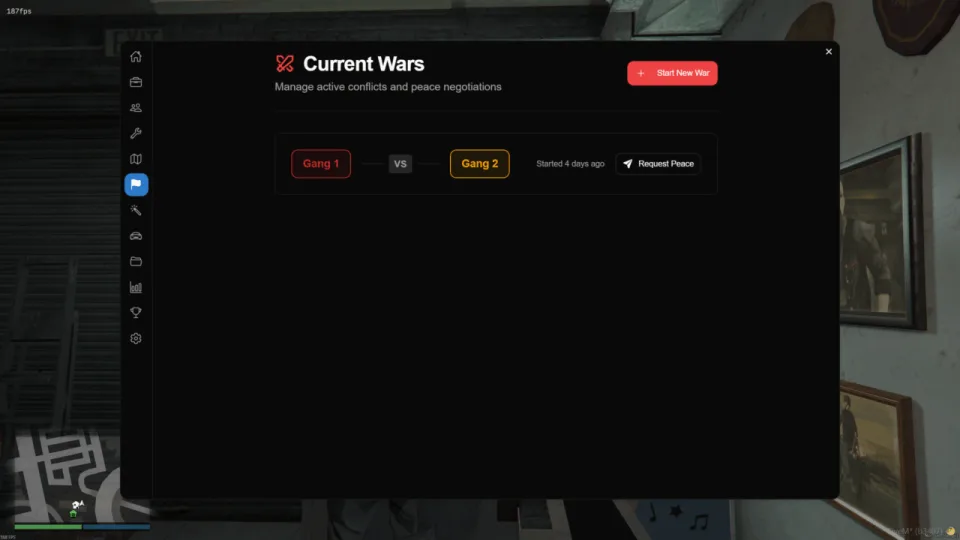
- Gang Wars: Start wars against rival organizations to capture their territories
- Gang Dispatch: Receive alerts when someone sells drugs on your territory or initiates a zone capture
- Drug Dealing Dispatch: Trigger police dispatches if a drug deal fails
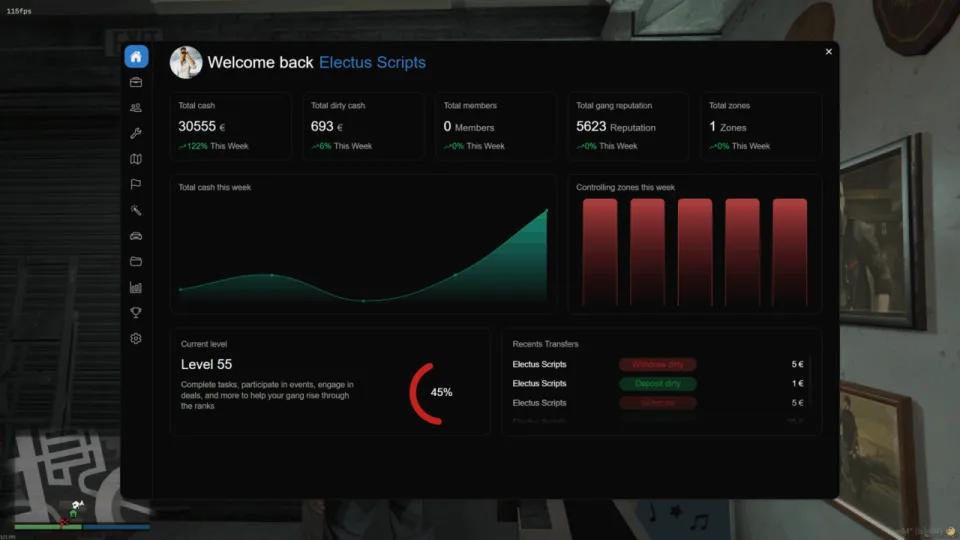
- Gang Economics: Deposit, withdraw funds based on permissions, and view complete transaction history
- Gang Upgrades: Upgrade the garage, warehouse, weed growth rate, drug selling efficiency, and money laundering output
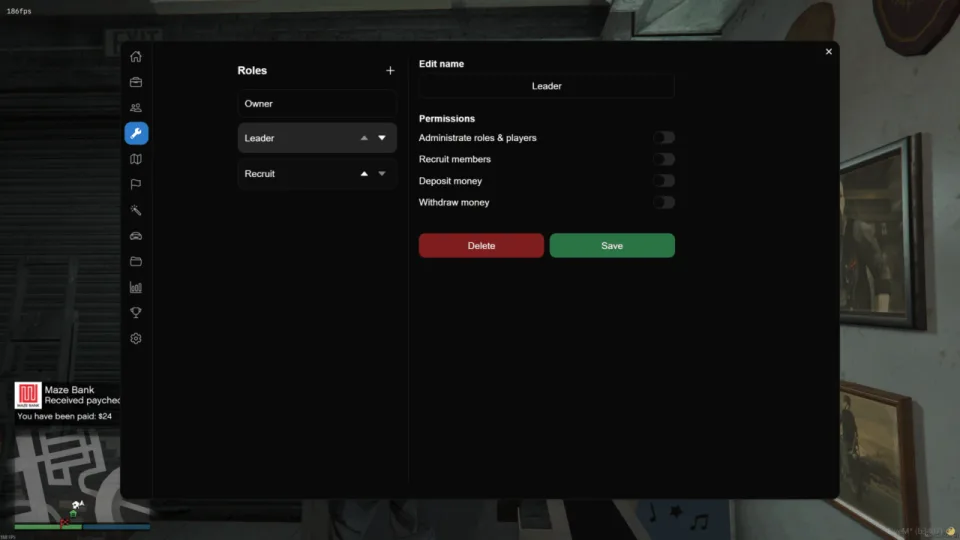
- Roles and Ranks: Customize member ranks and permissions through leadership or admin tools
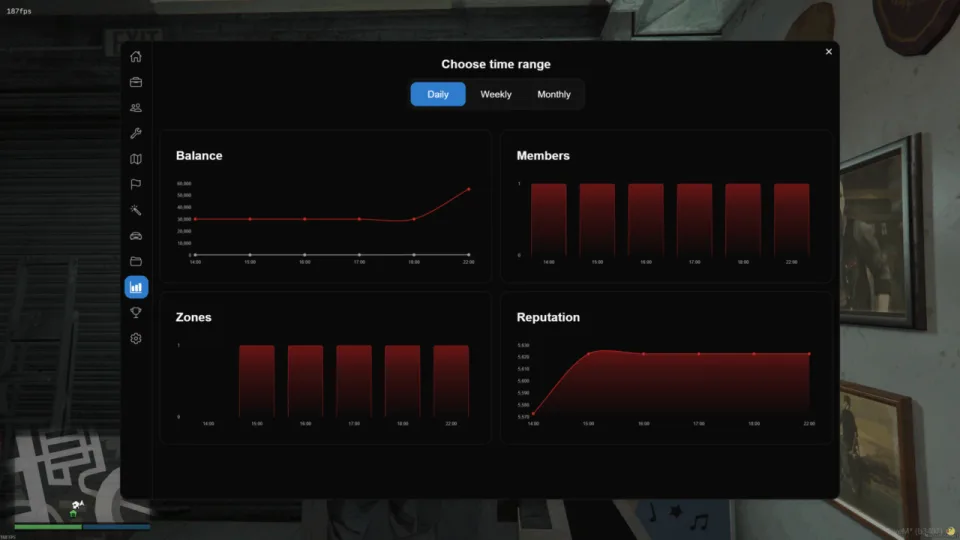
- Gang Statistics and Logs: Track cash, reputation, respect, member counts, and a complete log of all gang activities
- Gang Leaderboard: Monitor the top gangs ranked by their current reputation
- Gang Shop: Enable an optional shop for owners who prefer not to manually manage supplies
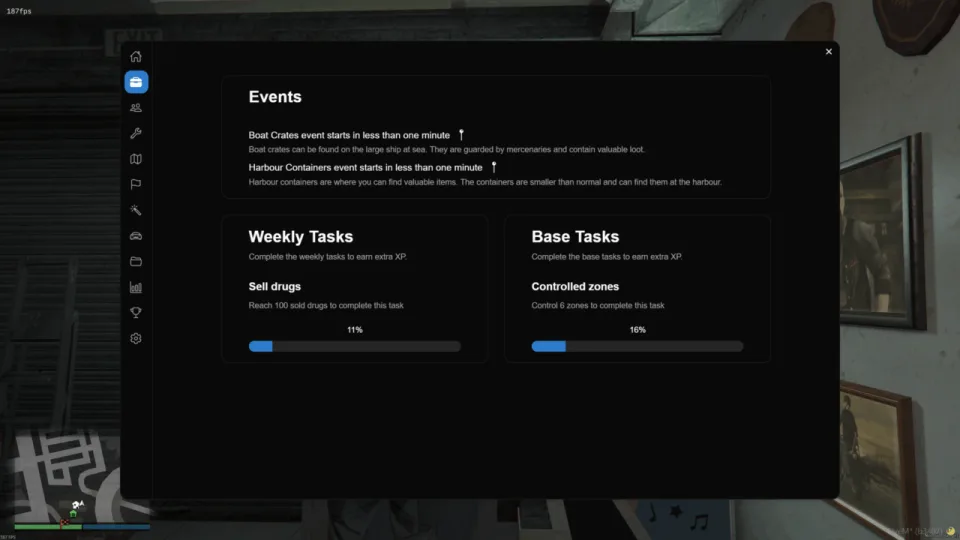
- Events: Participate in scheduled boat events and harbour crate events to open crates and secure rewards
- Police Raids: Allow police forces to raid gang safe houses
Requirements
ESX or QB-Core. No other resource has to be installed first: inventory support covers CodeM, QS, Tgiann, Ox, Qb and Core inventories, and the system works with whichever target you already run.
Installation
- Copy the resource into your server's
resourcesdirectory. - Ensure it in
server.cfgafter your framework. - Set the event start and end days and times in events.lua in the shared folder, and point logging at its destination in admin_logs.lua.
- Restart the server, then use the admin commands to lay out your first territories and register the gangs that will fight over them.
Installation plan
Set up FiveM Gang Script | Electus Gangs safely
Use the documentation included with the download as the final authority. This plan helps you prepare a rollback, install in the right order, and verify the resource before it reaches players.
- Resource type
- FiveM script
- Catalog category
- ESX Scripts
- Package source
- Electus Scripts
-
Audit the package and requirements
Open the supplied documentation before moving files or changing the database. Build the install order from the package, not from assumptions.
- Identify the actual resource folder, required dependencies, and supported framework version.
- Locate any SQL, configuration examples, permissions, or optional integrations.
- Check whether the documentation requires a specific start order.
Ready when Every dependency and required file has a place in your install plan.
-
Create a rollback point
Prepare the server so the change can be reversed cleanly if the resource conflicts with your current stack.
- Keep an untouched copy of the downloaded package.
- Back up the database and every configuration file you will edit.
- Use a test server or schedule a maintenance window before changing production.
Ready when You can restore the previous database, files, and configuration.
-
Install in the documented order
Apply only the changes supplied for this resource, keeping dependency and startup order intact.
- Place the resource folder where your server loads resources, without renaming it unless instructed.
- Install dependencies first, then import included SQL once and review configuration values.
- Add the documented resource name to the server startup configuration after its dependencies.
Ready when The resource starts without missing files, exports, tables, or dependencies.
-
Verify the complete player flow
Restart the test server, watch both server and client consoles, and exercise the resource before opening it to players.
- Test the main workflow with an authorized player and a player without permission.
- Reconnect and restart once to confirm saved state and startup behavior.
- Review console output again before promoting the same configuration to production.
Complete when The intended flow works twice with no new console errors.
Support reference
Use the exact listing name when you contact support.
FiveM Gang Script | Electus Gangs
Contact support
FiveM Gang Script | Electus Gangs compatibility and specs
Category
Creator
Delivery
After checkout — order download link
Product terms
See product details — terms vary by resource
No reviews yet — be the first to write one.
Write a review
Reviews are moderated before appearing. Purchased the product? Your review gets a VERIFIED badge automatically.
[ You might also like ]
Related scripts
 New
New




- ESX
- QBCore
- Qbox
FiveM Electrician Job
FiveM electrician job with a 4×4 circuit-board puzzle, randomized fusebox dispatch, auto-detecting ESX and QBCore support, and a verified 0.00ms active resmon — white-collar civilian work at £5.99.
$5.99
 Sale
Sale
- ESX
- QBCore
- Qbox
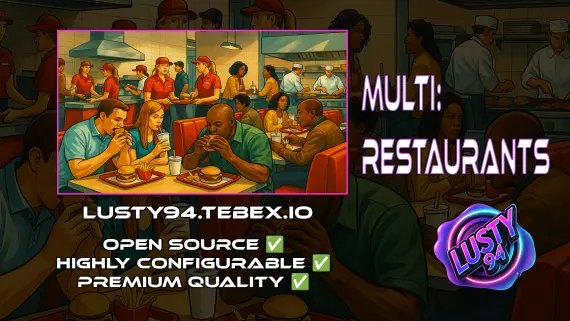
All in one Restaurant Script
Single QBCore resource covering 14 FiveM restaurant locations — Burgershot, Bean Machine, Cat Cafe, and eleven more — with unified menus, staff storage, customer kiosks, surveillance cameras, and consumable effects.
$15.00
$20.00
Sale
New
About this FiveM script
FiveM Gang Script | Electus Gangs is a FiveM resource for esx, qbcore, qbox servers. Review the product details, requirements, and compatibility notes before ordering.
Use the included files and documentation as the source of truth for installation, configuration, dependencies, and any stated performance information.