

Premium FiveM ESX Scripts
This collection is for ESX and es_extended servers, from HUD work like WAIS HUD V6 Customizable to activity packs like RainMad's rm_minigames. If your city runs ESX, start with systems that affect every player, then add work, money sinks and downtime content once the basics behave.

Scripts in this category
110 products

 Sale
Sale
- ESX
- QBCore
- Qbox
DRC Beanmachine Job
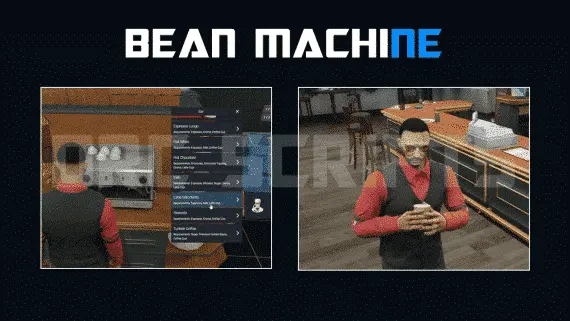
DRC Bean Machine brings a NoPixel-inspired coffee shop job to ESX, QBCore, and Qbox with 57 interactive items, multi-step cooking, 40 delivery routes, and a full boss management suite.
$10.00

- ESX
- QBCore
- Qbox
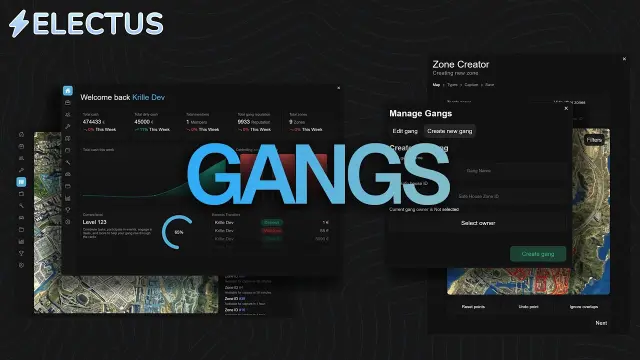
FiveM Police Dispatch
Tactical mapping, unit radio channels, and real time dispatch analytics.
$20.00
 Sale
Sale
- ESX
- QBCore
- Qbox
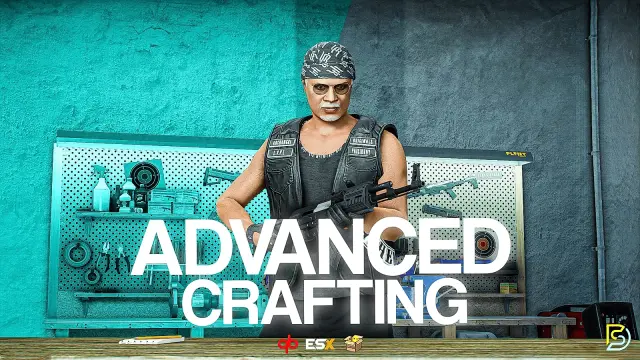
Advanced Crafting
Samuel’s Advanced Crafting delivers branching tech trees, placeable persisted workbenches, blueprint durability, shared crew queues, and 11+ inventory integrations for ESX, QBCore, and QBox at under 0.01ms resmon.
FREE
 New
New
- ESX
- QBCore
- Qbox
FREE Tackle Script
Free FiveM tackle script with 0.00ms idle and 0.03ms active cost. Hold G to sprint, release to lunge — contact required to ragdoll a player. Standalone, unencrypted, ESX/QBCore/Qbox/Gamzky compatible.
FREE
- ESX
- QBCore
- Qbox
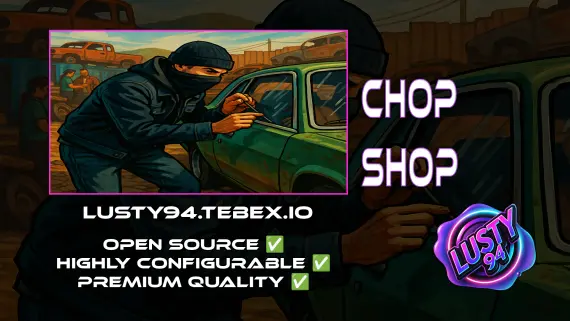
FREE Chop Shop
Free QBCore chop shop script with two mission types, reputation-gated export runs, configurable vehicle parts, NPC flatbed collection, and police dispatch integration — rated 4.11/5 by the community.
FREE
- ESX
- QBCore
- Qbox
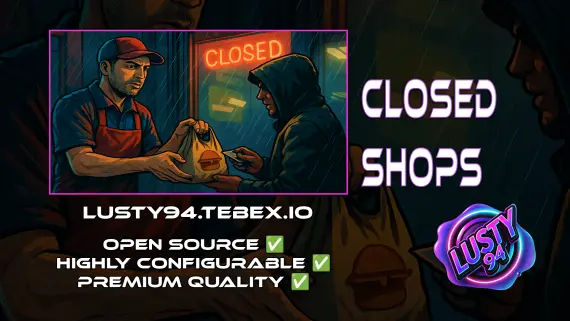
Closed Shops NPC
Closed Shops NPC keeps food job locations open when workers log off. Workers restock inventory to earn passive income; the NPC despawns the moment real staff return. QBCore, ESX, Qbox. Live pricing with admin price caps.
$3.00
- ESX
- QBCore
- Qbox
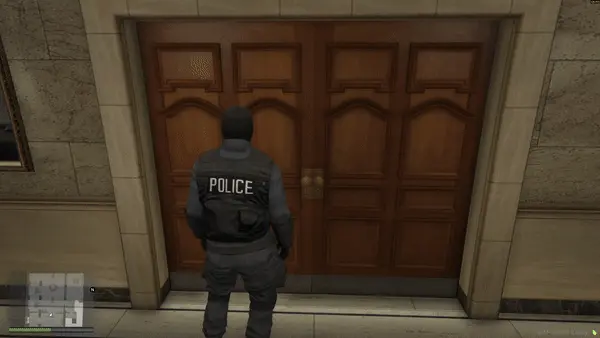
FREE Snake Cam / Under Door Camera
Free FiveM snake cam gives officers a live under-door feed before breaching. Auto door detection, configurable angles, item-gateable, 0.02ms active. ESX, QBCore & Qbox.
FREE
 Sale
Sale
- ESX
- QBCore
- Qbox
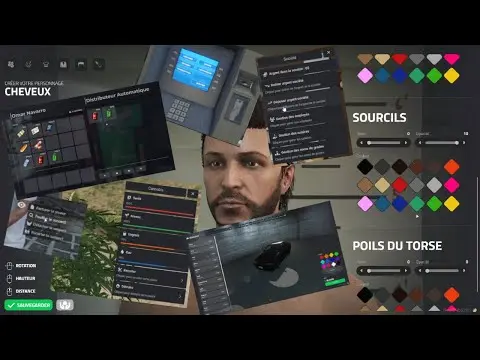
ESX Framework V2
Premade ESX Legacy V2 FiveM server with OX Inventory, iPhone 13 phone, police MDT, karting, bowling, hookah lounge, hunting, mining, and a full criminal and civilian economy on install.
$100.00
- ESX
- QBCore
- Qbox
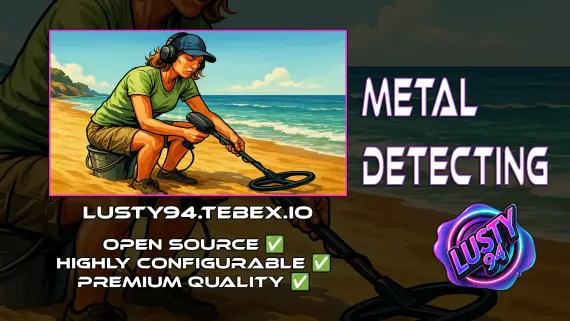
Metal Detecting
FiveM metal detecting script covering 8 named beach and coastal zones with 20 discoverable items, detector overheating for natural pacing, and configurable loot rates. ESX, QBCore, Qbox. Solo leisure content for £5.
$5.00

- ESX
- QBCore
- Qbox
Optimized Anticheat FiveM
Server-side FiveM anticheat with 841 blocked models, multi-identifier banning, event protection, and entity spam limits. No client component. Framework-free. Refined over 5 years.
$9.00
 New
New
- ESX
- QBCore
- Qbox
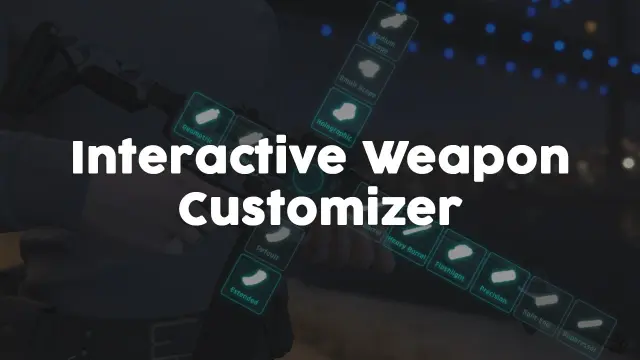
Weapon Attachment UI
Visual FiveM weapon attachment UI with inventory persistence, addon weapon support, job/item gates, and 0.01ms active cost. Standalone or integrated with ox, ESX & QBCore inventory.
$4.99
ESX scripts are not a single feature category. They are the pieces that make an es_extended city feel like a working server instead of a base framework with jobs bolted on. In this collection you will find 110 FiveM ESX scripts across core UI, money flow, staff friendly management tools, minigames and the side content that gives players something to do between calls, runs and shifts.
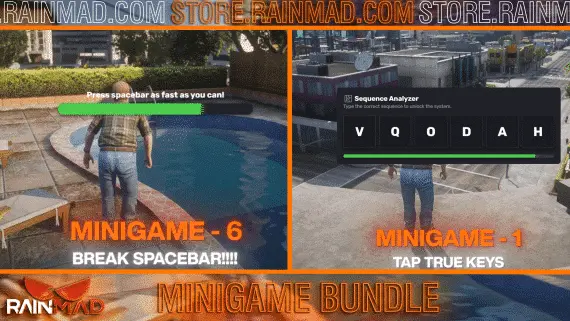
The right order matters more than the cart size. A customizable HUD like WAIS HUD V6 affects every player from the first spawn, while a bundle such as RainMad's rm_minigames gives you reusable activity content after the main loop is already stable. Advanced Multijob & Boss Menu sits in the middle of that stack, because job access, grades and boss controls can shape how whole factions make money.
What to look for in ESX Scripts
- Framework fit: Make sure the listing names ESX or es_extended, not just FiveM in general. If a product also supports QBCore or Qbox, treat that as a product specific extra and check the install notes before planning around it.
- Build order value: Core systems should come before busywork. HUDs, menus, pay logic and boss tools change how the server plays every minute, so they need testing before jobs and side activities start depending on them.
- Economy impact: Any job, minigame or crime loop should have a clear place in your money flow. ESX economies get messy when rewards are added one script at a time with no shared limits.
- Admin control: Multijob systems, boss menus and faction tools need clean grade handling and permissions. If owners can hire, fire, promote or pay out, you want that behavior easy to audit.
- Player clarity: A HUD, menu or prompt should tell players what changed without making them ask staff. Customizable UI is useful when it lets you match your server's language, keybind habits and on screen layout.
- Dependency notes: ESX does not automatically mean the same inventory, target, notification or SQL setup. Read for required libraries and database steps before dropping the resource into a live folder.
Compatibility & installation
Start with your framework version. ESX has been forked, renamed, updated and edited by server teams for years, so two es_extended servers can behave differently under the same resource. Before buying a FiveM ESX script, check the product page for framework notes, database files, config files and any required resource start order.
For a clean install, use a staging server or local test box first. Add one script, import SQL if included, set config values, then watch server console and client F8 while one or two test players run the main actions. That sounds slower than dragging a full pack into resources, but it saves hours when a boss menu expects a job grade your database does not have, or a minigame trigger is called from another script.
HUDs deserve extra care because every player loads them. Test the WAIS HUD V6 type of resource with your spawn flow, status events, voice setup and any other UI already on screen. Minigame bundles need a different pass: confirm exports, events, rewards and failure states before tying them into jobs or other server events. Multijob and boss menu resources should be tested with owner, manager and normal employee grades so players cannot reach actions they should not see.
Do not assume escrow status, source access or edit depth from the category name. Some resources give you wide config control, some require working inside the options the author exposed, and some are meant to be run close to stock. If your server needs custom accounts, unusual job names or a heavily edited ESX core, choose listings with docs that match that reality.
Why buy from us
This ESX category is built for server owners who already know the pain of finding one good script in a pile of unrelated releases. Keeping 110 ESX resources together lets you compare a HUD, a minigame bundle and a multijob boss system without filtering through frameworks you are not using. The goal is simple: find the next piece your build actually needs, not the loudest product name on the page.
We also keep the category close to a real build order. Core systems first, then income and jobs, then the crime, side content and activity resources that keep quiet hours from feeling empty. That matters when you are opening a new city, but it matters just as much on an established server where one bad economy script can undo months of balancing.
Use the sample products as a quick map. WAIS HUD V6 Customizable points to interface work. RainMad's rm_minigames points to reusable player actions. Advanced Multijob & Boss Menu points to staff, job and management flow. If your next purchase does not solve a specific gap in one of those areas, hold off until you know what the city is missing.
Frequently asked questions
Are these ESX scripts compatible with es_extended?
Yes, this category is for FiveM ESX scripts built around ESX and es_extended servers. Always check the individual product page for the exact framework notes, because ESX versions and edited cores can differ a lot.
Do these resources work with QBCore or Qbox?
Do not assume that from this category. Some authors may include extra framework support, but this page is organized for ESX. If QBCore or Qbox support matters, confirm it on the listing before buying.
What should I install first on a new ESX server?
Start with core systems that every player touches, such as HUDs, menus and job control. After that, add income scripts, then minigames, crime and side content once the economy is stable.
Can I run minigame bundles on ESX jobs or crime scripts?
Usually the important part is how the minigame exposes events or exports, not just the framework label. Test a bundle like rm_minigames on a staging server before wiring it into rewards, locks or failure states.
Are the scripts open source or escrowed?
That depends on the product. Check the listing for file access and edit limits, especially if your ESX core has custom job names, accounts or database columns.
How do I avoid breaking a live ESX server?
Install one resource at a time on a test server, import any SQL, then run the main actions with different player grades. Watch console and F8 for errors before moving the script to your live city.