
 Sale
Sale
NEW
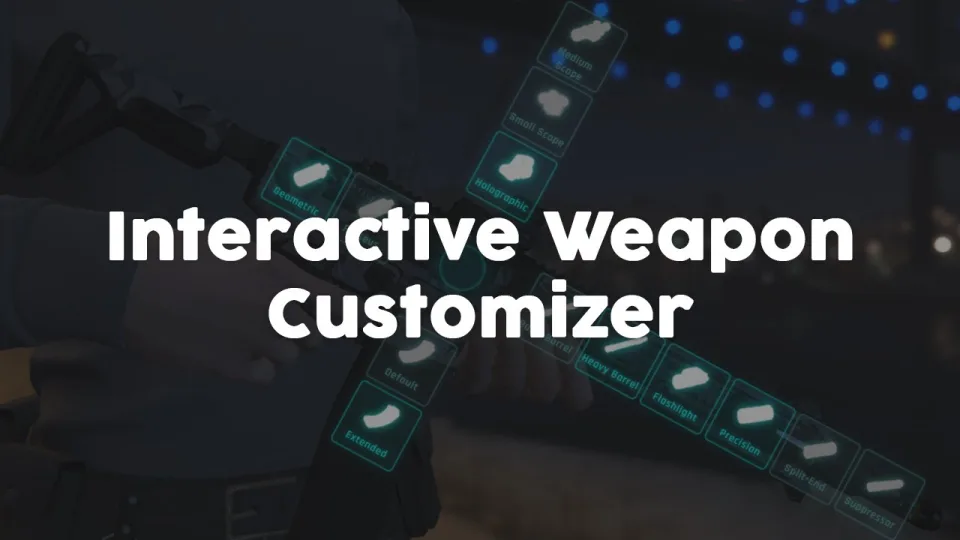
Weapon Attachment UI
Visual FiveM weapon attachment UI with inventory persistence, addon weapon support, job/item gates, and 0.01ms active cost. Standalone or integrated with ox, ESX & QBCore inventory.
Shelved in ESX Scripts110 products on this shelf QBCore Scripts119 products on this shelf Qbox Scripts120 products on this shelf
$4.99

Secure checkout by Tebex
Digital delivery after checkout
Tebex
Your Game Studio, Extended.
Overview
Reviews
GTA V's default weapon component system has no interface — players attach suppressors and grips through inventory clicks with no visual feedback on what they're changing. This weapon attachment UI replaces that with an overlay inspired by the customisation screens from modern military shooters: you see the weapon, you see the component slots, and you see the result before confirming. It turns a functional but invisible mechanic into something players actively engage with.
The inventory persistence is the technical detail that actually matters for server stability. Components applied through this UI survive weapon transfers, inventory moves, and session reconnects because the script writes attachment state to whichever inventory system you're running — ox, ESX's default, or QBCore's. You're not fighting desync where a silencer visually disappears after a server restart because the state wasn't stored properly.
Key Features
- Interactive weapon overlay with component slot visualisation — not a flat menu list
- All base GTA V weapons pre-configured with their native component sets
- Addon weapon support — extend the config for custom weapons added to your server
- Attachment persistence across inventory systems: ox_inventory, ESX default, QBCore
- Job and item requirements configurable — gate the customisation station by role or item held
- Custom animations, UI imagery, and sound effects configurable per weapon
- Component positioning adjustable to handle non-standard weapon models
- Standalone operation with optional inventory system integration
- 0.00ms idle / 0.01ms during active customisation
Framework Compatibility
Standalone by default, with full integration for ESX, QBCore, Qbox, and ox_inventory. No forced dependency on any single inventory system — connect it to whatever your server runs.
At £4.99 this is the lowest price point in the tactical tooling category on this store. If your server runs a firearms licence or gun shop system, the item requirement gate turns this into a logical extension of that economy: players visit the armoury, spend the item or fee, and walk out with a configured weapon. The 0.01ms active cost means you can have multiple players using it simultaneously without it registering on resmon. Rated 4.56/5 across nine reviews.
Installation
- Copy the resource folder into
resourceson your server. - Add the
ensureline toserver.cfg, placing it after ox_inventory where that is the inventory you run. - Restart the server and open the overlay on a base game weapon to confirm the component slots display.
- Extend the config with any addon weapons your server carries, adjusting component positions where a model needs it.
- Set the job or item requirements you want in place before players get hold of it.
Installation plan
Set up Weapon Attachment UI safely
Use the documentation included with the download as the final authority. This plan helps you prepare a rollback, install in the right order, and verify the resource before it reaches players.
- Resource type
- FiveM script
- Catalog category
- ESX Scripts
- Package source
- Shop Tebex
-
Audit the package and requirements
Open the supplied documentation before moving files or changing the database. Build the install order from the package, not from assumptions.
- Identify the actual resource folder, required dependencies, and supported framework version.
- Locate any SQL, configuration examples, permissions, or optional integrations.
- Check whether the documentation requires a specific start order.
Ready when Every dependency and required file has a place in your install plan.
-
Create a rollback point
Prepare the server so the change can be reversed cleanly if the resource conflicts with your current stack.
- Keep an untouched copy of the downloaded package.
- Back up the database and every configuration file you will edit.
- Use a test server or schedule a maintenance window before changing production.
Ready when You can restore the previous database, files, and configuration.
-
Install in the documented order
Apply only the changes supplied for this resource, keeping dependency and startup order intact.
- Place the resource folder where your server loads resources, without renaming it unless instructed.
- Install dependencies first, then import included SQL once and review configuration values.
- Add the documented resource name to the server startup configuration after its dependencies.
Ready when The resource starts without missing files, exports, tables, or dependencies.
-
Verify the complete player flow
Restart the test server, watch both server and client consoles, and exercise the resource before opening it to players.
- Test the main workflow with an authorized player and a player without permission.
- Reconnect and restart once to confirm saved state and startup behavior.
- Review console output again before promoting the same configuration to production.
Complete when The intended flow works twice with no new console errors.
Support reference
Use the exact listing name when you contact support.
Weapon Attachment UI
Contact support
Weapon Attachment UI compatibility and specs
Category
Delivery
After checkout — order download link
Product terms
See product details — terms vary by resource
No reviews yet — be the first to write one.
Write a review
Reviews are moderated before appearing. Purchased the product? Your review gets a VERIFIED badge automatically.
[ You might also like ]
Related scripts
Sale

- ESX
- QBCore
- Qbox
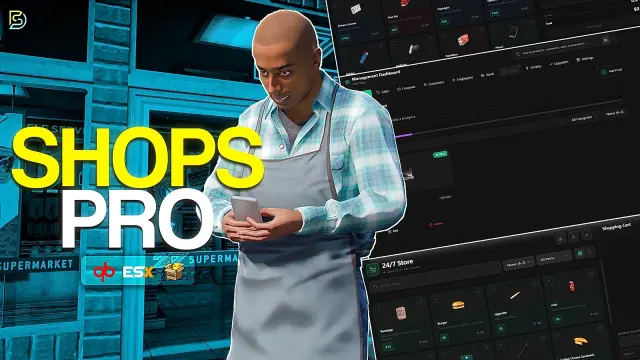
Custom Shops Pro
Custom Shops Pro is a full player-owned shop system for FiveM with loyalty tiers, coupon campaigns, pawn and dirty money support, 55+ staff permissions, and deep analytics across ESX, QBCore, and QBox.
FREE
 New
New

- ESX
- QBCore
- Qbox
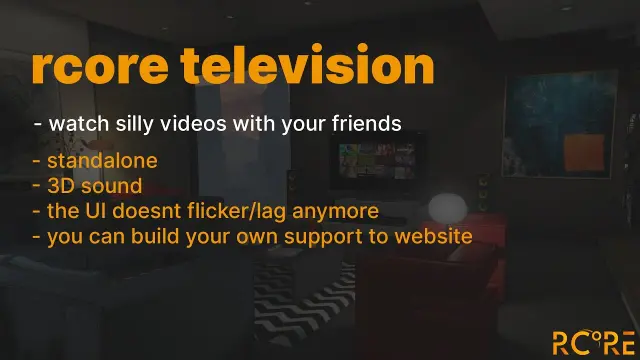
Holographic & Audible Notifications
ElevenLabs-powered TTS notification script for FiveM — fire voiced, holographic alerts from any resource via a single export. Smart caching, 30+ languages. ESX, QBCore, Qbox compatible.
$5.99
- ESX
- QBCore
- Qbox
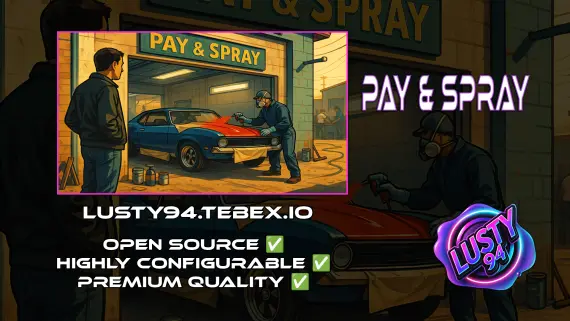
Pay And Spray
Per-location Pay and Spray script for FiveM with individual pricing, job locking, livery preview, chameleon paint, and vehicle repairs. Runs on ESX, QBCore, and Qbox with broad inventory, banking, and fuel compatibility.
$6.00
 Sale
Sale

- ESX
- QBCore
- Qbox
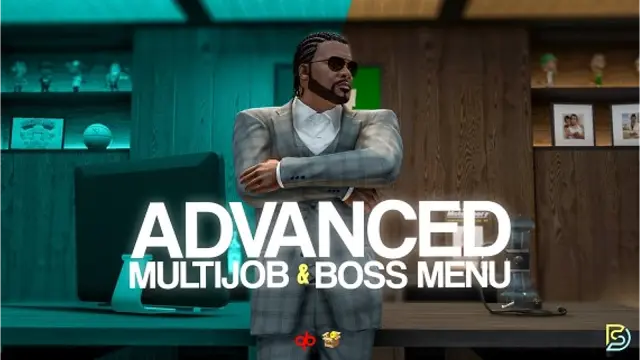
Advanced Multijob & Boss Menu
Samuel’s Advanced Multijob & Boss Menu supports unlimited concurrent jobs, polyzone duty enforcement, per-job leaderboards, 12 inventory integrations, and a full boss management suite for QBCore and QBox servers.
$20.00
About this FiveM script
Weapon Attachment UI is a FiveM resource for esx, qbcore, qbox servers. Review the product details, requirements, and compatibility notes before ordering.
Use the included files and documentation as the source of truth for installation, configuration, dependencies, and any stated performance information.