

Ready Made Qbox Framework
Shelved in FiveM Readymade Servers9 products on this shelf Qbox Scripts120 products on this shelf
$25.00
Secure checkout by Tebex
Digital delivery after checkout
Tebex
Your Game Studio, Extended.
Overview
Reviews
Ready Made Qbox Framework
Features:
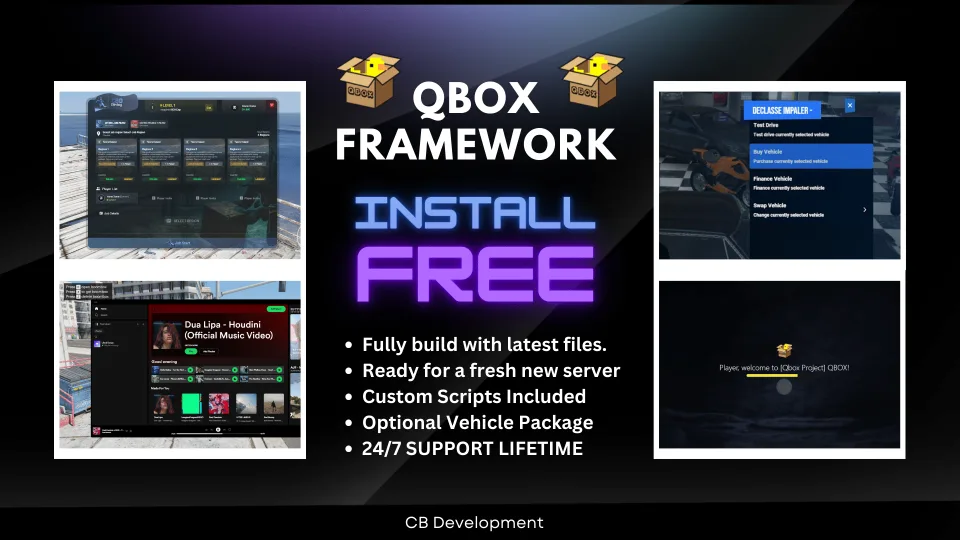
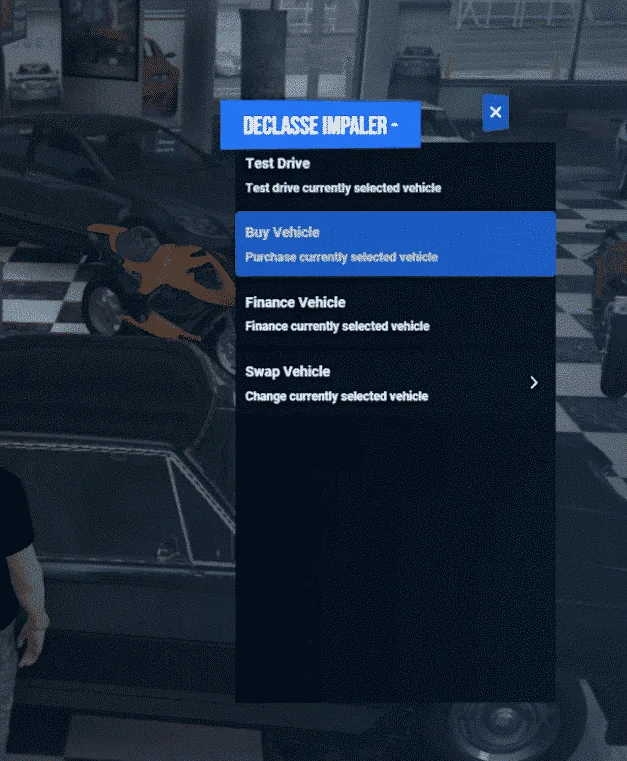
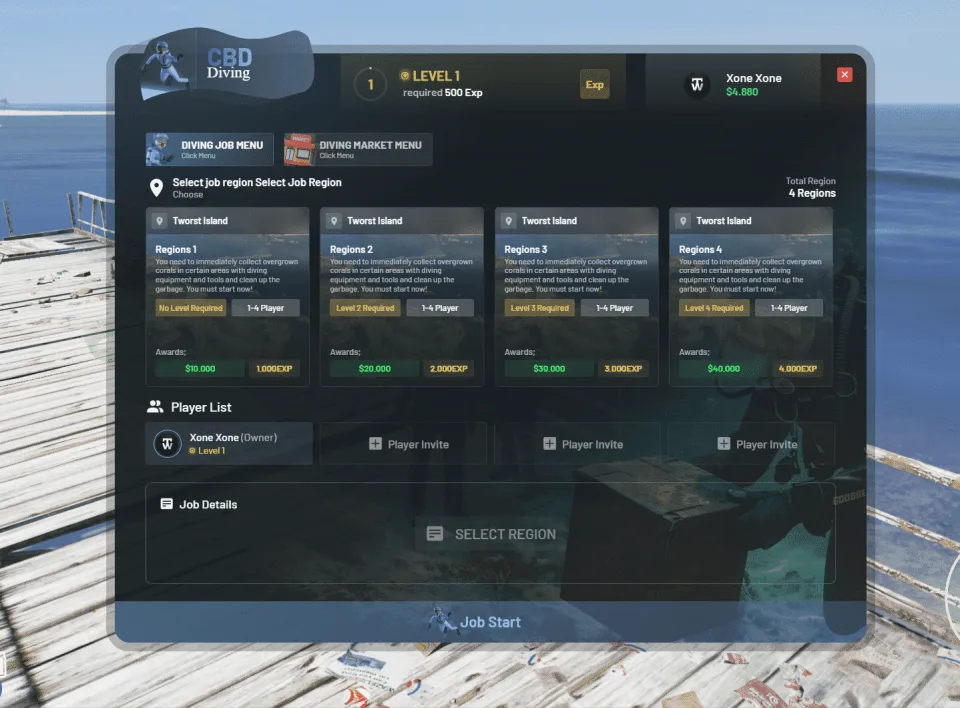
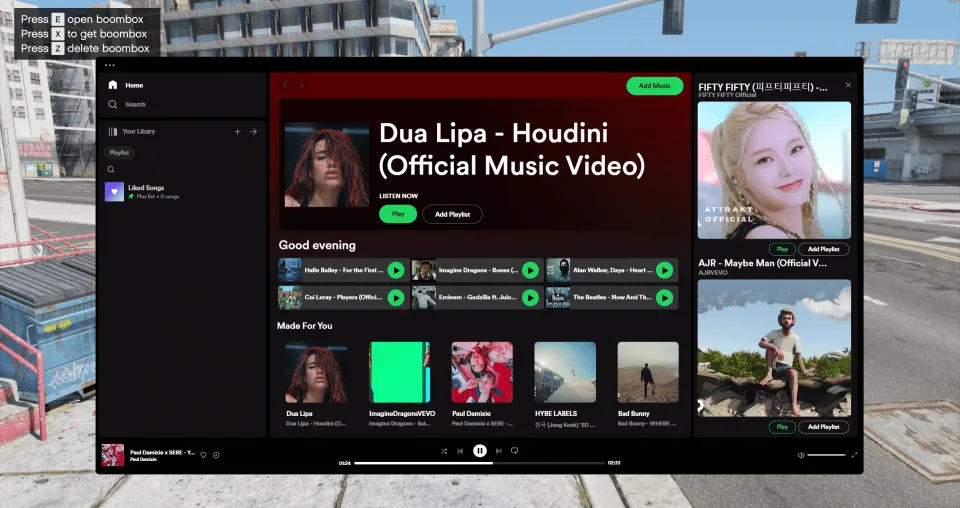
- Comes with a custom ox_lib featuring a sleek UI (see pictures)
- Supports all QBCore scripts by default (no extra setup required)
- Pre-configured with SQL database support
- Drag & Drop installation — quick and simple setup
- Includes custom scripts:
- Advanced Diving Job with levels & achievements
- Boombox with Spotify & Playlists
- Vehicle Control Menu (F5)
- Custom Pause Menu with Blips
- Advanced Vehicle Rental Script
- Custom Chat Theme
- AI Tax Job with balanced pay
- Custom HUD
The Ready Made Qbox Framework (Minimal) is a ready-to-use, drag-and-drop framework designed to get your server running quickly and smoothly. With built-in custom scripts and an optimized setup, this package is perfect for anyone looking to start a FiveM server without the hassle of heavy configuration.
Installation
- Create an empty database for the server and import the supplied SQL into it.
- Move the packaged resources into your server's
resourcesdirectory. - Point your server configuration at that database and at the resource folder, leaving the supplied start order as it is.
- Start the server and read the console through to the end, checking that every resource starts, the custom ox_lib build included.
- Join once and try the HUD, the pause menu and the vehicle control menu before letting anyone else in.
Installation plan
Set up Ready Made Qbox Framework safely
Use the documentation included with the download as the final authority. This plan helps you prepare a rollback, install in the right order, and verify the resource before it reaches players.
- Resource type
- FiveM script
- Compatibility shown
- Qbox
- Catalog category
- FiveM Readymade Servers
- Package source
- Shop Tebex
-
Audit the package and requirements
Open the supplied documentation before moving files or changing the database. Build the install order from the package, not from assumptions.
- Identify the actual resource folder, required dependencies, and supported framework version.
- Locate any SQL, configuration examples, permissions, or optional integrations.
- Check whether the documentation requires a specific start order.
Ready when Every dependency and required file has a place in your install plan.
-
Create a rollback point
Prepare the server so the change can be reversed cleanly if the resource conflicts with your current stack.
- Keep an untouched copy of the downloaded package.
- Back up the database and every configuration file you will edit.
- Use a test server or schedule a maintenance window before changing production.
Ready when You can restore the previous database, files, and configuration.
-
Install in the documented order
Apply only the changes supplied for this resource, keeping dependency and startup order intact.
- Place the resource folder where your server loads resources, without renaming it unless instructed.
- Install dependencies first, then import included SQL once and review configuration values.
- Add the documented resource name to the server startup configuration after its dependencies.
Ready when The resource starts without missing files, exports, tables, or dependencies.
-
Verify the complete player flow
Restart the test server, watch both server and client consoles, and exercise the resource before opening it to players.
- Test the main workflow with an authorized player and a player without permission.
- Reconnect and restart once to confirm saved state and startup behavior.
- Review console output again before promoting the same configuration to production.
Complete when The intended flow works twice with no new console errors.
Support reference
Use the exact listing name when you contact support.
Ready Made Qbox Framework
Contact support
Ready Made Qbox Framework compatibility and specs
Frameworks
Category
Delivery
After checkout — order download link
Product terms
See product details — terms vary by resource
No reviews yet — be the first to write one.
Write a review
Reviews are moderated before appearing. Purchased the product? Your review gets a VERIFIED badge automatically.
[ You might also like ]
Related scripts
 Sale
Sale
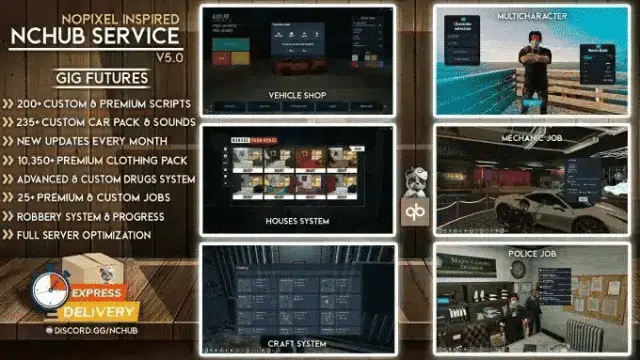
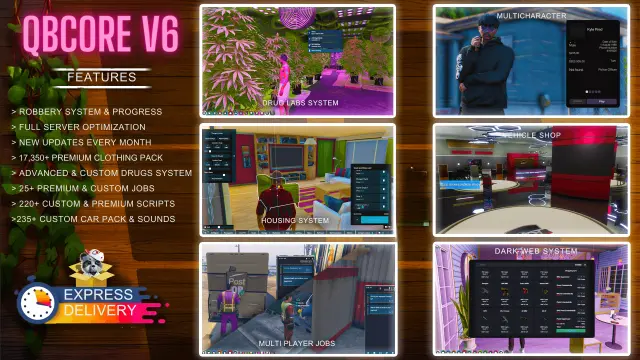
Premade QBCore Framework V5 [250+ Scripts]
A complete premade QBCore V5 server package with 225+ pre-configured scripts, custom vehicles, civilian jobs, police systems, and custom phone — optimized to run at 120+ FPS out of the box.
$120.00
$150.00
- ESX
- QBCore
- Qbox
Closed Shops NPC
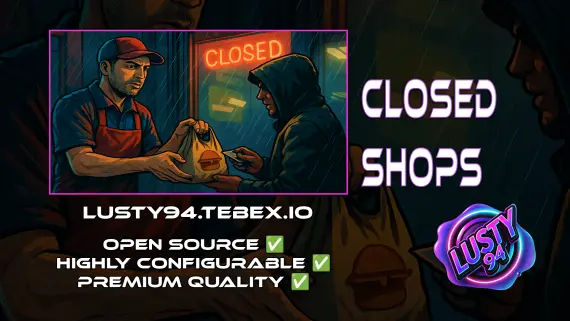
Closed Shops NPC keeps food job locations open when workers log off. Workers restock inventory to earn passive income; the NPC despawns the moment real staff return. QBCore, ESX, Qbox. Live pricing with admin price caps.
$3.00
- ESX
- QBCore
- Qbox
FiveM Pet System
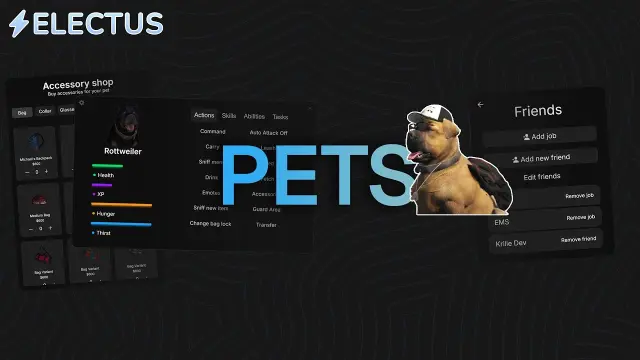
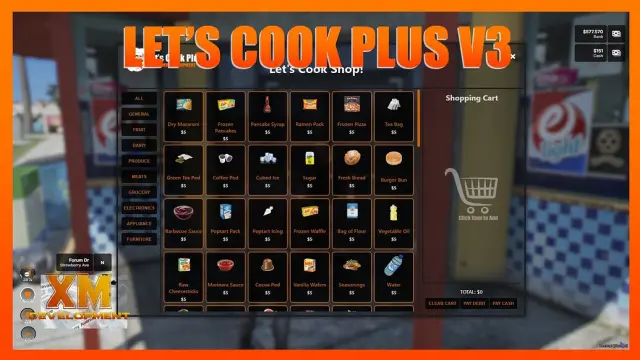
Dynamic pet system featuring leveling, breeding, and over 400 accessories
$15.00
- ESX
- QBCore
- Qbox
ESX Framework V2
Premade ESX Legacy V2 FiveM server with OX Inventory, iPhone 13 phone, police MDT, karting, bowling, hookah lounge, hunting, mining, and a full criminal and civilian economy on install.
$100.00

- QBCore
- Qbox
QBCore Framework V3
Premade QBCore V3 FiveM server with custom EUP, Cayo Island, PMA-voice, MDT, advanced drug processing, and full civilian and criminal job coverage — immersion-ready on install.
$80.00

 Sale
Sale
- ESX
- QBCore
- Qbox
ProdigyRP 2.0 Inspired Target | ox_target Redesign
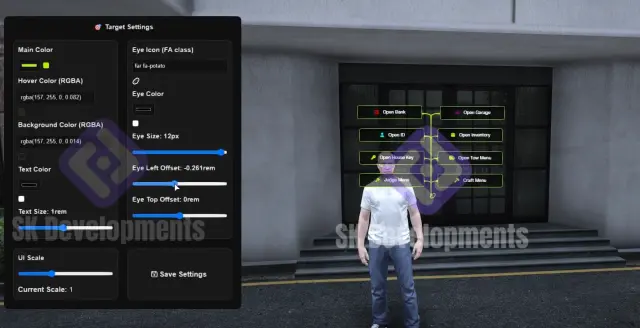
ProdigyRP 2.0-inspired ox_target UI redesign for FiveM. Smooth eye animations, sprite icons, configurable colors and transparency. Drag-and-drop install, all frameworks supported.
$15.00
$30.00
 Sale
Sale
- ESX
- QBCore
- Qbox
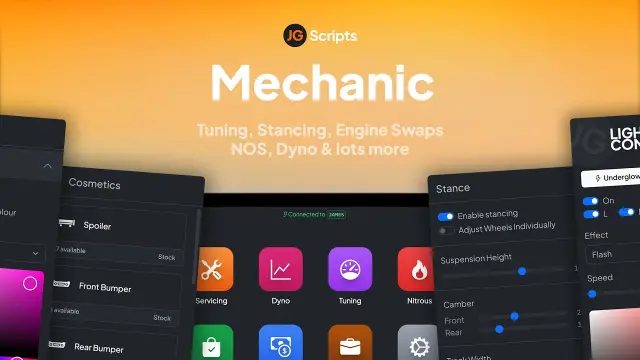
JG Mechanic Script
JG Mechanic gives FiveM servers a full RGB and chameleon respray system, OneSync-synced visuals, engine swaps, dyno testing, and mileage-based servicing at 0.0-0.1ms resmon on ESX, QBCore, and Qbox.
$24.90
$30.00
About this FiveM script
Ready Made Qbox Framework is a FiveM resource for qbox servers. Review the product details, requirements, and compatibility notes before ordering.
Use the included files and documentation as the source of truth for installation, configuration, dependencies, and any stated performance information.