
- QBCore
- Qbox
QBCore Framework V3
Premade QBCore V3 FiveM server with custom EUP, Cayo Island, PMA-voice, MDT, advanced drug processing, and full civilian and criminal job coverage — immersion-ready on install.
$80.00

![Latest QBCore Framework V7 [NoPixel 4.0 Inspired]](/uploads/wide/29d450513a2b02f57f656184ccb3ed97.webp)
Shelved in ESX Scripts110 products on this shelf FiveM MLOs17 products on this shelf FiveM Readymade Servers9 products on this shelf QBCore Scripts119 products on this shelf
This is a full-featured Latest QBCore Framework V7, designed with NoPixel 4.0 inspired UI and framework. Packed with custom jobs, robberies, and scripts, it’s ready to go out of the box — just install and launch. Perfect for anyone wanting a polished and modern RP experience without the hassle of building from scratch.
Latest Updates:
Features of Latest QBCore Framework V7:
Showcase : -
resources directory.ensure line for each folder to server.cfg.Use the documentation included with the download as the final authority. This plan helps you prepare a rollback, install in the right order, and verify the resource before it reaches players.
Open the supplied documentation before moving files or changing the database. Build the install order from the package, not from assumptions.
Ready when Every dependency and required file has a place in your install plan.
Prepare the server so the change can be reversed cleanly if the resource conflicts with your current stack.
Ready when You can restore the previous database, files, and configuration.
Apply only the changes supplied for this resource, keeping dependency and startup order intact.
Ready when The resource starts without missing files, exports, tables, or dependencies.
Restart the test server, watch both server and client consoles, and exercise the resource before opening it to players.
Complete when The intended flow works twice with no new console errors.
Latest QBCore Framework V7 [NoPixel 4.0 Inspired]
Contact support
Reviews are moderated before appearing. Purchased the product? Your review gets a VERIFIED badge automatically.
Premade QBCore V3 FiveM server with custom EUP, Cayo Island, PMA-voice, MDT, advanced drug processing, and full civilian and criminal job coverage — immersion-ready on install.
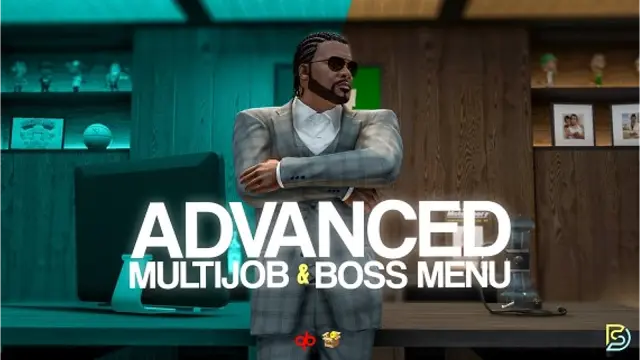
Samuel’s Advanced Multijob & Boss Menu supports unlimited concurrent jobs, polyzone duty enforcement, per-job leaderboards, 12 inventory integrations, and a full boss management suite for QBCore and QBox servers.


 Sale
Sale
Davis firehouse with an apparatus bay downstairs and bunks, kitchen, day room and the chief's office above it.

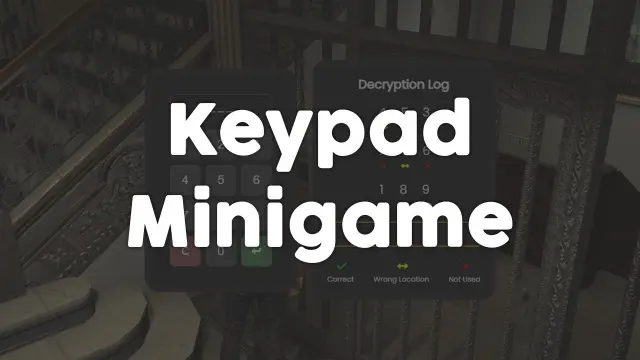
Free, unencrypted FiveM keypad minigame with configurable PIN length, attempt limits, and per-attempt feedback. Works standalone or with ESX, QBCore, and Qbox. Zero cost, full source.


Player-to-player FiveM vehicle marketplace with fixed-price listings and timed auctions, real-time bidding, full mod spec preservation, dynamic lot entity management, and server-side validation. ESX, QBCore, Qbox.

FiveM electrician job with a 4×4 circuit-board puzzle, randomized fusebox dispatch, auto-detecting ESX and QBCore support, and a verified 0.00ms active resmon — white-collar civilian work at £5.99.
Latest QBCore Framework V7 [NoPixel 4.0 Inspired] is a FiveM resource for esx, qbcore, qbox servers. Review the product details, requirements, and compatibility notes before ordering.
Use the included files and documentation as the source of truth for installation, configuration, dependencies, and any stated performance information.