- ESX
- QBCore
- Qbox
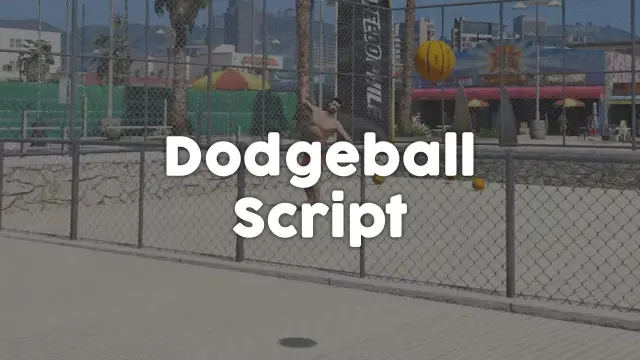
FREE FiveM Dodgeball Game
Free standalone FiveM dodgeball script with 1v1 to 5v5 match formats and a Vespucci Beach court included. No framework dependency — compatible with ESX, QBCore, Qbox, and Gamzky Scripts.
FREE

Shelved in ESX Scripts110 products on this shelf QBCore Scripts119 products on this shelf Qbox Scripts120 products on this shelf Tebex FREE Scripts23 products on this shelf
Built for EMS, Fire Department, Rescue Services, and hospital roleplay teams wanting a realistic workflow without performance cost.
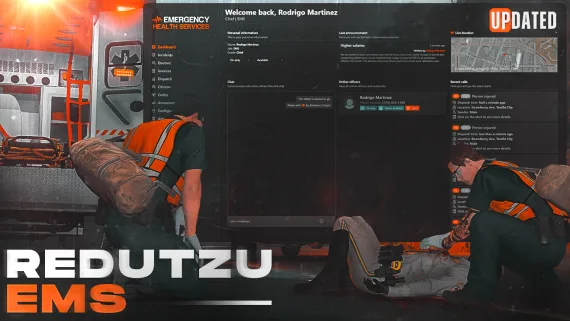
Featuring a clean and modern UI, the system is fully configurable and includes a modal system, integrated calls, and a fast notification system. The interface is non-encrypted, making customization straightforward for developers and server owners. Performance runs at 0.00ms both idle and in use.
FREE EMS MDT by Redutzu is a fully featured medical dispatch and incident management system made for serious EMS and fire/medical roleplay on FiveM. This MDT gives emergency responders everything they need in one interface: incident creation, call handling, patient tracking, notifications, and automatic invoice generation.
ESX, QBCore and Qbox are supported, and nothing else needs installing.
resources.ensure line to server.cfg.Use the documentation included with the download as the final authority. This plan helps you prepare a rollback, install in the right order, and verify the resource before it reaches players.
Open the supplied documentation before moving files or changing the database. Build the install order from the package, not from assumptions.
Ready when Every dependency and required file has a place in your install plan.
Prepare the server so the change can be reversed cleanly if the resource conflicts with your current stack.
Ready when You can restore the previous database, files, and configuration.
Apply only the changes supplied for this resource, keeping dependency and startup order intact.
Ready when The resource starts without missing files, exports, tables, or dependencies.
Restart the test server, watch both server and client consoles, and exercise the resource before opening it to players.
Complete when The intended flow works twice with no new console errors.
FREE EMS MDT By Redutzu
Contact support
Reviews are moderated before appearing. Purchased the product? Your review gets a VERIFIED badge automatically.
Free standalone FiveM dodgeball script with 1v1 to 5v5 match formats and a Vespucci Beach court included. No framework dependency — compatible with ESX, QBCore, Qbox, and Gamzky Scripts.
 New
New
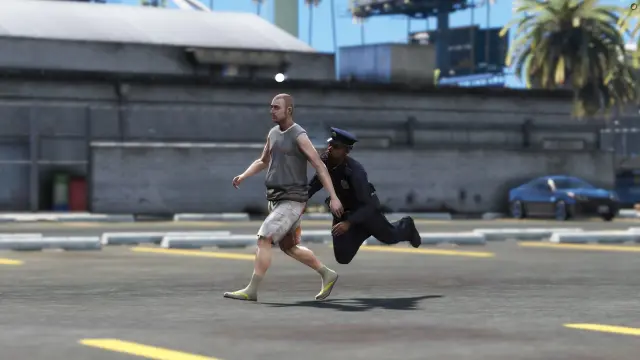
Free FiveM tackle script with 0.00ms idle and 0.03ms active cost. Hold G to sprint, release to lunge — contact required to ragdoll a player. Standalone, unencrypted, ESX/QBCore/Qbox/Gamzky compatible.
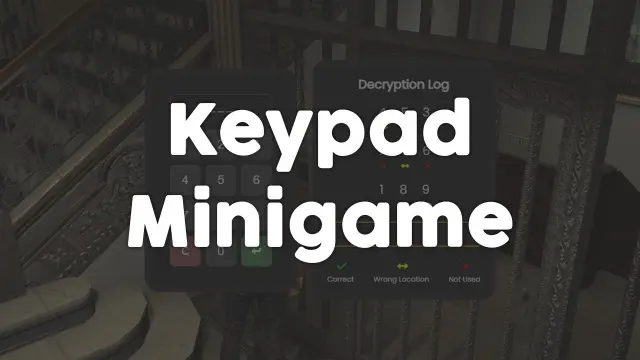
Free, unencrypted FiveM keypad minigame with configurable PIN length, attempt limits, and per-attempt feedback. Works standalone or with ESX, QBCore, and Qbox. Zero cost, full source.
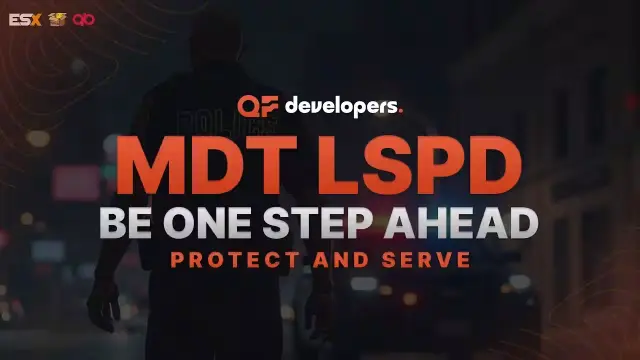
A fully free police MDT for FiveM with warrants, criminal records, vehicle database, auto nearest-player lookup, and five-language support. ESX, QBCore & Qbox. Rated 4.89/5.
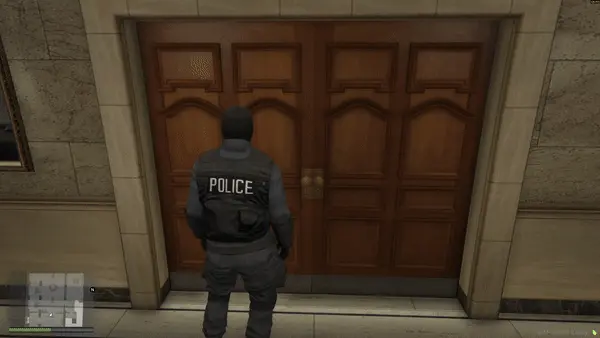
Free FiveM snake cam gives officers a live under-door feed before breaching. Auto door detection, configurable angles, item-gateable, 0.02ms active. ESX, QBCore & Qbox.
 Sale
Sale
 Sale
Sale
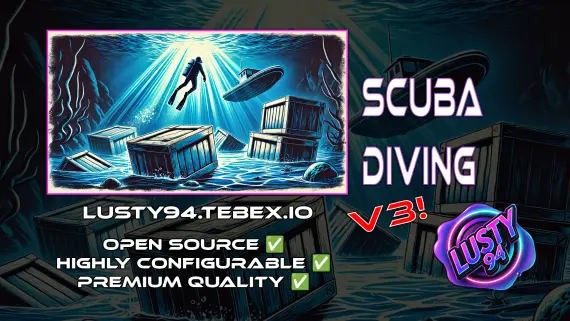
Advanced Scuba Diving V3 builds a full underwater economy: boat rental, oxygen-tracked dive tanks, shipwreck loot, skill-based crate minigames, and a quest system with XP leaderboard. ESX, QBCore, Qbox — one purchase.
 Sale
Sale
 New
New
FREE EMS MDT By Redutzu is a FiveM resource for esx, qbcore, qbox servers. Review the product details, requirements, and compatibility notes before ordering.
Use the included files and documentation as the source of truth for installation, configuration, dependencies, and any stated performance information.