- ESX
- QBCore
- Qbox
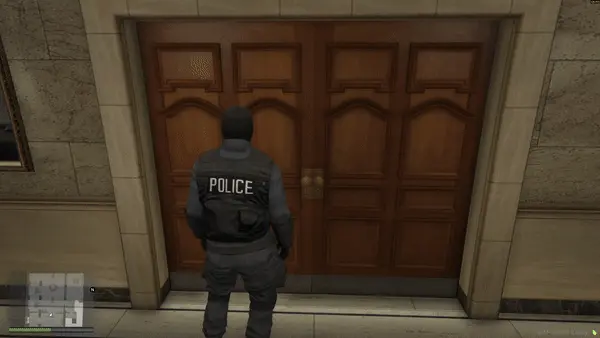
FREE Snake Cam / Under Door Camera
Free FiveM snake cam gives officers a live under-door feed before breaching. Auto door detection, configurable angles, item-gateable, 0.02ms active. ESX, QBCore & Qbox.
FREE

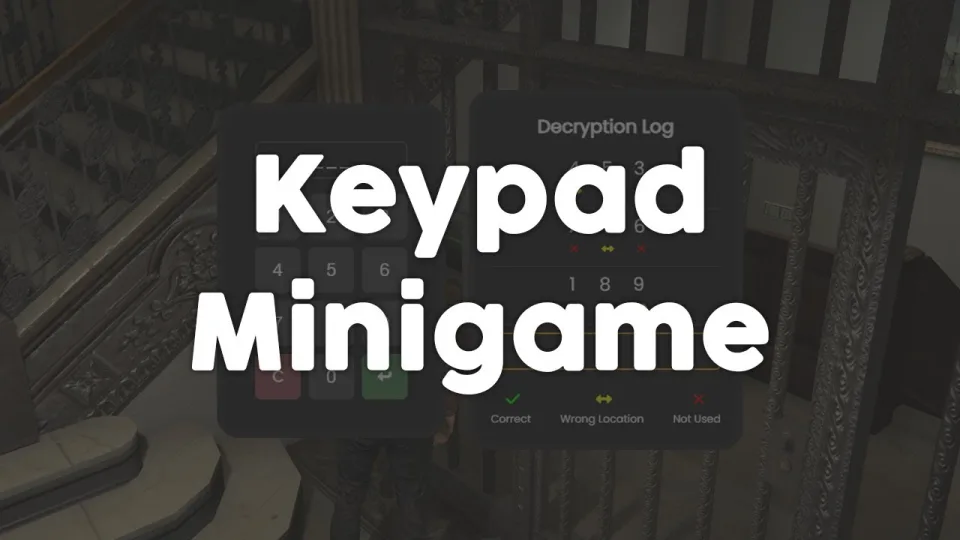
Free, unencrypted FiveM keypad minigame with configurable PIN length, attempt limits, and per-attempt feedback. Works standalone or with ESX, QBCore, and Qbox. Zero cost, full source.
Shelved in ESX Scripts110 products on this shelf QBCore Scripts119 products on this shelf Qbox Scripts120 products on this shelf Tebex FREE Scripts23 products on this shelf
Every robbery and heist script eventually needs a gate — something that makes players work for access rather than walking through a door. The keypad minigame gives you that gate as a standalone drop-in: players punch in a PIN, get attempt-by-attempt feedback on wrong digits, and either crack the code or burn through their tries. The code is 100% unencrypted, so your dev can adjust the UI, hook it into a custom event, or reskin the keypad face in an afternoon.
PIN length and the number of allowed attempts are both config values. Wrong entries trigger a detailed feedback response so players know if they're close or completely off track — this keeps the minigame engaging rather than a pure coin-flip. Sound effects are optional and can be toggled per-server, which matters on servers where ambient audio is carefully curated.
Works standalone. Framework bridges for ESX, QBCore, and Qbox are included for servers that want job or item checks around the keypad interaction. No external UI library required.
Bank vault access, apartment safehouses, gang territory lockboxes, evidence lockers, server-owned shops, hacking terminals — the keypad fits anywhere you need a timed interaction that isn't a lockpick. Because it's free and open source, it's also a clean base for any dev who wants to build a more elaborate PIN system on top of proven logic rather than starting from scratch. Rated 4.67/5 across nine real reviews.
resources directory.ensure line for it to server.cfg.Use the documentation included with the download as the final authority. This plan helps you prepare a rollback, install in the right order, and verify the resource before it reaches players.
Open the supplied documentation before moving files or changing the database. Build the install order from the package, not from assumptions.
Ready when Every dependency and required file has a place in your install plan.
Prepare the server so the change can be reversed cleanly if the resource conflicts with your current stack.
Ready when You can restore the previous database, files, and configuration.
Apply only the changes supplied for this resource, keeping dependency and startup order intact.
Ready when The resource starts without missing files, exports, tables, or dependencies.
Restart the test server, watch both server and client consoles, and exercise the resource before opening it to players.
Complete when The intended flow works twice with no new console errors.
FREE Keypad Minigame
Contact support
Reviews are moderated before appearing. Purchased the product? Your review gets a VERIFIED badge automatically.
Free FiveM snake cam gives officers a live under-door feed before breaching. Auto door detection, configurable angles, item-gateable, 0.02ms active. ESX, QBCore & Qbox.

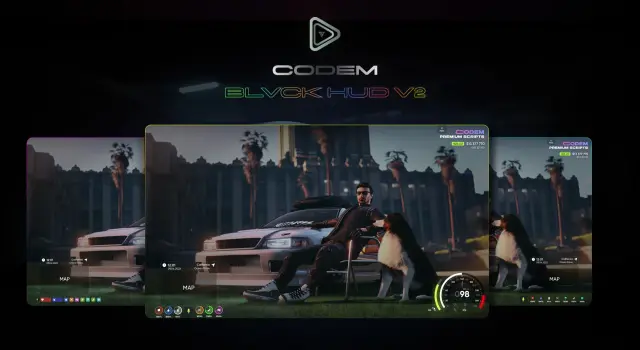
BLVCK HUD V2 delivers three switchable HUD styles, server-synced nitro visible to all nearby players, cinematic mode, and an optional stress system for ESX, QBCore, and Qbox servers.

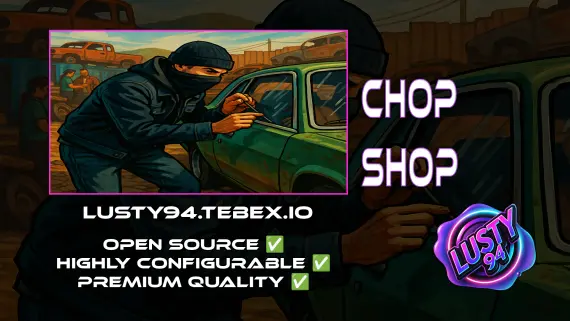
Free QBCore chop shop script with two mission types, reputation-gated export runs, configurable vehicle parts, NPC flatbed collection, and police dispatch integration — rated 4.11/5 by the community.
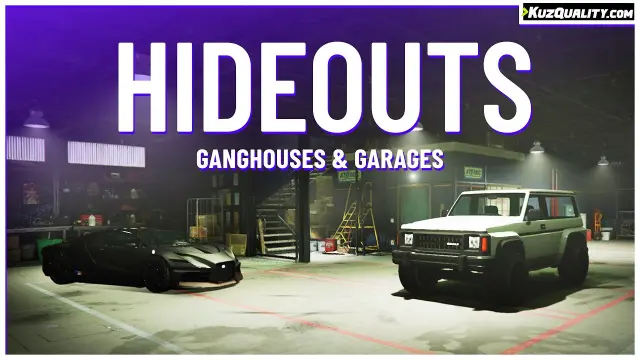

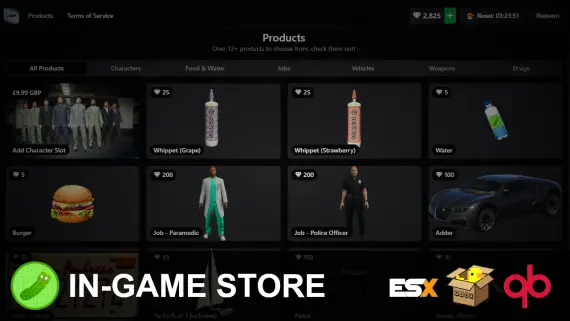

A structured FiveM bank heist with laser puzzles, thermite, voice-acted NPCs, weapon-tier loot control, and police integration. ESX, QBCore & Qbox. Event injection protected.
FREE Keypad Minigame is a FiveM resource for esx, qbcore, qbox servers. Review the product details, requirements, and compatibility notes before ordering.
Use the included files and documentation as the source of truth for installation, configuration, dependencies, and any stated performance information.