
Davis LSFD Fire Station MLO for FiveM
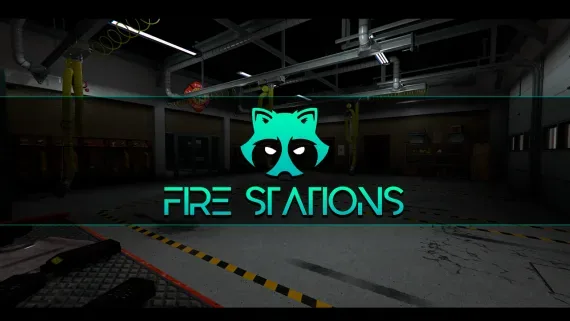
Davis firehouse with an apparatus bay downstairs and bunks, kitchen, day room and the chief's office above it.
$15.00
Secure checkout by Tebex
Digital delivery after checkout
Tebex
Your Game Studio, Extended.
Overview
Reviews
Fire is the department most cities announce and few manage to keep staffed. The reason is nearly always the same: between calls, the crew has nowhere to exist.
The apparatus bay
The ground floor is built around parking engines and rescue units properly, with locker space and gear storage off to one side. It reads as a station rather than a garage somebody left a truck in.
Upstairs
A bunk room for crews on shift, a kitchen, a day room, and the chief's office with admin space attached. That sounds like decoration right up until a crew spends an hour between calls and works out that the downtime is where fire roleplay actually happens.
Crewing a department
Duty points, vehicle spawns and gear markers all take coordinates from rooms that already exist, so standing up an LSFD is mostly a matter of aiming your job script at them. The building carries a full crew without feeling abandoned when only two people are online.
Sharing the roof with EMS
Plenty of cities run fire and ambulance as one department, and this station takes that arrangement comfortably. The bay parks both kinds of vehicle and the upstairs rooms work as shared crew space, so a combined service never has to pretend to be two.
What ships
Two folders: the firehouse, and the map data dependency shared across these interiors. Neither contains framework code, so which core you run never comes into it.
Installation plan
Set up Davis LSFD Fire Station MLO for FiveM safely
Use the documentation included with the download as the final authority. This plan helps you prepare a rollback, install in the right order, and verify the resource before it reaches players.
- Resource type
- FiveM MLO map
- Compatibility shown
- Standalone map / MLO
- Catalog category
- FiveM MLOs
- Package source
- Shop Tebex
-
Audit the package and requirements
Open the supplied documentation before moving files or changing the database. Build the install order from the package, not from assumptions.
- Identify the actual resource folder, required dependencies, and supported framework version.
- Locate any SQL, configuration examples, permissions, or optional integrations.
- Check whether the documentation requires a specific start order.
Ready when Every dependency and required file has a place in your install plan.
-
Create a rollback point
Prepare the server so the change can be reversed cleanly if the resource conflicts with your current stack.
- Keep an untouched copy of the downloaded package.
- Back up the database and every configuration file you will edit.
- Use a test server or schedule a maintenance window before changing production.
Ready when You can restore the previous database, files, and configuration.
-
Install in the documented order
Apply only the changes supplied for this resource, keeping dependency and startup order intact.
- Place the resource folder where your server loads resources, without renaming it unless instructed.
- Install dependencies first, then import included SQL once and review configuration values.
- Add the documented resource name to the server startup configuration after its dependencies.
Ready when The resource starts without missing files, exports, tables, or dependencies.
-
Verify the complete player flow
Restart the test server, watch both server and client consoles, and exercise the resource before opening it to players.
- Visit the full area and check loading, collision, doors, props, and lighting.
- Check for overlapping map resources, IPL conflicts, or missing streamed assets.
- Review console output again before promoting the same configuration to production.
Complete when The intended flow works twice with no new console errors.
Support reference
Use the exact listing name when you contact support.
Davis LSFD Fire Station MLO for FiveM
Contact support
Davis LSFD Fire Station MLO for FiveM compatibility and specs
Frameworks
Standalone FiveM map / MLO
Category
Delivery
After checkout — order download link
Product terms
See product details — terms vary by resource
No reviews yet — be the first to write one.
Write a review
Reviews are moderated before appearing. Purchased the product? Your review gets a VERIFIED badge automatically.
[ You might also like ]
Related scripts
Pillbox Hospital MLO for FiveM EMS
Pillbox Hill with its doors unlocked: reception, treatment bays, operating rooms and the staff corridors behind them.
$15.00
Mission Row (MRPD) Police Station MLO for FiveM
The whole Mission Row station opens up — lobby, booking desk, cells, evidence, armoury and a rooftop helipad.
$15.00
Bolingbroke Prison MLO for FiveM Jail RP
A penitentiary players stay logged in for: processed at intake, housed on a block, fed, visited and treated without leaving the fence.
$15.00
Los Santos Customs MLO for FiveM Mechanics
Los Santos Customs as a workshop you can walk into, with bays wide enough to work a car properly.
$15.00
PDM Premium Deluxe Motorsport MLO for FiveM
The Premium Deluxe glass showroom, opened up: display floor, sales desks and offices for a dealership with an actual address.
$15.00
Pacific Standard Bank MLO for FiveM Heists
Downtown's bank, fully enterable, from the teller counters to a vault door your heist script controls.
$15.00

Rockford Luxury Autos Dealership MLO for FiveM
A high-end showroom up in Rockford Hills, garage attached, sized to trade in the expensive end of the market.
$10.00
- ESX
- QBCore
- Qbox
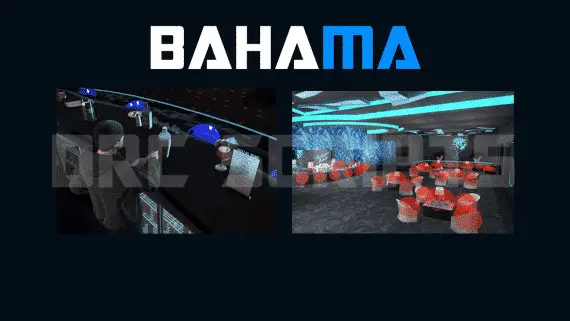
DRC Advanced Bahama Mamas Job — Marc MLO Bar Job for QBCore & ESX
Advanced Bahama Mamas bar job for FiveM — duty system, drink crafting with animations, boss menu, dance platforms, and 3000+ lines of open-source code. Runs on ESX and QBCore with Marc or XnBahamaMamas MLO.
$10.00
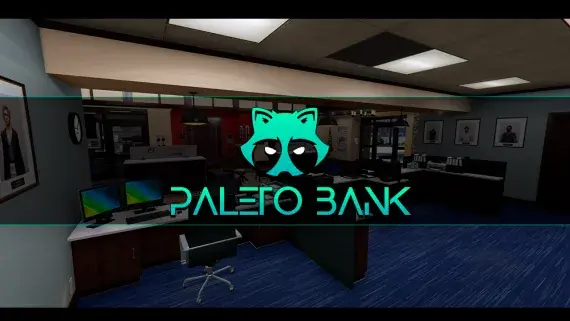
Paleto Bay Bank MLO for FiveM Robberies
The Blaine County branch in Paleto Bay — a compact banking hall and vault an hour from the nearest real police response.
$15.00
Paleto City Hall MLO for FiveM Civic RP
Civic premises for Paleto Bay: somewhere licences, hearings and small-town politics can happen away from the city.
$9.99
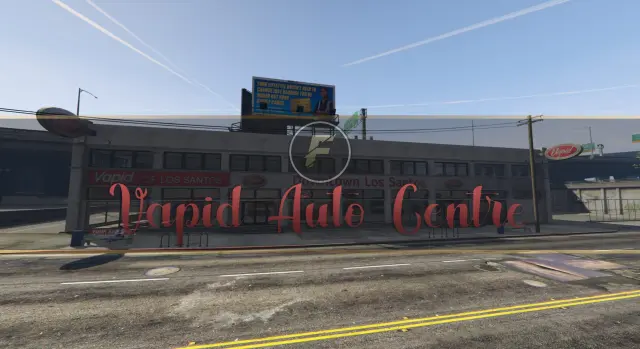
Vapid Auto Centre Showroom MLO for FiveM
A downtown Los Santos auto centre with floor space for dealers to work and buyers to browse.
$9.00
About this FiveM script
Davis LSFD Fire Station MLO for FiveM is a FiveM resource. Review the product details, requirements, and compatibility notes before ordering.
Use the included files and documentation as the source of truth for installation, configuration, dependencies, and any stated performance information.