

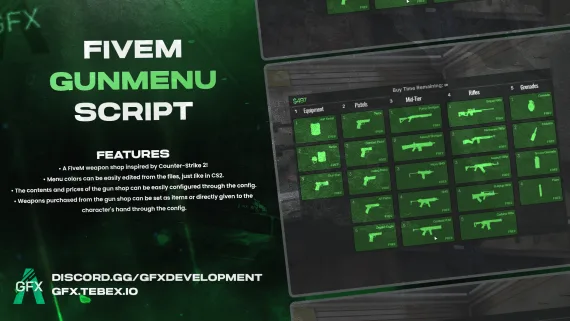
GFX GunMenu for FiveM
CS2-style FiveM gun menu with configurable colors, stock, and pricing. Delivers weapons to inventory or hand. Minimal setup. ESX, QBCore, Qbox and standalone compatible.
Shelved in ESX Scripts110 products on this shelf QBCore Scripts119 products on this shelf Qbox Scripts120 products on this shelf
$10.00
Secure checkout by Tebex
Digital delivery after checkout
Tebex
Your Game Studio, Extended.
Overview
Reviews
Counter-Strike 2's weapon buy menu works because it's fast, readable, and completely out of the way when you don't need it. GFX GunMenu borrows that UI logic and drops it into FiveM — a clean, color-coordinated weapon shop that players can navigate in seconds, with a config file that handles everything from stock to pricing without touching Lua.
What the Menu Delivers
The shop inventory is fully configurable: add custom weapons, adjust prices, set categories, and publish the changes by restarting the resource. Weapons can be delivered directly to the player's hands for immediate use, or routed through your inventory system as actual items — the choice is a single config toggle. Color theming mirrors how CS2 handles it: edit the color values in the file and the entire interface updates, no UI editing required.
- CS2-inspired interface — fast, scannable layout with a familiar structure
- Full menu color customization via config file — no UI code to touch
- Configurable weapon inventory: add, remove, or reprice items in config
- Dual delivery mode: inventory item or direct-to-hand, set per server
- Minimal configuration knowledge required — functional out of the box
Framework Compatibility
Works with ESX, QBCore, Qbox, and standalone (no framework required). Item-based purchase routing uses native framework item hooks where available.
Who It's For
Server owners who want a weapon shop that looks intentional rather than bolted on. The CS2 aesthetic resonates with players who come from that background — and it's cohesive enough that it doesn't clash with most custom HUD setups. At £10, it's one of the cheaper ways to replace a tired NPC-based gun shop with something players will actually comment on. Fourteen reviews at 4.5/5 back that up.
Installation
- Drop the resource folder into your server's
resourcesdirectory. - Add an
ensureline for it toserver.cfg. - Open the config file and build the shop there: the weapon list, the in-game cost of each entry and the categories they sit under all live in that one file.
- Decide how a purchase reaches the player — as an inventory item, or straight into their hands — using the delivery toggle, and set your colour values in the same pass.
- Restart the server. Later changes to stock or theming publish the same way, with a resource restart rather than a Lua edit.
Installation plan
Set up GFX GunMenu for FiveM safely
Use the documentation included with the download as the final authority. This plan helps you prepare a rollback, install in the right order, and verify the resource before it reaches players.
- Resource type
- FiveM script
- Catalog category
- ESX Scripts
- Package source
- Shop Tebex
-
Audit the package and requirements
Open the supplied documentation before moving files or changing the database. Build the install order from the package, not from assumptions.
- Identify the actual resource folder, required dependencies, and supported framework version.
- Locate any SQL, configuration examples, permissions, or optional integrations.
- Check whether the documentation requires a specific start order.
Ready when Every dependency and required file has a place in your install plan.
-
Create a rollback point
Prepare the server so the change can be reversed cleanly if the resource conflicts with your current stack.
- Keep an untouched copy of the downloaded package.
- Back up the database and every configuration file you will edit.
- Use a test server or schedule a maintenance window before changing production.
Ready when You can restore the previous database, files, and configuration.
-
Install in the documented order
Apply only the changes supplied for this resource, keeping dependency and startup order intact.
- Place the resource folder where your server loads resources, without renaming it unless instructed.
- Install dependencies first, then import included SQL once and review configuration values.
- Add the documented resource name to the server startup configuration after its dependencies.
Ready when The resource starts without missing files, exports, tables, or dependencies.
-
Verify the complete player flow
Restart the test server, watch both server and client consoles, and exercise the resource before opening it to players.
- Test the main workflow with an authorized player and a player without permission.
- Reconnect and restart once to confirm saved state and startup behavior.
- Review console output again before promoting the same configuration to production.
Complete when The intended flow works twice with no new console errors.
Support reference
Use the exact listing name when you contact support.
GFX GunMenu for FiveM
Contact support
GFX GunMenu for FiveM compatibility and specs
Category
Delivery
After checkout — order download link
Product terms
See product details — terms vary by resource
No reviews yet — be the first to write one.
Write a review
Reviews are moderated before appearing. Purchased the product? Your review gets a VERIFIED badge automatically.
[ You might also like ]
Related scripts
- ESX
- QBCore
- Qbox
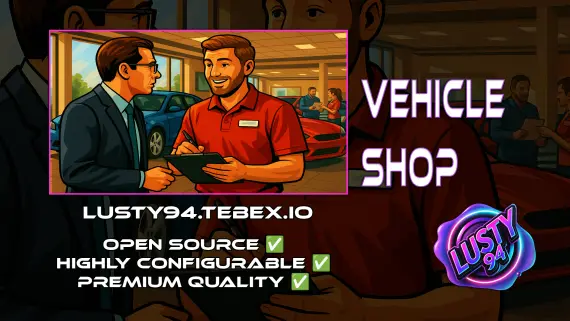
Vehicle Shops
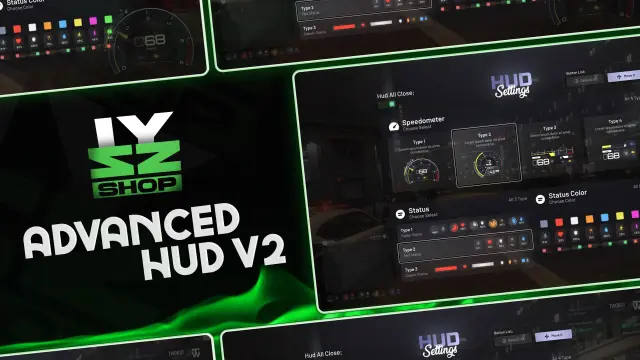
QBCore dealership script with public showrooms — test drives, financing, license checks — and player-owned operations with stock ordering, employee commissions, and sell-back. Tested with ox_lib, oxmysql, and major banking/inventory resources.
$15.00
 Popular
- ESX
- QBCore
- Qbox
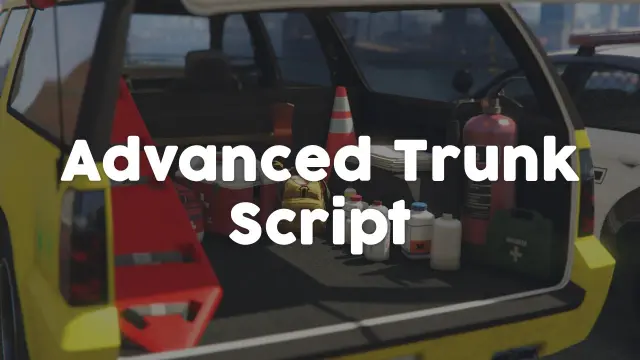
Police Vehicle Trunk
Give FiveM officers a proper equipment trunk — visual prop layout, per-vehicle item config, clothing slots, job-gated access, and 0.03ms active usage. ESX, QBCore & Qbox.
$10.00
- QBCore
- Qbox
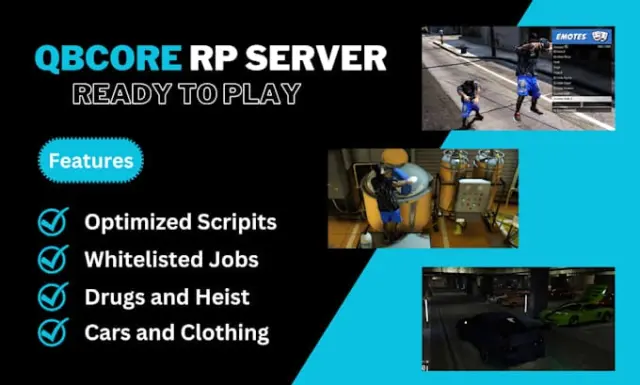
QBCore Framework V8
A current-gen QBCore V8 FiveM server package — 400+ vehicles, 50+ police cars, civilian and criminal activity systems, TOS-compliant assets, and verified stable at 50+ concurrent players.
$110.00
 Sale
Sale
- ESX
- QBCore
- Qbox
All in one Restaurant Script
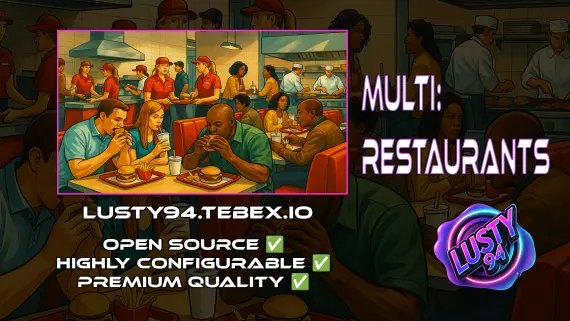
Single QBCore resource covering 14 FiveM restaurant locations — Burgershot, Bean Machine, Cat Cafe, and eleven more — with unified menus, staff storage, customer kiosks, surveillance cameras, and consumable effects.
$15.00
$20.00

- ESX
- QBCore
- Qbox
Lusty Pawn Shop - The Ultimate Buy & Sell System
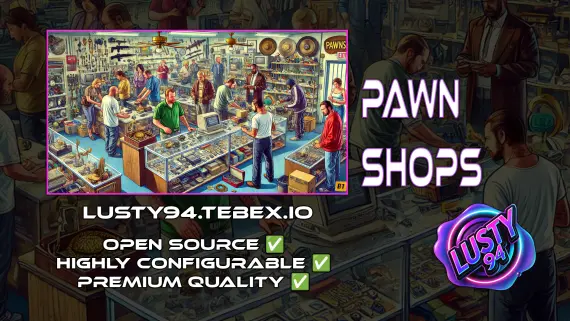
FiveM pawn shop script with dirty money payout routing, unlimited map locations, player-owned shop support, and anti-exploit event guards. QBCore, ESX, Qbox — configurable buy-sell economy in one resource.
$10.00


- ESX
- QBCore
- Qbox
FiveM Electrician Job
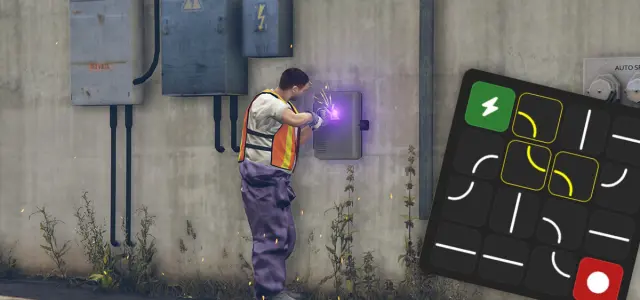
FiveM electrician job with a 4×4 circuit-board puzzle, randomized fusebox dispatch, auto-detecting ESX and QBCore support, and a verified 0.00ms active resmon — white-collar civilian work at £5.99.
$5.99
About this FiveM script
GFX GunMenu for FiveM is a FiveM resource for esx, qbcore, qbox servers. Review the product details, requirements, and compatibility notes before ordering.
Use the included files and documentation as the source of truth for installation, configuration, dependencies, and any stated performance information.