- ESX
- QBCore
- Qbox
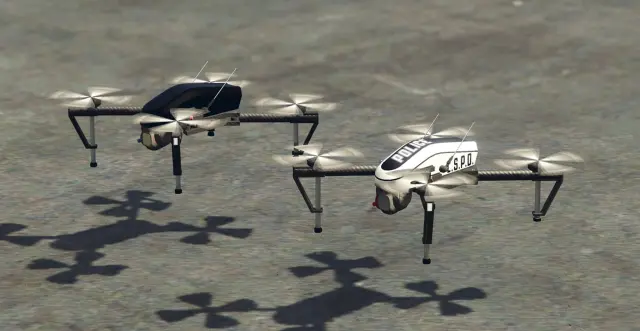
FREE Drone Script for FiveM
Free, open-source FiveM drone script with full controller support, Fivemanage aerial screenshots, night vision, configurable HUD, and signal-loss mechanics. ESX, QBCore & Qbox ready.
FREE

Shelved in ESX Scripts110 products on this shelf QBCore Scripts119 products on this shelf Qbox Scripts120 products on this shelf
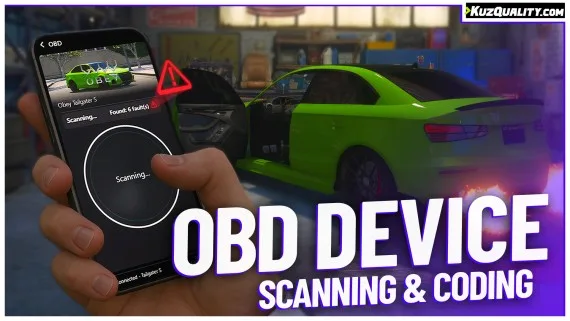
Scan any vehicle to reveal stored faults, monitor vehicle data in real-time, and apply hidden software customizations using this standalone or phone-integrated OBD device by KuzQuality. It comes fully standalone or plug-and-play with popular phone scripts.
kq_link is our fully open-source solution to link resources with any framework or dependency you may be using, such as inventories, notifications or dispatch systems. Ensuring the best possible compatibility between our new resources and your server.
You can find out which resources are supported on the Github page and in Downloads.
This resource will work flawlessly on all servers, including ESX, QBCore, Qbox, vRP, as well as servers running no frameworks at all.
resources.ensure line for it to server.cfg.kq_link is required — the open-source bridge this resource uses to talk to whatever inventory, notification or dispatch system you already run. Past that it is standalone, working on ESX, QBCore, Qbox, vRP and on servers with no framework at all, either on its own or alongside a phone script.
Use the documentation included with the download as the final authority. This plan helps you prepare a rollback, install in the right order, and verify the resource before it reaches players.
Open the supplied documentation before moving files or changing the database. Build the install order from the package, not from assumptions.
Ready when Every dependency and required file has a place in your install plan.
Prepare the server so the change can be reversed cleanly if the resource conflicts with your current stack.
Ready when You can restore the previous database, files, and configuration.
Apply only the changes supplied for this resource, keeping dependency and startup order intact.
Ready when The resource starts without missing files, exports, tables, or dependencies.
Restart the test server, watch both server and client consoles, and exercise the resource before opening it to players.
Complete when The intended flow works twice with no new console errors.
FREE OBD Car Device
Contact support
Reviews are moderated before appearing. Purchased the product? Your review gets a VERIFIED badge automatically.
Free, open-source FiveM drone script with full controller support, Fivemanage aerial screenshots, night vision, configurable HUD, and signal-loss mechanics. ESX, QBCore & Qbox ready.
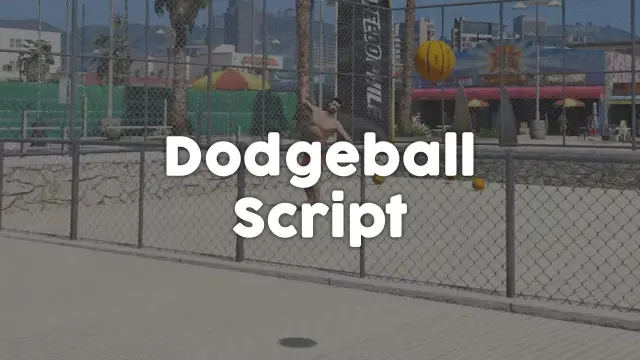
Free standalone FiveM dodgeball script with 1v1 to 5v5 match formats and a Vespucci Beach court included. No framework dependency — compatible with ESX, QBCore, Qbox, and Gamzky Scripts.

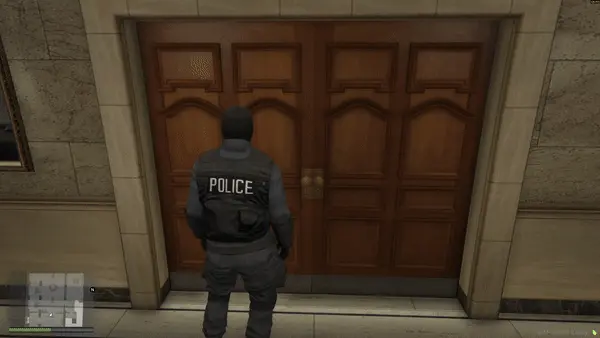
Free FiveM snake cam gives officers a live under-door feed before breaching. Auto door detection, configurable angles, item-gateable, 0.02ms active. ESX, QBCore & Qbox.
Closed Shops NPC keeps food job locations open when workers log off. Workers restock inventory to earn passive income; the NPC despawns the moment real staff return. QBCore, ESX, Qbox. Live pricing with admin price caps.
 Sale
Sale
Single QBCore resource covering 14 FiveM restaurant locations — Burgershot, Bean Machine, Cat Cafe, and eleven more — with unified menus, staff storage, customer kiosks, surveillance cameras, and consumable effects.
 Sale
Sale
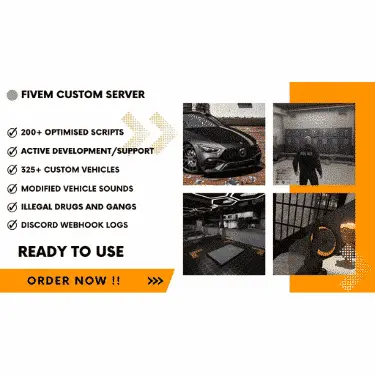
Premade QBCore V3 FiveM server with custom EUP, Cayo Island, PMA-voice, MDT, advanced drug processing, and full civilian and criminal job coverage — immersion-ready on install.

Server-side FiveM anticheat with 841 blocked models, multi-identifier banning, event protection, and entity spam limits. No client component. Framework-free. Refined over 5 years.
 Sale
Sale

FiveM car looting script letting players raid NPC vehicles with seat-based loot placement, configurable odds by vehicle class, minigame break-ins, NPC reactions, and police dispatch — no entity limit impact.
FREE OBD Car Device is a FiveM resource for esx, qbcore, qbox servers. Review the product details, requirements, and compatibility notes before ordering.
Use the included files and documentation as the source of truth for installation, configuration, dependencies, and any stated performance information.