

BESTSELLER
Police Vehicle Trunk
Give FiveM officers a proper equipment trunk — visual prop layout, per-vehicle item config, clothing slots, job-gated access, and 0.03ms active usage. ESX, QBCore & Qbox.
Shelved in ESX Scripts110 products on this shelf QBCore Scripts119 products on this shelf Qbox Scripts120 products on this shelf
$10.00

Secure checkout by Tebex
Digital delivery after checkout
Tebex
Your Game Studio, Extended.
Overview
Reviews
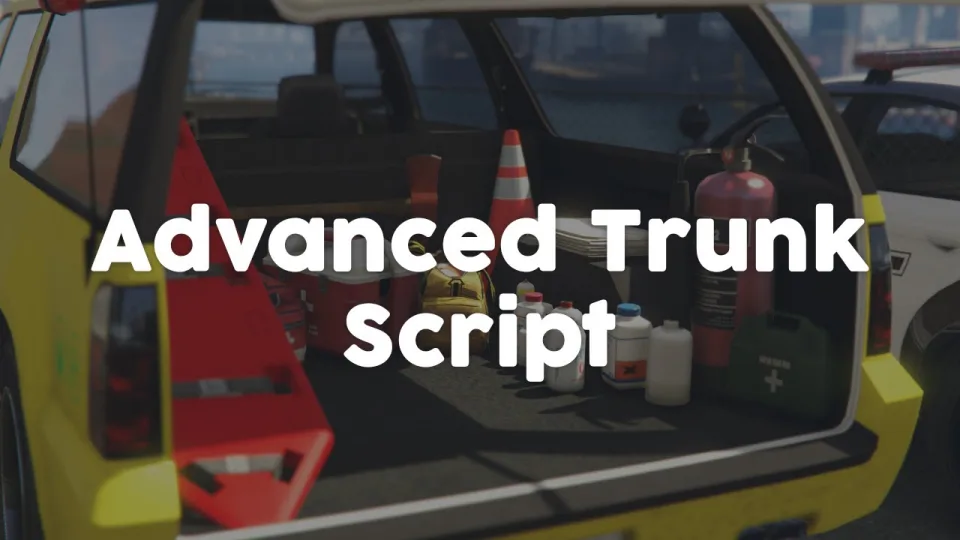
Default FiveM vehicle trunks are inventory slots, nothing more. This script treats the trunk as a physical space officers actually interact with — opening it reveals a laid-out interface of props, weapons, and clothing that can be pulled out, placed, or equipped directly. It's the difference between a police loadout that feels procedural and one that looks like an officer getting geared up at their patrol car.
The per-vehicle layout configuration is where this becomes genuinely useful for server owners. You can define exactly which props and items appear in each vehicle model's trunk, so a marked unit carries different gear than an unmarked detective car. That specificity feeds into department hierarchy and role differentiation without requiring separate inventory setups for every rank.
Key Features
- Interactive trunk interface with visual prop layout — not a flat inventory menu
- Keyboard and mouse navigation for selecting and equipping trunk contents
- Automatic prop detection on vehicle spawn — no manual configuration per session
- Per-vehicle layout configuration for granular department loadout control
- Configurable actions: item grants, prop deployment, and clothing changes per slot
- Job-based access restrictions — restrict trunk access to officers or specific ranks
- ox_target and qb-target both supported for interaction prompt
- Debug mode for configuring trunk layouts on new vehicle models
- Full client synchronisation — trunk state visible to nearby players
- 0.00ms idle / 0.03ms during active use
Framework Compatibility
Supports ESX, QBCore, and Qbox. Works equally well for police, fire, EMS, and civilian vehicles — any department that needs organised trunk access benefits from the same setup.
The 0.03ms active reading is realistic: it's only drawing when someone has the trunk open, so it won't compound across multiple officers simultaneously. EMS and fire department operators can apply the same resource to their vehicles with different item sets configured. Rated 4.56/5 across nine reviews.
Installation
- Add the resource to
resourcesand reference it withensureinserver.cfg. - Restart, then switch on debug mode and open the boot of each vehicle model you want covered.
- Lay out the props for that model and save the result, repeating per model so a marked unit and an unmarked car carry different gear.
- Set the job restrictions deciding who may open which boot, and choose ox_target or qb-target for the interaction prompt.
- Turn debug off again before players are let near it.
Installation plan
Set up Police Vehicle Trunk safely
Use the documentation included with the download as the final authority. This plan helps you prepare a rollback, install in the right order, and verify the resource before it reaches players.
- Resource type
- FiveM script
- Catalog category
- ESX Scripts
- Package source
- Shop Tebex
-
Audit the package and requirements
Open the supplied documentation before moving files or changing the database. Build the install order from the package, not from assumptions.
- Identify the actual resource folder, required dependencies, and supported framework version.
- Locate any SQL, configuration examples, permissions, or optional integrations.
- Check whether the documentation requires a specific start order.
Ready when Every dependency and required file has a place in your install plan.
-
Create a rollback point
Prepare the server so the change can be reversed cleanly if the resource conflicts with your current stack.
- Keep an untouched copy of the downloaded package.
- Back up the database and every configuration file you will edit.
- Use a test server or schedule a maintenance window before changing production.
Ready when You can restore the previous database, files, and configuration.
-
Install in the documented order
Apply only the changes supplied for this resource, keeping dependency and startup order intact.
- Place the resource folder where your server loads resources, without renaming it unless instructed.
- Install dependencies first, then import included SQL once and review configuration values.
- Add the documented resource name to the server startup configuration after its dependencies.
Ready when The resource starts without missing files, exports, tables, or dependencies.
-
Verify the complete player flow
Restart the test server, watch both server and client consoles, and exercise the resource before opening it to players.
- Test the main workflow with an authorized player and a player without permission.
- Reconnect and restart once to confirm saved state and startup behavior.
- Review console output again before promoting the same configuration to production.
Complete when The intended flow works twice with no new console errors.
Support reference
Use the exact listing name when you contact support.
Police Vehicle Trunk
Contact support
Police Vehicle Trunk compatibility and specs
Category
Delivery
After checkout — order download link
Product terms
See product details — terms vary by resource
No reviews yet — be the first to write one.
Write a review
Reviews are moderated before appearing. Purchased the product? Your review gets a VERIFIED badge automatically.
[ You might also like ]
Related scripts
 New
New
- ESX
- QBCore
- Qbox
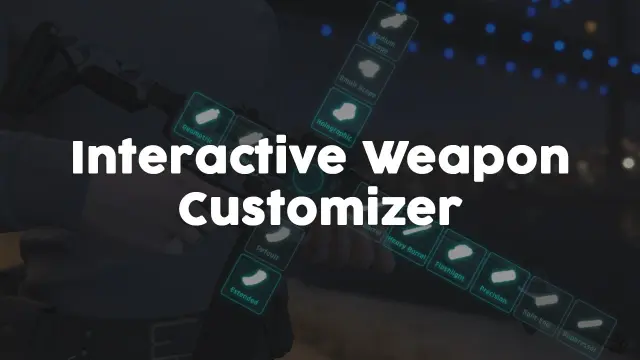
Weapon Attachment UI
Visual FiveM weapon attachment UI with inventory persistence, addon weapon support, job/item gates, and 0.01ms active cost. Standalone or integrated with ox, ESX & QBCore inventory.
$4.99
- QBCore
- Qbox
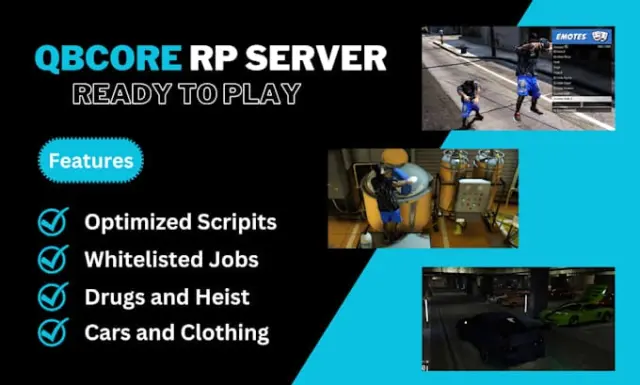
QBCore Framework V8
A current-gen QBCore V8 FiveM server package — 400+ vehicles, 50+ police cars, civilian and criminal activity systems, TOS-compliant assets, and verified stable at 50+ concurrent players.
$110.00
- ESX
- QBCore
- Qbox
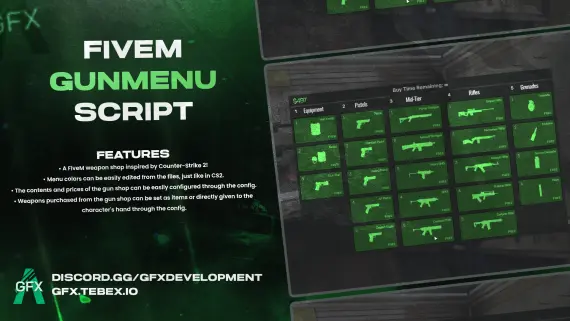
GFX GunMenu for FiveM
CS2-style FiveM gun menu with configurable colors, stock, and pricing. Delivers weapons to inventory or hand. Minimal setup. ESX, QBCore, Qbox and standalone compatible.
$10.00

 New
New
- ESX
- QBCore
- Qbox
ESX Framework V2
Premade ESX Legacy V2 FiveM server with OX Inventory, iPhone 13 phone, police MDT, karting, bowling, hookah lounge, hunting, mining, and a full criminal and civilian economy on install.
$100.00
About this FiveM script
Police Vehicle Trunk is a FiveM resource for esx, qbcore, qbox servers. Review the product details, requirements, and compatibility notes before ordering.
Use the included files and documentation as the source of truth for installation, configuration, dependencies, and any stated performance information.