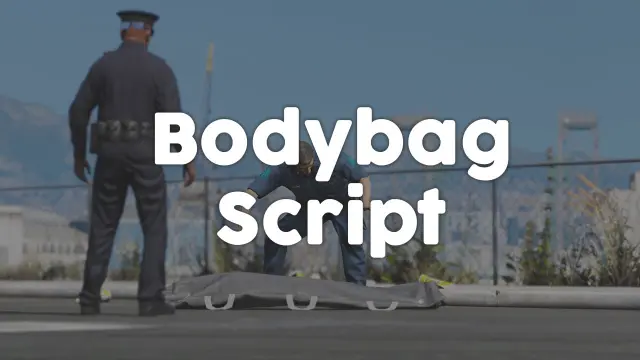
- ESX
- QBCore
- Qbox
Bodybag Script
Close crime scenes properly with bodybag placement, configurable job or item gates, statebag sync that survives restarts, and 0.00ms overhead. ESX, QBCore, and Qbox supported.
$10.00

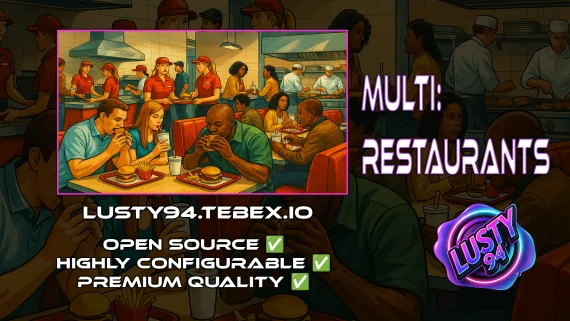
Single QBCore resource covering 14 FiveM restaurant locations — Burgershot, Bean Machine, Cat Cafe, and eleven more — with unified menus, staff storage, customer kiosks, surveillance cameras, and consumable effects.
Shelved in ESX Scripts110 products on this shelf QBCore Scripts119 products on this shelf Qbox Scripts120 products on this shelf
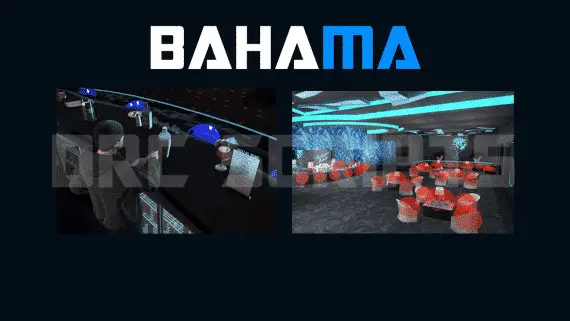

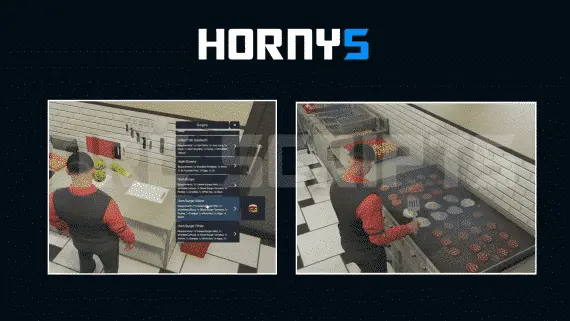
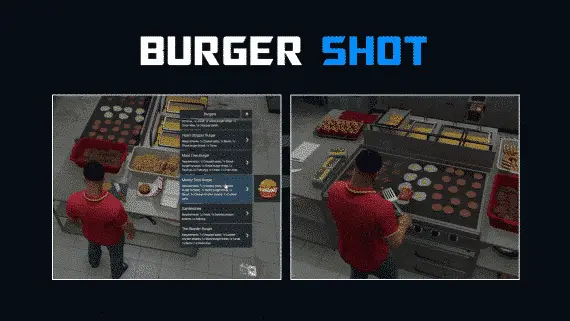
Installing a separate script for every food venue on your server is how you end up with fourteen resources doing the same thing twelve different ways. This restaurant script takes the other approach: one resource, one config, fourteen fully functional locations — Burgershot, Bean Machine, Cat Cafe, Hornys, Al Dente, Deer Diner, Hookies, Pops Diner, Pizza This, Pearls, Limeys, Trey Bakery, Polar Ice, and Up & Atom. Add a fifteenth or sixteenth by editing config only, no touching Lua.
The same billing logic, storage system, job checks, and crafting menus run at every location. That means when you adjust how a mechanic works — say, how consumable effects apply when a player eats — you change it once and it propagates everywhere. There's no scenario where Burgershot has working kiosks but Bean Machine doesn't because the scripts drifted apart. The unified architecture is what makes this practical for a server with a real food economy rather than a handful of decorative restaurants.
If you want a single MLO restaurant with elaborate cooking animations and five-minute prep sequences, this isn't the right tool. This is built for server operators who need food and drink to function across their entire map without becoming a maintenance burden. The focus is config-driven consistency at scale — every location works the same way, players know what to expect, and staff can move between venues without relearning the interface.
QBCore only — not ESX. Requires ox_lib for UI and utility functions. Target and inventory systems are your choice: qb-target or ox_target, qb-inventory or ox_inventory. The script is priced at £15, down from £20.
resources and add the ensure line to server.cfg beneath those dependencies.Use the documentation included with the download as the final authority. This plan helps you prepare a rollback, install in the right order, and verify the resource before it reaches players.
Open the supplied documentation before moving files or changing the database. Build the install order from the package, not from assumptions.
Ready when Every dependency and required file has a place in your install plan.
Prepare the server so the change can be reversed cleanly if the resource conflicts with your current stack.
Ready when You can restore the previous database, files, and configuration.
Apply only the changes supplied for this resource, keeping dependency and startup order intact.
Ready when The resource starts without missing files, exports, tables, or dependencies.
Restart the test server, watch both server and client consoles, and exercise the resource before opening it to players.
Complete when The intended flow works twice with no new console errors.
All in one Restaurant Script
Contact support
Reviews are moderated before appearing. Purchased the product? Your review gets a VERIFIED badge automatically.
Close crime scenes properly with bodybag placement, configurable job or item gates, statebag sync that survives restarts, and 0.00ms overhead. ESX, QBCore, and Qbox supported.
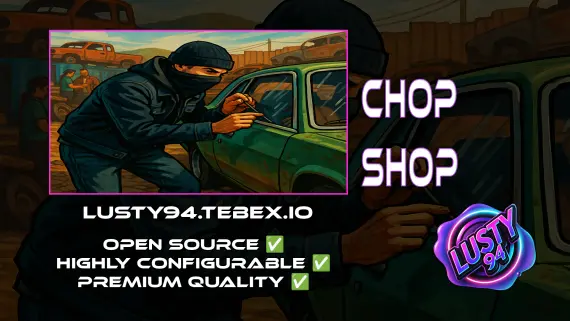
Free QBCore chop shop script with two mission types, reputation-gated export runs, configurable vehicle parts, NPC flatbed collection, and police dispatch integration — rated 4.11/5 by the community.


Free, open-source FiveM drone script with full controller support, Fivemanage aerial screenshots, night vision, configurable HUD, and signal-loss mechanics. ESX, QBCore & Qbox ready.
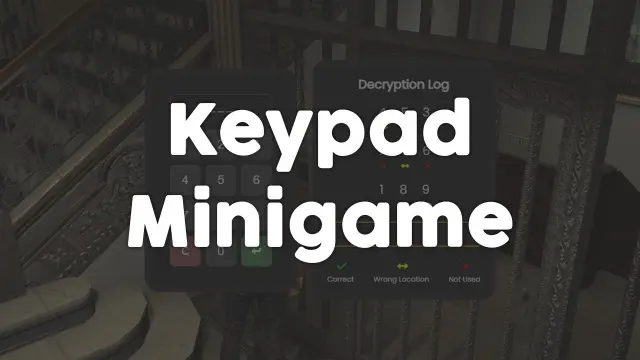
Free, unencrypted FiveM keypad minigame with configurable PIN length, attempt limits, and per-attempt feedback. Works standalone or with ESX, QBCore, and Qbox. Zero cost, full source.


ElevenLabs-powered TTS notification script for FiveM — fire voiced, holographic alerts from any resource via a single export. Smart caching, 30+ languages. ESX, QBCore, Qbox compatible.
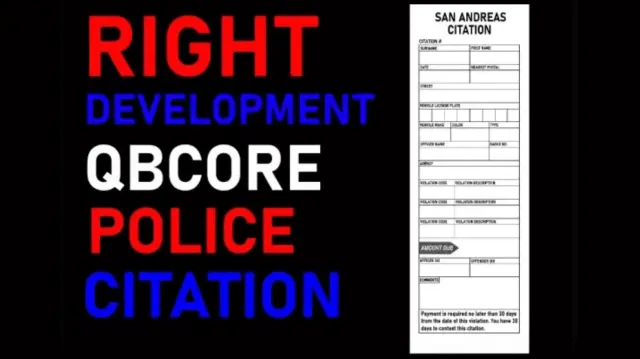
Turn police fines into real RP. This FiveM citation script creates physical inventory items documenting suspect details, charges, and fine amounts — with MDT integration and society account routing.
 New
New
New
New
 Sale
Sale
All in one Restaurant Script is a FiveM resource for esx, qbcore, qbox servers. Review the product details, requirements, and compatibility notes before ordering.
Use the included files and documentation as the source of truth for installation, configuration, dependencies, and any stated performance information.