- ESX
- QBCore
- Qbox
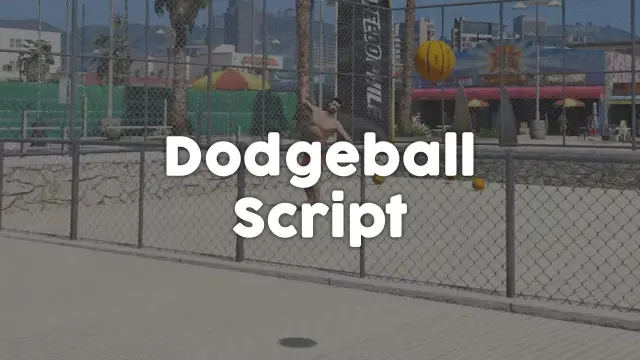
FREE FiveM Dodgeball Game
Free standalone FiveM dodgeball script with 1v1 to 5v5 match formats and a Vespucci Beach court included. No framework dependency — compatible with ESX, QBCore, Qbox, and Gamzky Scripts.
FREE

Shelved in ESX Scripts110 products on this shelf QBCore Scripts119 products on this shelf Qbox Scripts120 products on this shelf Tebex FREE Scripts23 products on this shelf
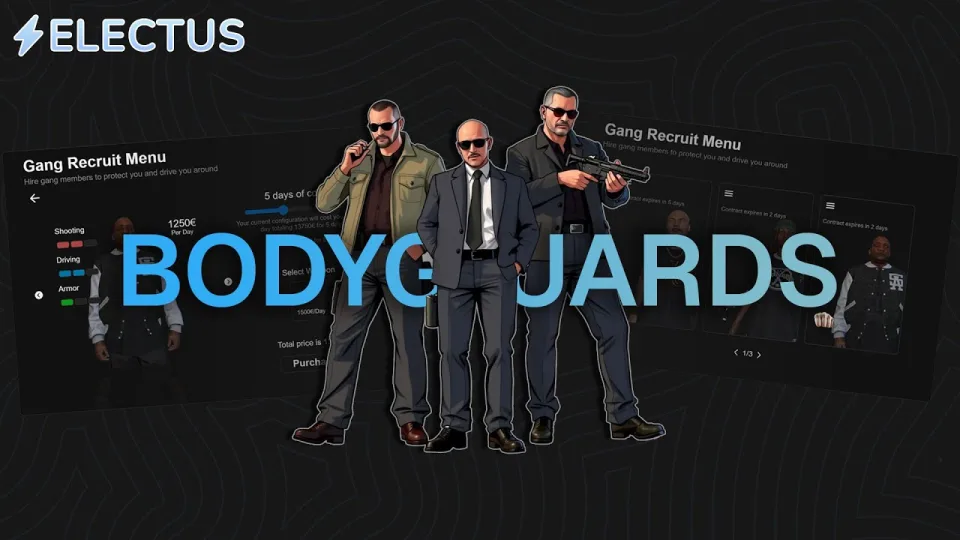
The Electus Bodyguard script adds an AI bodyguard system to your server. Players can hire, command, and manage AI peds for personal protection, driving assistance, or combat. Gang members can recruit members directly off the street, police officers can execute /backup to call in AI police units, and players can rent bodyguards from shops.
/bodyguard_stay and /bodyguard_follow.G to order them to stay, follow, or go on leave.ox_lib. A target system is recommended for key interactions.ox_lib is required. The script covers ESX, QB-Core and Qbox, so any of the three will do.
resources.ensure line for the resource to server.cfg.Use the documentation included with the download as the final authority. This plan helps you prepare a rollback, install in the right order, and verify the resource before it reaches players.
Open the supplied documentation before moving files or changing the database. Build the install order from the package, not from assumptions.
Ready when Every dependency and required file has a place in your install plan.
Prepare the server so the change can be reversed cleanly if the resource conflicts with your current stack.
Ready when You can restore the previous database, files, and configuration.
Apply only the changes supplied for this resource, keeping dependency and startup order intact.
Ready when The resource starts without missing files, exports, tables, or dependencies.
Restart the test server, watch both server and client consoles, and exercise the resource before opening it to players.
Complete when The intended flow works twice with no new console errors.
FREE Electus FiveM Bodyguard Script
Contact support
Reviews are moderated before appearing. Purchased the product? Your review gets a VERIFIED badge automatically.
Free standalone FiveM dodgeball script with 1v1 to 5v5 match formats and a Vespucci Beach court included. No framework dependency — compatible with ESX, QBCore, Qbox, and Gamzky Scripts.
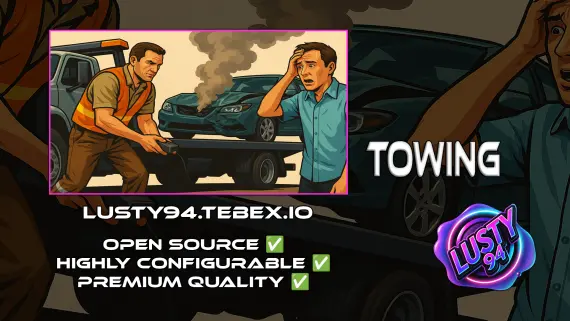
Free FiveM towing job script with NPC missions, player-to-player requests, /towbilling to society accounts with optional commission splits, and server-side anti-exploit distance checks. QBCore, ESX, Qbox.
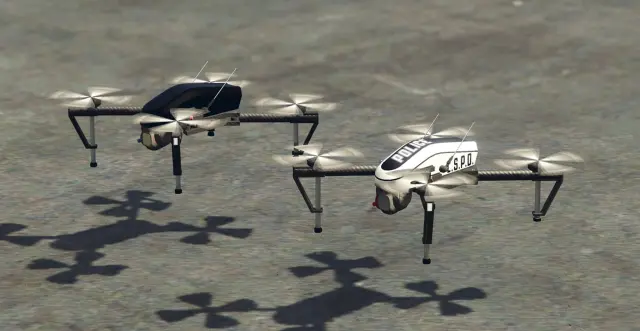
Free, open-source FiveM drone script with full controller support, Fivemanage aerial screenshots, night vision, configurable HUD, and signal-loss mechanics. ESX, QBCore & Qbox ready.
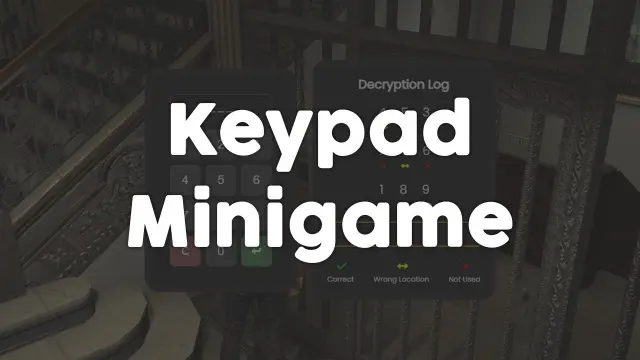
Free, unencrypted FiveM keypad minigame with configurable PIN length, attempt limits, and per-attempt feedback. Works standalone or with ESX, QBCore, and Qbox. Zero cost, full source.
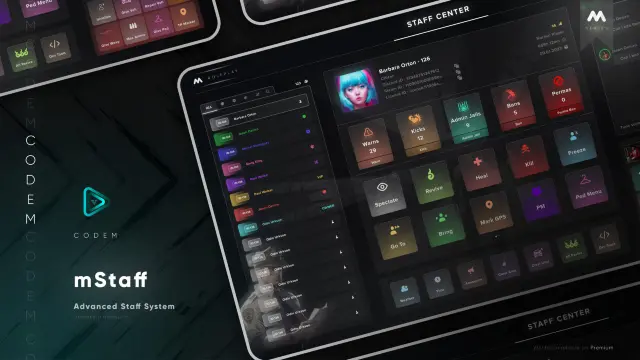

Tactical mapping, unit radio channels, and real time dispatch analytics.
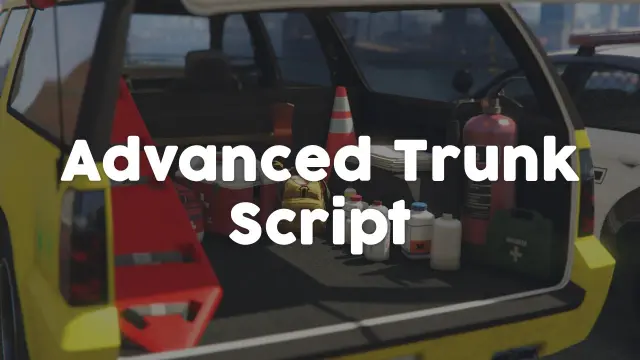 Popular
Give FiveM officers a proper equipment trunk — visual prop layout, per-vehicle item config, clothing slots, job-gated access, and 0.03ms active usage. ESX, QBCore & Qbox.
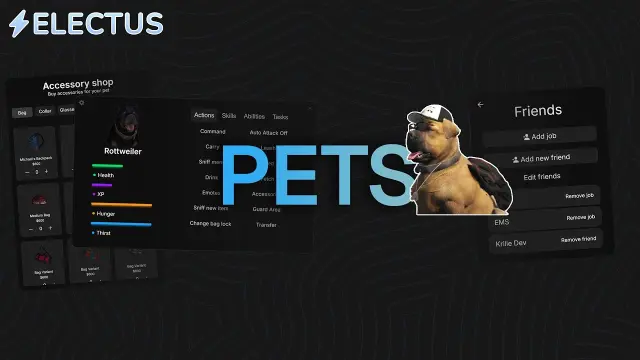
Dynamic pet system featuring leveling, breeding, and over 400 accessories
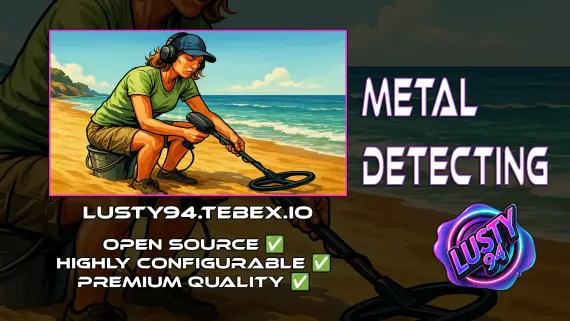
FiveM metal detecting script covering 8 named beach and coastal zones with 20 discoverable items, detector overheating for natural pacing, and configurable loot rates. ESX, QBCore, Qbox. Solo leisure content for £5.


FREE Electus FiveM Bodyguard Script is a FiveM resource for esx, qbcore, qbox servers. Review the product details, requirements, and compatibility notes before ordering.
Use the included files and documentation as the source of truth for installation, configuration, dependencies, and any stated performance information.