
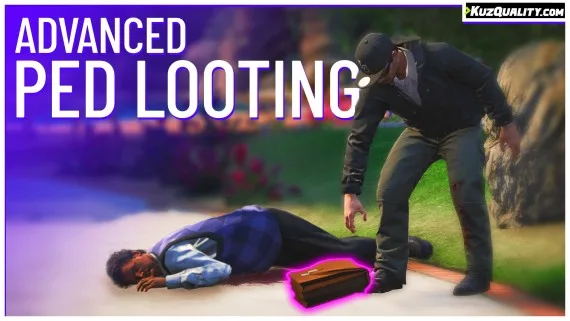
Advanced Ped Looting
Shelved in ESX Scripts110 products on this shelf QBCore Scripts119 products on this shelf Qbox Scripts120 products on this shelf
$9.00
Secure checkout by Tebex
Digital delivery after checkout
Tebex
Your Game Studio, Extended.
Overview
Reviews
Resource usage
- Idle: 0.00ms
- Near a dropped loot item: 0.01ms
- May get higher when rendering 3d text
Main features of KuzQuality Advanced Ped Looting
- Use a custom export function to set a loot table for a specific entity
- Set specific loot tables on peds model
- Set specific loot tables for specific ped groups, including gangs, animals, and businessmen
- Make money and items lootable
- Smooth item pickup animation
- Lightweight
Overview
This script allows players to spawn loot props that drop when a ped is killed and can be collected by the player. You can configure the script to also have peds drop loot when they ragdoll instead of only upon death. Incorporate this script into other resources by using an export where you provide the entity ID to assign a custom loot drop for that specific ped. Specify loot for a particular ped model such as zombie ped models, or define loot tables for NPC types like animals and gang members. This script works for any ped entity.
Compatibility
All framework and dependency code is always editable, meaning you can easily adjust it to work with custom solutions. This resource works on servers using either QBCore or ESX.
Requirements
ESX, QBCore and Qbox are all supported and no other resource is named as a dependency, so this drops in on its own. The framework and dependency code is left editable, which is what makes a custom core or a bespoke inventory a matter of changing that code rather than waiting on an update.
Installation
- Place the resource folder in
resources. - Add an
ensureline for it toserver.cfg. - Build your loot tables in the config: by ped model, by group such as animals, gangs or businessmen, and for money as well as items.
- Call the export from any other resource where a particular entity should carry its own drop.
- Restart the server and kill a test ped to confirm the prop drops and picks up cleanly.
Installation plan
Set up Advanced Ped Looting safely
Use the documentation included with the download as the final authority. This plan helps you prepare a rollback, install in the right order, and verify the resource before it reaches players.
- Resource type
- FiveM script
- Catalog category
- ESX Scripts
- Package source
- KuzQuality Tebex
-
Audit the package and requirements
Open the supplied documentation before moving files or changing the database. Build the install order from the package, not from assumptions.
- Identify the actual resource folder, required dependencies, and supported framework version.
- Locate any SQL, configuration examples, permissions, or optional integrations.
- Check whether the documentation requires a specific start order.
Ready when Every dependency and required file has a place in your install plan.
-
Create a rollback point
Prepare the server so the change can be reversed cleanly if the resource conflicts with your current stack.
- Keep an untouched copy of the downloaded package.
- Back up the database and every configuration file you will edit.
- Use a test server or schedule a maintenance window before changing production.
Ready when You can restore the previous database, files, and configuration.
-
Install in the documented order
Apply only the changes supplied for this resource, keeping dependency and startup order intact.
- Place the resource folder where your server loads resources, without renaming it unless instructed.
- Install dependencies first, then import included SQL once and review configuration values.
- Add the documented resource name to the server startup configuration after its dependencies.
Ready when The resource starts without missing files, exports, tables, or dependencies.
-
Verify the complete player flow
Restart the test server, watch both server and client consoles, and exercise the resource before opening it to players.
- Test the main workflow with an authorized player and a player without permission.
- Reconnect and restart once to confirm saved state and startup behavior.
- Review console output again before promoting the same configuration to production.
Complete when The intended flow works twice with no new console errors.
Support reference
Use the exact listing name when you contact support.
Advanced Ped Looting
Contact support
Advanced Ped Looting compatibility and specs
Category
Creator
Delivery
After checkout — order download link
Product terms
See product details — terms vary by resource
No reviews yet — be the first to write one.
Write a review
Reviews are moderated before appearing. Purchased the product? Your review gets a VERIFIED badge automatically.
[ You might also like ]
Related scripts
- ESX
- QBCore
- Qbox
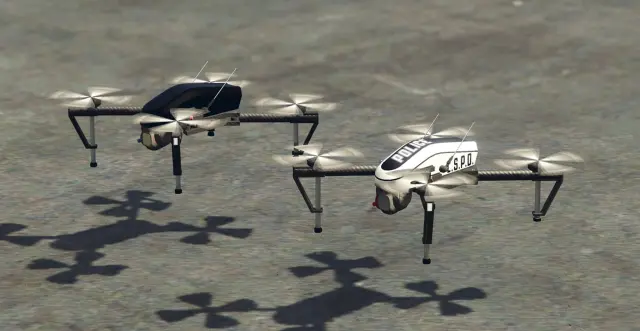
FREE Drone Script for FiveM
Free, open-source FiveM drone script with full controller support, Fivemanage aerial screenshots, night vision, configurable HUD, and signal-loss mechanics. ESX, QBCore & Qbox ready.
FREE
- ESX
- QBCore
- Qbox
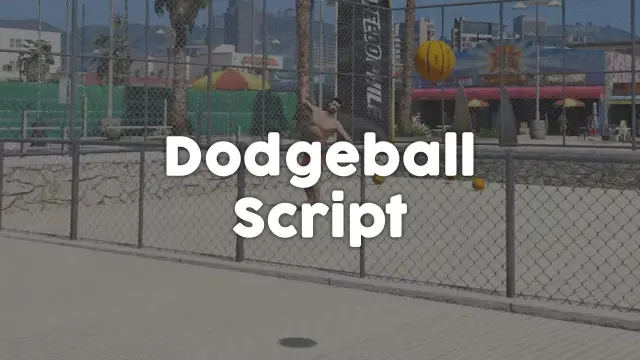
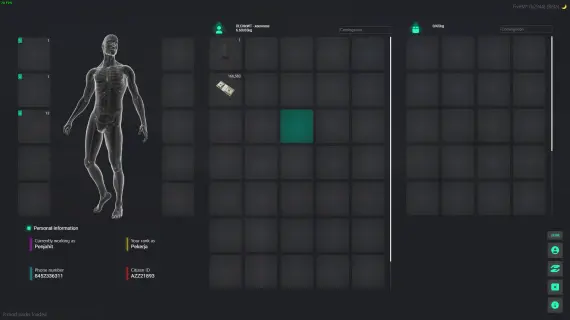
FREE FiveM Dodgeball Game
Free standalone FiveM dodgeball script with 1v1 to 5v5 match formats and a Vespucci Beach court included. No framework dependency — compatible with ESX, QBCore, Qbox, and Gamzky Scripts.
FREE
- ESX
- QBCore
- Qbox
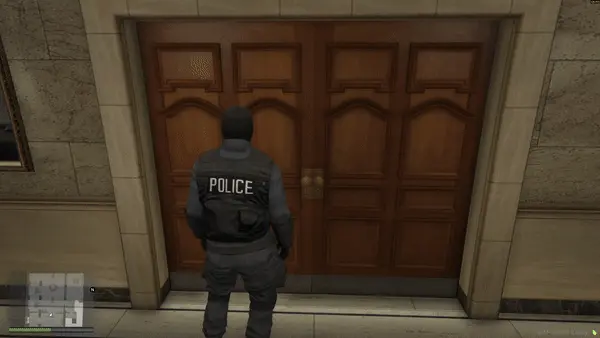
Prodigy 2.0 Inventory System
ox_inventory rework for FiveM with metadata-driven item uniqueness, configurable rarity tiers, backpack system, and built-in crafting UI. ESX, QBCore & Qbox. Base script unencrypted.
$40.00
- ESX
- QBCore
- Qbox
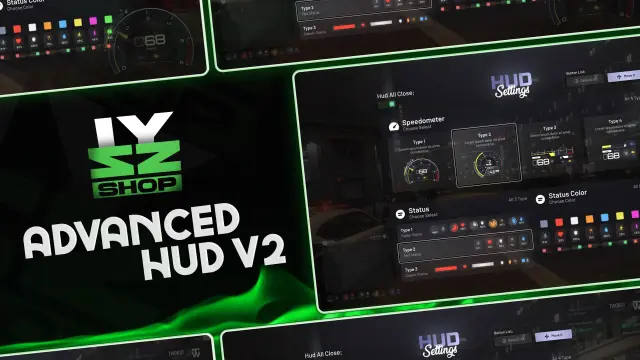
FREE Snake Cam / Under Door Camera
Free FiveM snake cam gives officers a live under-door feed before breaching. Auto door detection, configurable angles, item-gateable, 0.02ms active. ESX, QBCore & Qbox.
FREE
 Sale
Sale
- ESX
- QBCore
- Qbox
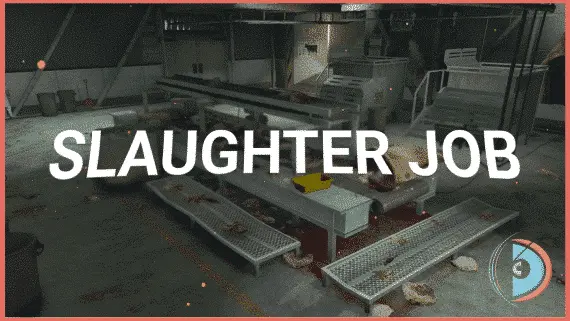
Realistic Slaughtering Job /w Animations
FiveM slaughterhouse job with a full catch-to-grind processing chain, XP-gated success rates, dynamic market pricing, and dual delivery options for ESX, QBCore and Qbox servers.
$15.00
$30.00
- ESX
- QBCore
- Qbox
ESX Framework V2
Premade ESX Legacy V2 FiveM server with OX Inventory, iPhone 13 phone, police MDT, karting, bowling, hookah lounge, hunting, mining, and a full criminal and civilian economy on install.
$100.00
- ESX
- QBCore
- Qbox
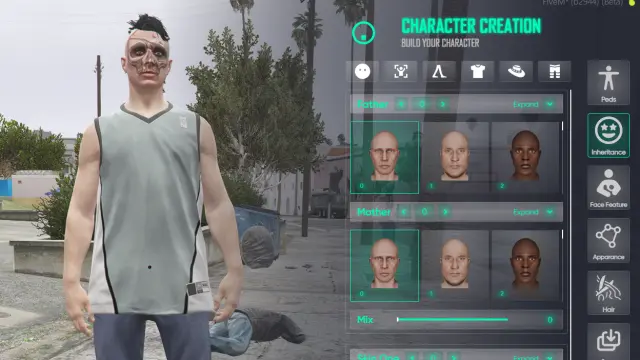
Illenium Appearance Reskin (NoPixel Inspired)
NoPixel-inspired illenium-appearance reskin for FiveM. Replaces qb-clothing and esx_skin with rank-based wardrobes, tattoos, plastic surgery, and ox_lib UI. ESX, QBCore & Qbox.
$25.00
- QBCore
- Qbox
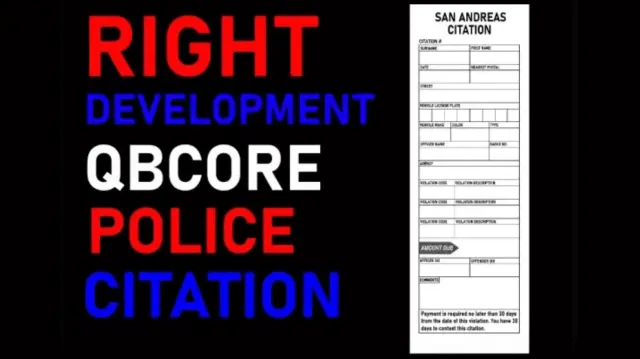
Citation Script for Police Job
Turn police fines into real RP. This FiveM citation script creates physical inventory items documenting suspect details, charges, and fine amounts — with MDT integration and society account routing.
$15.00
About this FiveM script
Advanced Ped Looting is a FiveM resource for esx, qbcore, qbox servers. Review the product details, requirements, and compatibility notes before ordering.
Use the included files and documentation as the source of truth for installation, configuration, dependencies, and any stated performance information.