- ESX
- QBCore
- Qbox
ESX Framework V2
Premade ESX Legacy V2 FiveM server with OX Inventory, iPhone 13 phone, police MDT, karting, bowling, hookah lounge, hunting, mining, and a full criminal and civilian economy on install.
$100.00

Shelved in ESX Scripts110 products on this shelf QBCore Scripts119 products on this shelf Qbox Scripts120 products on this shelf
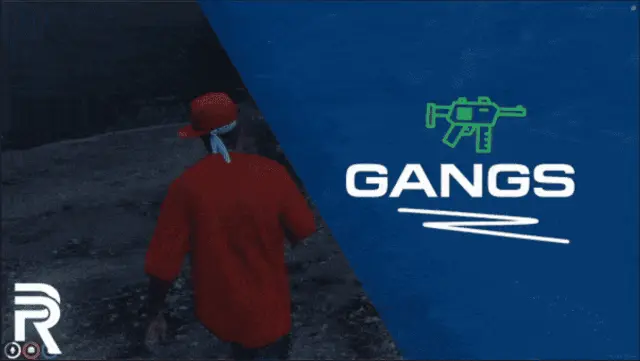


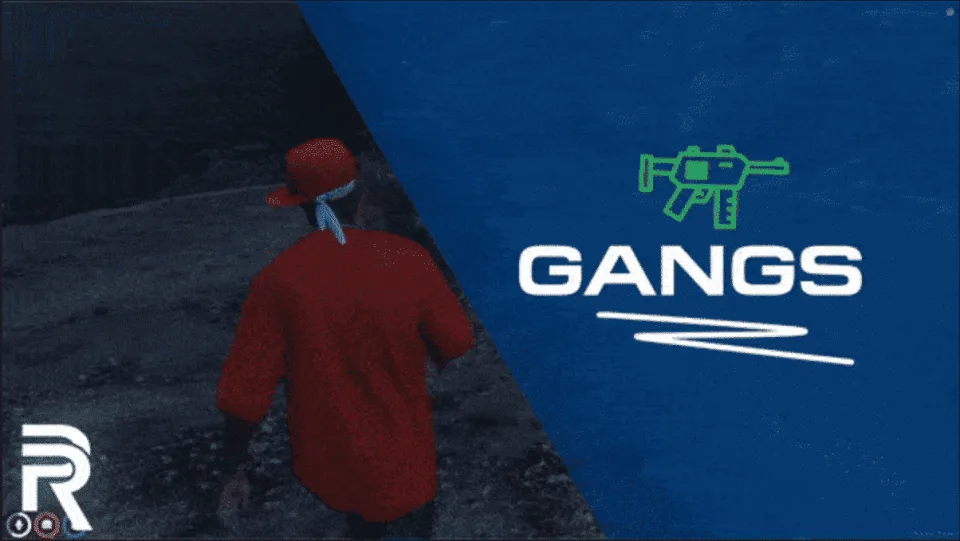
Key Features of Gang Management Script UI :
Showcase :
Gang Management Script UI provides you and your players the best possible gang experience out there. This resource thrives to immerse your players into the dangerous gang life and helps them build their own criminal enterprise. It also allows you, the server owner, to fully customize the experience of your players by giving you the required tools to create the best experience for your player base.
ESX, QBCore and Qbox are supported. No additional resources are needed.
resources.ensure line for it to server.cfg, after your framework.Use the documentation included with the download as the final authority. This plan helps you prepare a rollback, install in the right order, and verify the resource before it reaches players.
Open the supplied documentation before moving files or changing the database. Build the install order from the package, not from assumptions.
Ready when Every dependency and required file has a place in your install plan.
Prepare the server so the change can be reversed cleanly if the resource conflicts with your current stack.
Ready when You can restore the previous database, files, and configuration.
Apply only the changes supplied for this resource, keeping dependency and startup order intact.
Ready when The resource starts without missing files, exports, tables, or dependencies.
Restart the test server, watch both server and client consoles, and exercise the resource before opening it to players.
Complete when The intended flow works twice with no new console errors.
Gang Management Script UI
Contact support
Reviews are moderated before appearing. Purchased the product? Your review gets a VERIFIED badge automatically.
Premade ESX Legacy V2 FiveM server with OX Inventory, iPhone 13 phone, police MDT, karting, bowling, hookah lounge, hunting, mining, and a full criminal and civilian economy on install.
 Sale
Sale
 Sale
Sale
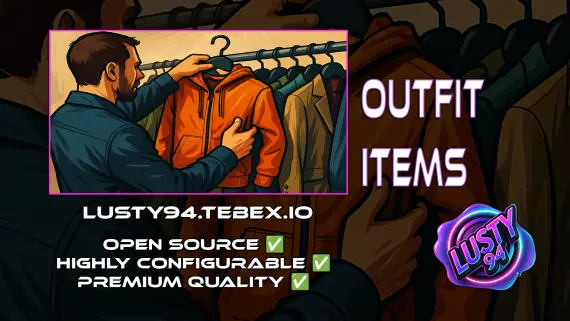
FiveM outfit items script with job and grade-based access, live character previews, and wearable inventory items that apply full uniforms instantly. QBCore, ox_inventory, ox_target ready.

 Popular
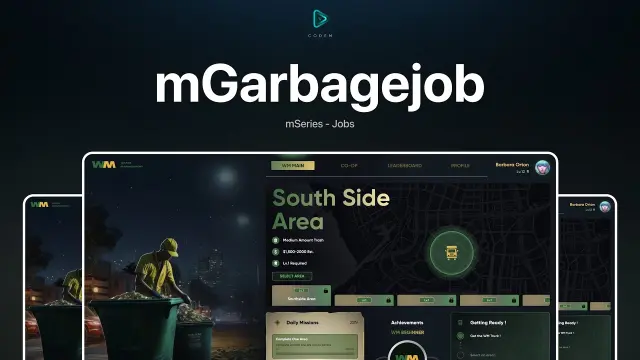

Server-side FiveM anticheat with 841 blocked models, multi-identifier banning, event protection, and entity spam limits. No client component. Framework-free. Refined over 5 years.
Custom-built QBCore full server with laser bank heists, four-game casino, PDM V3 MLO, police K9 unit, hunting, farming, fishing, and a configurable HUD — not another stock QBCore base.

QB Core V4 FiveM server on build 1.2.6 — crypto mining, gun dealer, black market, Cayo Island, PMA-voice, Discord webhooks, and a full civilian and criminal economy out of the box.
Gang Management Script UI is a FiveM resource for esx, qbcore, qbox servers. Review the product details, requirements, and compatibility notes before ordering.
Use the included files and documentation as the source of truth for installation, configuration, dependencies, and any stated performance information.