
- QBCore
- Qbox
QBCore Framework V3
Premade QBCore V3 FiveM server with custom EUP, Cayo Island, PMA-voice, MDT, advanced drug processing, and full civilian and criminal job coverage — immersion-ready on install.
$80.00

Shelved in ESX Scripts110 products on this shelf QBCore Scripts119 products on this shelf Qbox Scripts120 products on this shelf
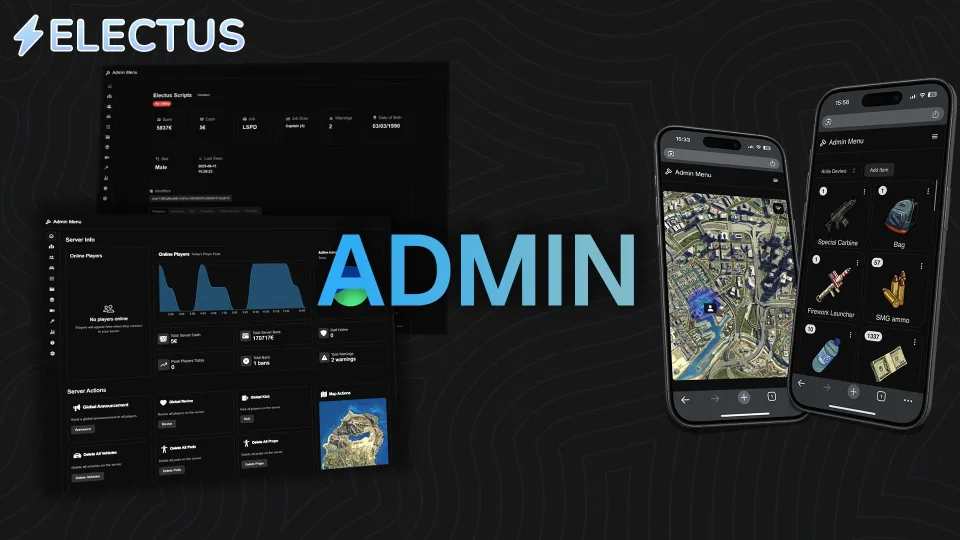
Electus Admin is an admin menu built for ESX, QB-Core, and QBOX servers, pairing in-game controls with browser and mobile access so staff can manage players without launching FiveM.
Idle resmon sits at 0.00ms, with resource updates and rewrites included for free.
Open the menu in-game using /adminmenu, or access it externally through the provided browser link.
resources directory.ensure line to server.cfg beneath ox_lib and oxmysql.ESX, QB-Core and QBOX are all supported, with ox_lib and oxmysql required alongside. Item handling covers ox_inventory, qs-inventory and qb-inventory.
Use the documentation included with the download as the final authority. This plan helps you prepare a rollback, install in the right order, and verify the resource before it reaches players.
Open the supplied documentation before moving files or changing the database. Build the install order from the package, not from assumptions.
Ready when Every dependency and required file has a place in your install plan.
Prepare the server so the change can be reversed cleanly if the resource conflicts with your current stack.
Ready when You can restore the previous database, files, and configuration.
Apply only the changes supplied for this resource, keeping dependency and startup order intact.
Ready when The resource starts without missing files, exports, tables, or dependencies.
Restart the test server, watch both server and client consoles, and exercise the resource before opening it to players.
Complete when The intended flow works twice with no new console errors.
Electus Admin
Contact support
Reviews are moderated before appearing. Purchased the product? Your review gets a VERIFIED badge automatically.
Premade QBCore V3 FiveM server with custom EUP, Cayo Island, PMA-voice, MDT, advanced drug processing, and full civilian and criminal job coverage — immersion-ready on install.
 Sale
Sale
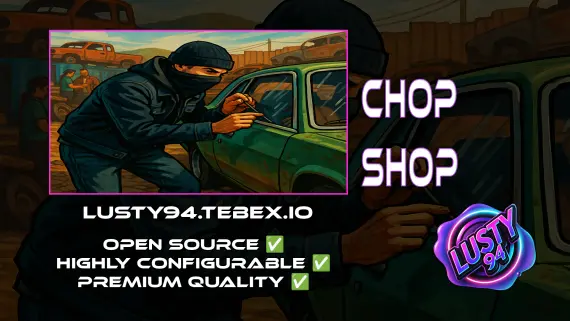
Free QBCore chop shop script with two mission types, reputation-gated export runs, configurable vehicle parts, NPC flatbed collection, and police dispatch integration — rated 4.11/5 by the community.

A fully free police MDT for FiveM with warrants, criminal records, vehicle database, auto nearest-player lookup, and five-language support. ESX, QBCore & Qbox. Rated 4.89/5.
 Sale
Sale
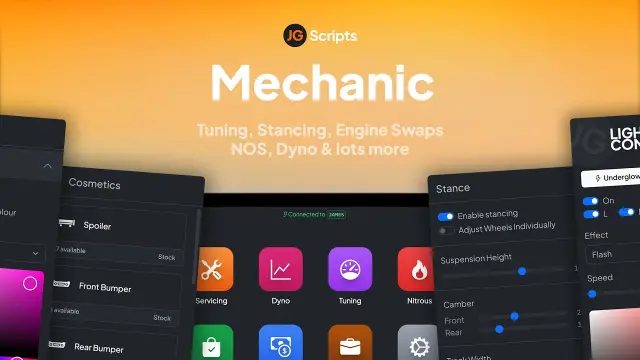
JG Mechanic gives FiveM servers a full RGB and chameleon respray system, OneSync-synced visuals, engine swaps, dyno testing, and mileage-based servicing at 0.0-0.1ms resmon on ESX, QBCore, and Qbox.

![Latest QBCore Framework V7 [NoPixel 4.0 Inspired]](/uploads/card/29d450513a2b02f57f656184ccb3ed97.webp) Sale
Sale
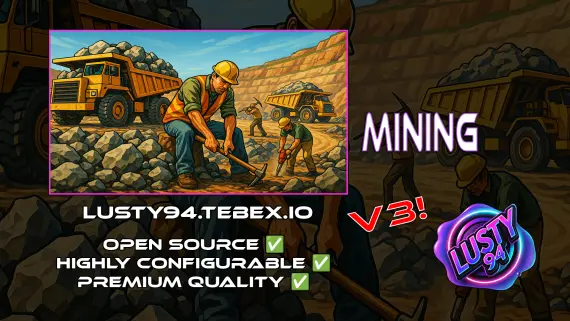
Free open source FiveM mining job for ESX, QBCore and Qbox — four-stage chain from raw rock to smelted ore to crafted jewelry, with tool durability, quests, coal delivery missions, and a live XP leaderboard.



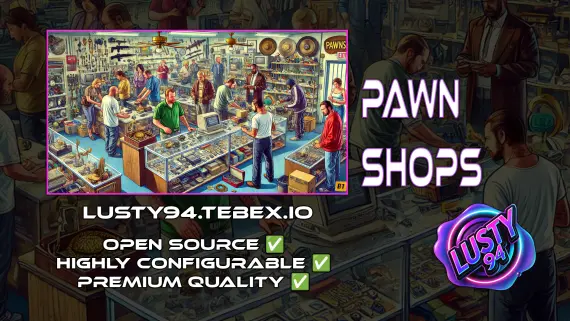
FiveM pawn shop script with dirty money payout routing, unlimited map locations, player-owned shop support, and anti-exploit event guards. QBCore, ESX, Qbox — configurable buy-sell economy in one resource.
Electus Admin is a FiveM resource for esx, qbcore, qbox servers. Review the product details, requirements, and compatibility notes before ordering.
Use the included files and documentation as the source of truth for installation, configuration, dependencies, and any stated performance information.