
 New
New
Animation Suggestions
Shelved in ESX Scripts110 products on this shelf QBCore Scripts119 products on this shelf Qbox Scripts120 products on this shelf
$8.00
Secure checkout by Tebex
Digital delivery after checkout
Tebex
Your Game Studio, Extended.
Overview
Reviews
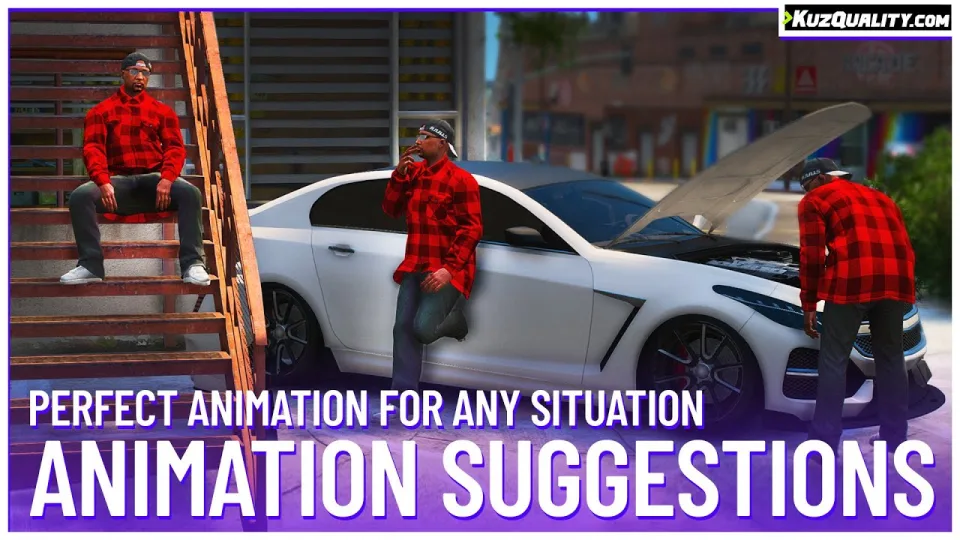
Animation Suggestions detects what your character is standing near or looking at and presents dynamic, contextual animations at the press of a key. The script automatically aligns players with nearby objects, synchronizes animations across all players, and requires no specific framework to run.
Specific Suggestion Types
- Prop Specific: Assign animations to specific props, such as sitting on a chair, searching trash cans, or holding a drink. Add as many prop pairings as needed.
- Location Specific: Define coordinates and a radius to trigger targeted animations inside spots like bars, clubs, or restaurants.
Trigger Events
- Greeting: Activates when looking at another player who has not been greeted in the last 15 minutes.
- Car Cheering: Activates when looking at a vehicle drifting or performing a burnout.
- Car Inspection: Activates when looking into an open hood or trunk.
- Showing Pain: Activates automatically whenever player health falls below 60%.
- Intimidation: Triggers intimidation gestures for a few seconds following melee combat.
- Sitting: Detects objects, stairs, or low walls behind the player below waist height.
- Leaning on a Bar: Detects surfaces directly in front of the player up to chest height.
- Lean: Detects solid objects or vehicles directly behind the player.
- Idle: Activates after the player remains stationary for 4 seconds or longer.
Features and Performance
- Simple Controls: Press a single keybind to execute the suggested animation, or walk away to cancel it immediately.
- Prop Spawning: Spawns and attaches relevant props or tools during the animation.
- Custom Triggers: Execute custom events when animations begin.
- Optimized Performance: Runs at 0.00 to 0.01 ms resmon while idle, and 0.01 to 0.03 ms when stationary near an active animation prompt.
- Universal Compatibility: Works standalone or alongside ESX, QBCore, Qbox, and vRP.
Requirements
No particular framework is needed: the script runs as-is, and ESX, QBCore and Qbox servers are all covered. Nothing else is listed alongside it, so there are no companion resources to install first.
Installation
- Copy the resource into
resources. - Add an
ensureline for it toserver.cfg. - Pair props with animations in the config — chairs, bins, drinks — and add as many pairings as you want offered.
- Define your location entries with their coordinates and radius, then turn the trigger events you want on or off: greetings, car cheering, showing pain, leaning and the rest.
- Restart the server, stand near a chair and look at another player to see both suggestion types appear.
Installation plan
Set up Animation Suggestions safely
Use the documentation included with the download as the final authority. This plan helps you prepare a rollback, install in the right order, and verify the resource before it reaches players.
- Resource type
- FiveM script
- Catalog category
- ESX Scripts
- Package source
- KuzQuality Tebex
-
Audit the package and requirements
Open the supplied documentation before moving files or changing the database. Build the install order from the package, not from assumptions.
- Identify the actual resource folder, required dependencies, and supported framework version.
- Locate any SQL, configuration examples, permissions, or optional integrations.
- Check whether the documentation requires a specific start order.
Ready when Every dependency and required file has a place in your install plan.
-
Create a rollback point
Prepare the server so the change can be reversed cleanly if the resource conflicts with your current stack.
- Keep an untouched copy of the downloaded package.
- Back up the database and every configuration file you will edit.
- Use a test server or schedule a maintenance window before changing production.
Ready when You can restore the previous database, files, and configuration.
-
Install in the documented order
Apply only the changes supplied for this resource, keeping dependency and startup order intact.
- Place the resource folder where your server loads resources, without renaming it unless instructed.
- Install dependencies first, then import included SQL once and review configuration values.
- Add the documented resource name to the server startup configuration after its dependencies.
Ready when The resource starts without missing files, exports, tables, or dependencies.
-
Verify the complete player flow
Restart the test server, watch both server and client consoles, and exercise the resource before opening it to players.
- Test the main workflow with an authorized player and a player without permission.
- Reconnect and restart once to confirm saved state and startup behavior.
- Review console output again before promoting the same configuration to production.
Complete when The intended flow works twice with no new console errors.
Support reference
Use the exact listing name when you contact support.
Animation Suggestions
Contact support
Animation Suggestions compatibility and specs
Category
Creator
Delivery
After checkout — order download link
Product terms
See product details — terms vary by resource
No reviews yet — be the first to write one.
Write a review
Reviews are moderated before appearing. Purchased the product? Your review gets a VERIFIED badge automatically.
[ You might also like ]
Related scripts
New

- ESX
- QBCore
- Qbox
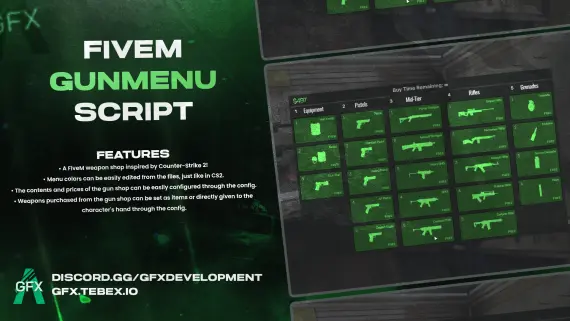
GFX GunMenu for FiveM
CS2-style FiveM gun menu with configurable colors, stock, and pricing. Delivers weapons to inventory or hand. Minimal setup. ESX, QBCore, Qbox and standalone compatible.
$10.00
- QBCore
- Qbox
Citation Script for Police Job
Turn police fines into real RP. This FiveM citation script creates physical inventory items documenting suspect details, charges, and fine amounts — with MDT integration and society account routing.
$15.00
- ESX
- QBCore
- Qbox
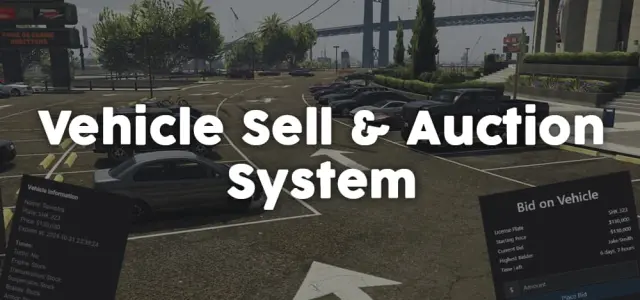
Vehicle Selling and Auction System
Player-to-player FiveM vehicle marketplace with fixed-price listings and timed auctions, real-time bidding, full mod spec preservation, dynamic lot entity management, and server-side validation. ESX, QBCore, Qbox.
$11.99
- ESX
- QBCore
- Qbox
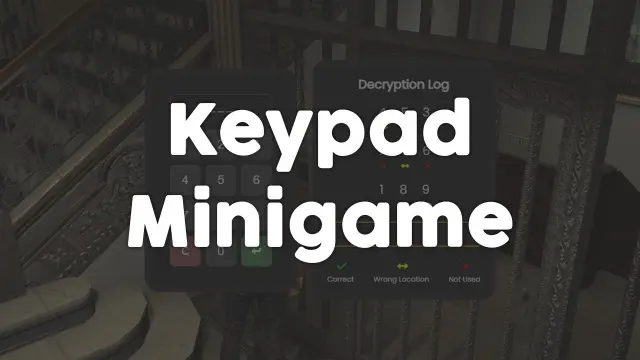
FREE Keypad Minigame
Free, unencrypted FiveM keypad minigame with configurable PIN length, attempt limits, and per-attempt feedback. Works standalone or with ESX, QBCore, and Qbox. Zero cost, full source.
FREE
- ESX
- QBCore
- Qbox
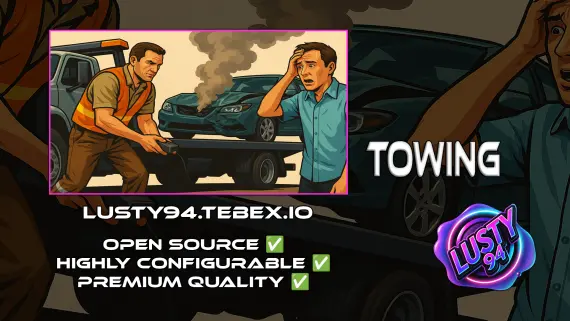
Free Towing Job Script
Free FiveM towing job script with NPC missions, player-to-player requests, /towbilling to society accounts with optional commission splits, and server-side anti-exploit distance checks. QBCore, ESX, Qbox.
FREE
About this FiveM script
Animation Suggestions is a FiveM resource for esx, qbcore, qbox servers. Review the product details, requirements, and compatibility notes before ordering.
Use the included files and documentation as the source of truth for installation, configuration, dependencies, and any stated performance information.