
- ESX
- QBCore
- Qbox
Optimized Anticheat FiveM
Server-side FiveM anticheat with 841 blocked models, multi-identifier banning, event protection, and entity spam limits. No client component. Framework-free. Refined over 5 years.
$9.00

Shelved in ESX Scripts110 products on this shelf QBCore Scripts119 products on this shelf Qbox Scripts120 products on this shelf

Target System Supported by Crafting Script
ox_target | qb-target
🌐 Features of FiveM Crafting Script :
🌍 Overview
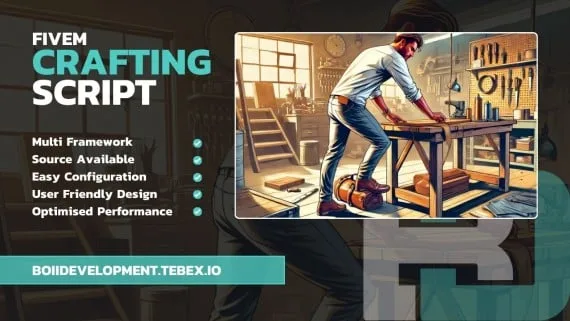
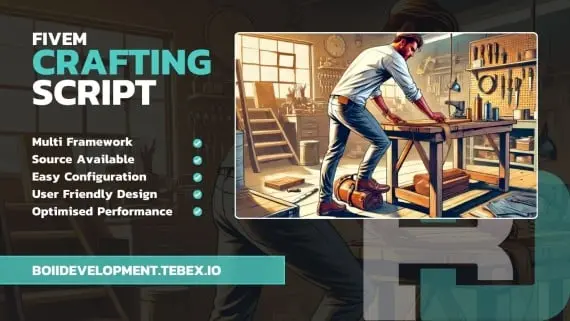
The script supports multiple frameworks out of the box and comes with a clean, responsive UI, making it easy to integrate and also easy for players to use.
This crafting script provides an immersive and flexible crafting experience for players, allowing them to create items based on their skills and the locations they access.
Introducing Crafting Ui Script!
Enjoy!
resources folder.ensure line to server.cfg, below your framework and your target resource.ESX, QBCore or Qbox, plus a supported target system. Both ox_target and qb-target are handled, so use whichever one your server already runs.
Use the documentation included with the download as the final authority. This plan helps you prepare a rollback, install in the right order, and verify the resource before it reaches players.
Open the supplied documentation before moving files or changing the database. Build the install order from the package, not from assumptions.
Ready when Every dependency and required file has a place in your install plan.
Prepare the server so the change can be reversed cleanly if the resource conflicts with your current stack.
Ready when You can restore the previous database, files, and configuration.
Apply only the changes supplied for this resource, keeping dependency and startup order intact.
Ready when The resource starts without missing files, exports, tables, or dependencies.
Restart the test server, watch both server and client consoles, and exercise the resource before opening it to players.
Complete when The intended flow works twice with no new console errors.
Crafting Ui Script
Contact support
Reviews are moderated before appearing. Purchased the product? Your review gets a VERIFIED badge automatically.
Server-side FiveM anticheat with 841 blocked models, multi-identifier banning, event protection, and entity spam limits. No client component. Framework-free. Refined over 5 years.
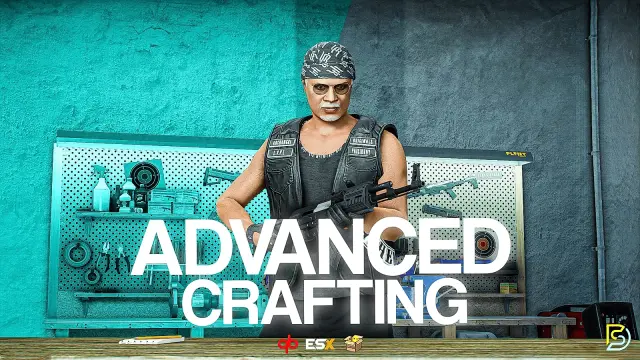
Samuel’s Advanced Crafting delivers branching tech trees, placeable persisted workbenches, blueprint durability, shared crew queues, and 11+ inventory integrations for ESX, QBCore, and QBox at under 0.01ms resmon.
 New
New
Free FiveM tackle script with 0.00ms idle and 0.03ms active cost. Hold G to sprint, release to lunge — contact required to ragdoll a player. Standalone, unencrypted, ESX/QBCore/Qbox/Gamzky compatible.
 New
New


Free, open-source FiveM drone script with full controller support, Fivemanage aerial screenshots, night vision, configurable HUD, and signal-loss mechanics. ESX, QBCore & Qbox ready.

FiveM electrician job with a 4×4 circuit-board puzzle, randomized fusebox dispatch, auto-detecting ESX and QBCore support, and a verified 0.00ms active resmon — white-collar civilian work at £5.99.
 Sale
Sale
 Sale
Sale
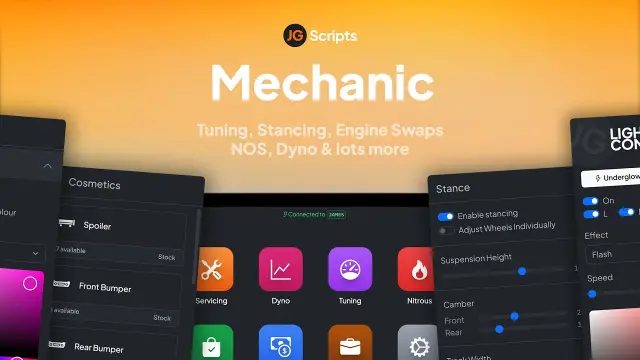
JG Mechanic gives FiveM servers a full RGB and chameleon respray system, OneSync-synced visuals, engine swaps, dyno testing, and mileage-based servicing at 0.0-0.1ms resmon on ESX, QBCore, and Qbox.


A multiplayer-synchronised FiveM wheel boot script with real steering restriction, optional wheel-damage physics, lockpick removal, and 0.00ms idle. ESX, QBCore, and Qbox compatible.
Crafting Ui Script is a FiveM resource for esx, qbcore, qbox servers. Review the product details, requirements, and compatibility notes before ordering.
Use the included files and documentation as the source of truth for installation, configuration, dependencies, and any stated performance information.