
Real Car Radio Script
Shelved in ESX Scripts110 products on this shelf QBCore Scripts119 products on this shelf Qbox Scripts120 products on this shelf
$15.00
Secure checkout by Tebex
Digital delivery after checkout
Tebex
Your Game Studio, Extended.
Overview
Reviews
Real Car Radio Script
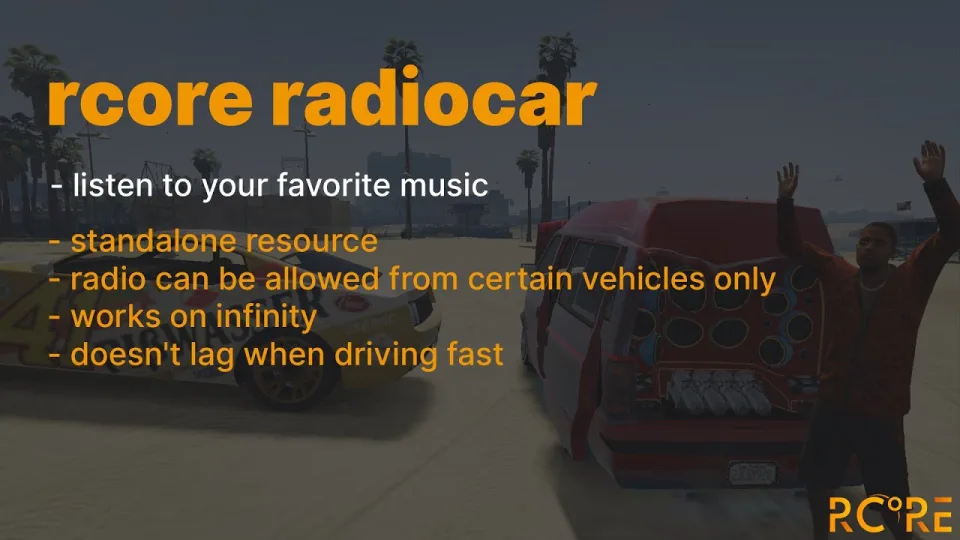
Play YouTube music and direct audio files like MP3 or OGG inside any vehicle in FiveM. Stream old-school rap or rock songs for yourself and everyone near your car, change the current playback time, and save your favorite tracks to specific vehicles to play them on repeat.
Music options
- Change the current playback time of the music
- Play YouTube links or direct audio links including mp3 and OGG formats
- Create a default music list in the vehicle config file
- Store individual tracks in specific vehicles by player choice
Configurable parts
- Lock radio access to specific ACE permissions only
- Set custom audio ranges per vehicle model, such as the default 100 meters for the pbus2
- Adjust hearing distance based on whether vehicle doors are open or closed
- Ignore audio effects for certain vehicle models and interior IDs
- Restrict radio operation to specific vehicle seats like driver or passenger
- Trigger the radio using either a command or a hotkey
- Disable entire vehicle categories including boats and planes
- Blacklist specific vehicles from opening the radio interface
- Block specific tracks using a music blacklist
- Require a physical item or fall back to a direct command
- Send Discord webhooks for logging
Sound system supported
- mx-surround
- high_3dsound
- xsound
Framework supported
Audio is reacting to the surrounding
- A great addition for your mechanic for more roleplay situations
- Simple marker in a game that can be locked for specific jobs or open for everyone
Dependency
- onesync
Installation Steps
- Move the resource folder into
resourceson your server. - Add an
ensureline for it toserver.cfg. - In the config, pick the sound system you already run — mx-surround, high_3dsound or xsound — and set your default audio ranges.
- Decide whether the radio opens on a command or a hotkey and whether it needs an item, then set the ACE permissions you want it behind.
- Restart the server and test playback from a vehicle with a second player standing nearby.
Installation plan
Set up Real Car Radio Script safely
Use the documentation included with the download as the final authority. This plan helps you prepare a rollback, install in the right order, and verify the resource before it reaches players.
- Resource type
- FiveM script
- Catalog category
- ESX Scripts
- Package source
- RCore
-
Audit the package and requirements
Open the supplied documentation before moving files or changing the database. Build the install order from the package, not from assumptions.
- Identify the actual resource folder, required dependencies, and supported framework version.
- Locate any SQL, configuration examples, permissions, or optional integrations.
- Check whether the documentation requires a specific start order.
Ready when Every dependency and required file has a place in your install plan.
-
Create a rollback point
Prepare the server so the change can be reversed cleanly if the resource conflicts with your current stack.
- Keep an untouched copy of the downloaded package.
- Back up the database and every configuration file you will edit.
- Use a test server or schedule a maintenance window before changing production.
Ready when You can restore the previous database, files, and configuration.
-
Install in the documented order
Apply only the changes supplied for this resource, keeping dependency and startup order intact.
- Place the resource folder where your server loads resources, without renaming it unless instructed.
- Install dependencies first, then import included SQL once and review configuration values.
- Add the documented resource name to the server startup configuration after its dependencies.
Ready when The resource starts without missing files, exports, tables, or dependencies.
-
Verify the complete player flow
Restart the test server, watch both server and client consoles, and exercise the resource before opening it to players.
- Test the main workflow with an authorized player and a player without permission.
- Reconnect and restart once to confirm saved state and startup behavior.
- Review console output again before promoting the same configuration to production.
Complete when The intended flow works twice with no new console errors.
Support reference
Use the exact listing name when you contact support.
Real Car Radio Script
Contact support
Real Car Radio Script compatibility and specs
Category
Creator
Delivery
After checkout — order download link
Product terms
See product details — terms vary by resource
No reviews yet — be the first to write one.
Write a review
Reviews are moderated before appearing. Purchased the product? Your review gets a VERIFIED badge automatically.
[ You might also like ]
Related scripts

- QBCore
- Qbox
Citation Script for Police Job
Turn police fines into real RP. This FiveM citation script creates physical inventory items documenting suspect details, charges, and fine amounts — with MDT integration and society account routing.
$15.00
 New
New
 Sale
Sale
 Popular
- ESX
- QBCore
- Qbox
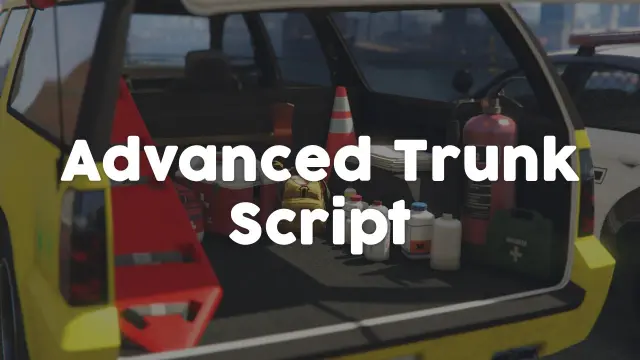
Police Vehicle Trunk
Give FiveM officers a proper equipment trunk — visual prop layout, per-vehicle item config, clothing slots, job-gated access, and 0.03ms active usage. ESX, QBCore & Qbox.
$10.00

- ESX
- QBCore
- Qbox
Smash N Grab 2.0
FiveM car looting script letting players raid NPC vehicles with seat-based loot placement, configurable odds by vehicle class, minigame break-ins, NPC reactions, and police dispatch — no entity limit impact.
$9.99
- ESX
- QBCore
- Qbox
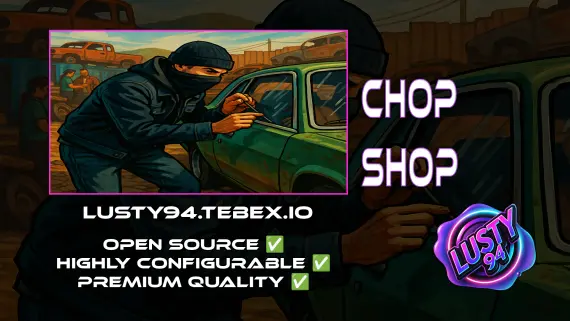
FREE Chop Shop
Free QBCore chop shop script with two mission types, reputation-gated export runs, configurable vehicle parts, NPC flatbed collection, and police dispatch integration — rated 4.11/5 by the community.
FREE
 Sale
Sale
About this FiveM script
Real Car Radio Script is a FiveM resource for esx, qbcore, qbox servers. Review the product details, requirements, and compatibility notes before ordering.
Use the included files and documentation as the source of truth for installation, configuration, dependencies, and any stated performance information.