

NEW
Graffiti/Spray Anything on Walls V2
Shelved in ESX Scripts110 products on this shelf QBCore Scripts119 products on this shelf Qbox Scripts120 products on this shelf Tebex FREE Scripts23 products on this shelf
FREE
Secure checkout by Tebex
Digital delivery after checkout
Tebex
Your Game Studio, Extended.
Overview
Reviews
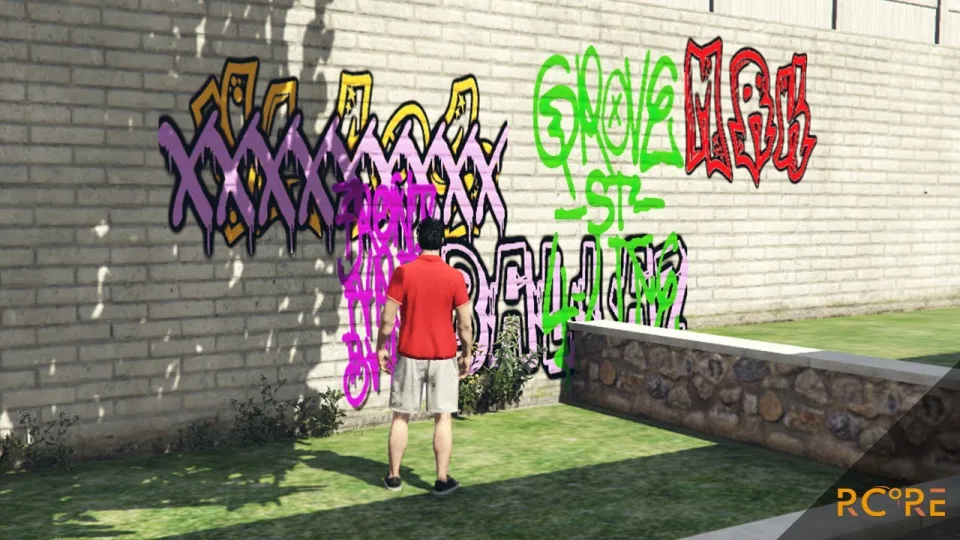
RCore Graffiti Script V2
Tag walls, ground, and buildings anywhere across Los Santos using the spray inventory item or /spray command to open the spray menu. Sprays persist across server restarts for a configurable duration until they expire or players wipe them clean using a spray_remover item.
Paint custom text or custom predefined images onto any surface in real time. The script works out of the box with ESX and QBCore, and integrates directly with RCore Gang System with Turf Wars.
Features
- Inventory items: use
sprayto tag surfaces andspray_removerto clear them. - Typography & color: 9 preconfigured fonts with an unlimited color picker and scalable text or image sizing.
- Custom assets: easily upload your own server images and add custom fonts.
- Persistence & performance: tags survive restarts, displaying up to 10 sprays on screen at once while remaining unlimited map-wide.
- Content moderation: built in word blacklist to block prohibited words.
- OneSync support: compatible with OneSync and OneSync Infinity.
- Framework compatibility: works out of the box with ESX and QBCore, with most source code unencrypted for adjustments.
Installation
- Place the resource in your
resourcesfolder and add anensureline for it toserver.cfg. - Add the
sprayandspray_removeritems to your inventory so players can carry them. - In the config, set how long tags survive before they expire and fill in the blacklisted words.
- Upload any server images or extra fonts you want offered in the spray menu.
- Restart and test with the
/spraycommand.
Requirements
ESX and QBCore are supported out of the box, and it runs on Qbox as well. Nothing further is needed: OneSync and OneSync Infinity are both handled, and most of the source is left unencrypted if you want to adjust behaviour yourself.
Installation plan
Set up Graffiti/Spray Anything on Walls V2 safely
Use the documentation included with the download as the final authority. This plan helps you prepare a rollback, install in the right order, and verify the resource before it reaches players.
- Resource type
- FiveM script
- Catalog category
- ESX Scripts
- Package source
- RCore
-
Audit the package and requirements
Open the supplied documentation before moving files or changing the database. Build the install order from the package, not from assumptions.
- Identify the actual resource folder, required dependencies, and supported framework version.
- Locate any SQL, configuration examples, permissions, or optional integrations.
- Check whether the documentation requires a specific start order.
Ready when Every dependency and required file has a place in your install plan.
-
Create a rollback point
Prepare the server so the change can be reversed cleanly if the resource conflicts with your current stack.
- Keep an untouched copy of the downloaded package.
- Back up the database and every configuration file you will edit.
- Use a test server or schedule a maintenance window before changing production.
Ready when You can restore the previous database, files, and configuration.
-
Install in the documented order
Apply only the changes supplied for this resource, keeping dependency and startup order intact.
- Place the resource folder where your server loads resources, without renaming it unless instructed.
- Install dependencies first, then import included SQL once and review configuration values.
- Add the documented resource name to the server startup configuration after its dependencies.
Ready when The resource starts without missing files, exports, tables, or dependencies.
-
Verify the complete player flow
Restart the test server, watch both server and client consoles, and exercise the resource before opening it to players.
- Test the main workflow with an authorized player and a player without permission.
- Reconnect and restart once to confirm saved state and startup behavior.
- Review console output again before promoting the same configuration to production.
Complete when The intended flow works twice with no new console errors.
Support reference
Use the exact listing name when you contact support.
Graffiti/Spray Anything on Walls V2
Contact support
Graffiti/Spray Anything on Walls V2 compatibility and specs
Category
Creator
Delivery
After checkout — order download link
Product terms
See product details — terms vary by resource
No reviews yet — be the first to write one.
Write a review
Reviews are moderated before appearing. Purchased the product? Your review gets a VERIFIED badge automatically.
[ You might also like ]
Related scripts
 New
New
- ESX
- QBCore
- Qbox
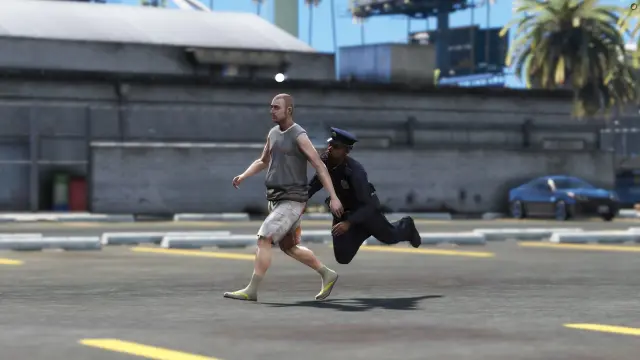
FREE Tackle Script
Free FiveM tackle script with 0.00ms idle and 0.03ms active cost. Hold G to sprint, release to lunge — contact required to ragdoll a player. Standalone, unencrypted, ESX/QBCore/Qbox/Gamzky compatible.
FREE

- ESX
- QBCore
- Qbox
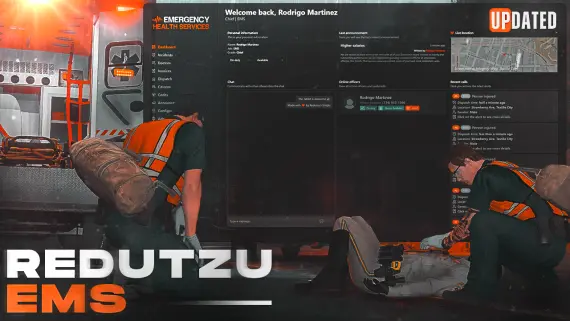
FREE MDT for Police
A fully free police MDT for FiveM with warrants, criminal records, vehicle database, auto nearest-player lookup, and five-language support. ESX, QBCore & Qbox. Rated 4.89/5.
FREE
 Sale
Sale
- ESX
- QBCore
- Qbox
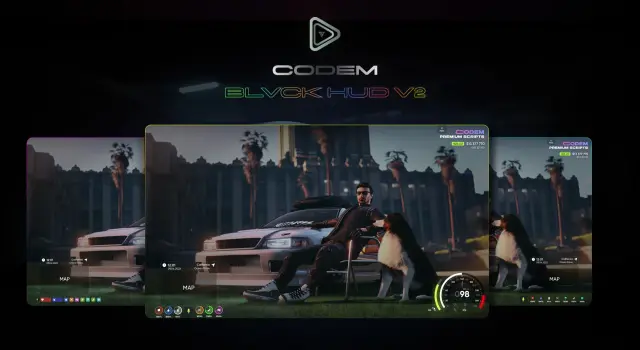
BLVCK HUD V2
BLVCK HUD V2 delivers three switchable HUD styles, server-synced nitro visible to all nearby players, cinematic mode, and an optional stress system for ESX, QBCore, and Qbox servers.
$5.00
- ESX
- QBCore
- Qbox
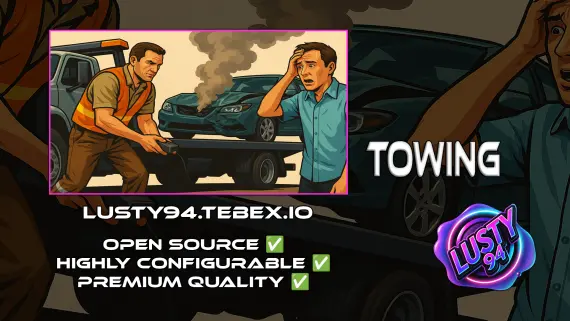
Free Towing Job Script
Free FiveM towing job script with NPC missions, player-to-player requests, /towbilling to society accounts with optional commission splits, and server-side anti-exploit distance checks. QBCore, ESX, Qbox.
FREE
- QBCore
- Qbox
FREE Admin Menu
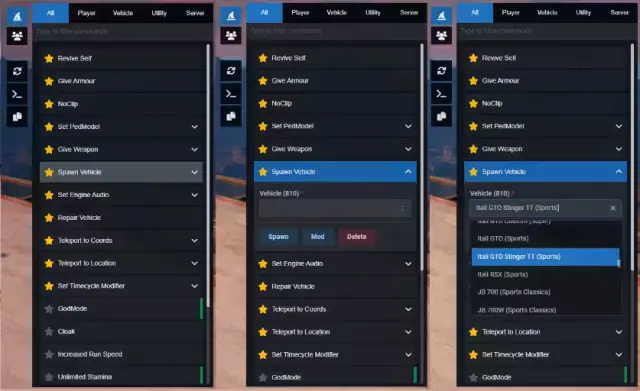
A free React 18 FiveM admin menu with live player headshots, searchable commands, 700+ timecycles, 3000+ vehicles, and ACE permission support. QBCore, ESX & standalone.
FREE
 Sale
Sale
About this FiveM script
Graffiti/Spray Anything on Walls V2 is a FiveM resource for esx, qbcore, qbox servers. Review the product details, requirements, and compatibility notes before ordering.
Use the included files and documentation as the source of truth for installation, configuration, dependencies, and any stated performance information.