
 Sale
Sale
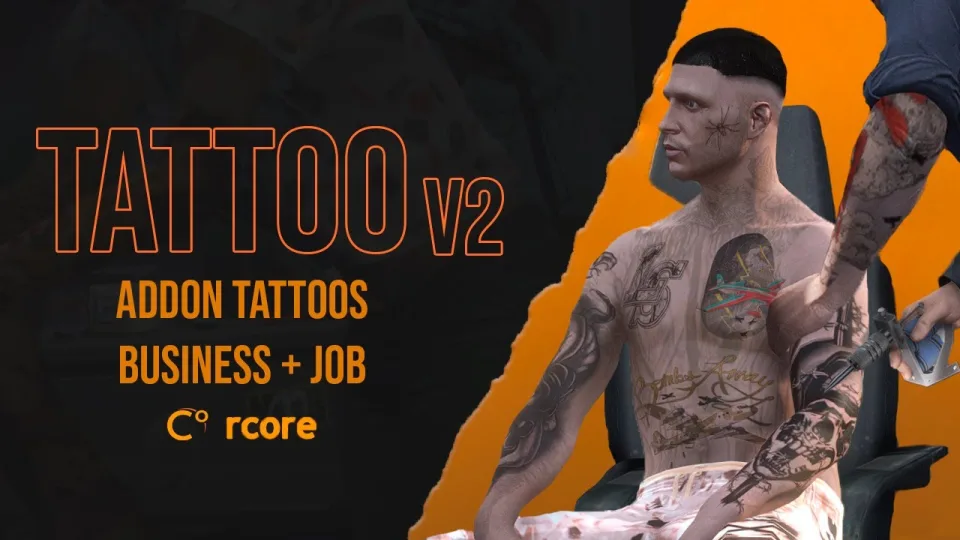
RCore Tattoo Shop Script
Shelved in ESX Scripts110 products on this shelf QBCore Scripts119 products on this shelf Qbox Scripts120 products on this shelf
$10.00
Secure checkout by Tebex
Digital delivery after checkout
Tebex
Your Game Studio, Extended.
Overview
Reviews
RCore Tattoo Shop Script
Navigate through an interactive menu to pick a body part before choosing a design, backed by a modern UI with 6 predefined design variants or custom layouts.
👹 Addon tattoos
Create tattoos from .png images with few simple steps. The script contains all tattoos from the latest DLCs, alongside support for addon tattoos using an included generator.
🕵️♂️ Restricted tattoos
Make specific tattoos available only to certain jobs or people, letting gangs secure distinctive ink.
⏱ Temporary Tattoos (Henna)
Use special henna tattoos that automatically disappear after some time, letting players alter their appearance temporarily for jobs.
🤑 Ownable Business
Run an ownable business where you earn money from each tattoo sold. ESX and QBCore integrations add employees and a tattooing minigame for working on other players, while a simpler standalone mode runs without employees.
💾 Migrations :
The script works standalone with out-of-the-box framework integrations for ESX and QB, plus an API with important events for custom framework adaptation. Built-in migration tools convert existing player tattoos from other popular tattoo scripts.
Setup and Installation
- Drop the resource folder into your server's
resourcesdirectory. - Add an
ensureentry for it inserver.cfg. - Restart the server, then open the shop menu in game to confirm the UI loads.
- If you plan to use addon tattoos, prepare them with the included generator before going live.
Requirements
The script works standalone, with out-of-the-box integrations for ESX and QBCore and support for Qbox. Nothing else has to be installed alongside it, and a server on another core can drive it through the included API events instead.
Installation plan
Set up RCore Tattoo Shop Script safely
Use the documentation included with the download as the final authority. This plan helps you prepare a rollback, install in the right order, and verify the resource before it reaches players.
- Resource type
- FiveM script
- Catalog category
- ESX Scripts
- Package source
- RCore
-
Audit the package and requirements
Open the supplied documentation before moving files or changing the database. Build the install order from the package, not from assumptions.
- Identify the actual resource folder, required dependencies, and supported framework version.
- Locate any SQL, configuration examples, permissions, or optional integrations.
- Check whether the documentation requires a specific start order.
Ready when Every dependency and required file has a place in your install plan.
-
Create a rollback point
Prepare the server so the change can be reversed cleanly if the resource conflicts with your current stack.
- Keep an untouched copy of the downloaded package.
- Back up the database and every configuration file you will edit.
- Use a test server or schedule a maintenance window before changing production.
Ready when You can restore the previous database, files, and configuration.
-
Install in the documented order
Apply only the changes supplied for this resource, keeping dependency and startup order intact.
- Place the resource folder where your server loads resources, without renaming it unless instructed.
- Install dependencies first, then import included SQL once and review configuration values.
- Add the documented resource name to the server startup configuration after its dependencies.
Ready when The resource starts without missing files, exports, tables, or dependencies.
-
Verify the complete player flow
Restart the test server, watch both server and client consoles, and exercise the resource before opening it to players.
- Test the main workflow with an authorized player and a player without permission.
- Reconnect and restart once to confirm saved state and startup behavior.
- Review console output again before promoting the same configuration to production.
Complete when The intended flow works twice with no new console errors.
Support reference
Use the exact listing name when you contact support.
RCore Tattoo Shop Script
Contact support
RCore Tattoo Shop Script compatibility and specs
Category
Creator
Delivery
After checkout — order download link
Product terms
See product details — terms vary by resource
No reviews yet — be the first to write one.
Write a review
Reviews are moderated before appearing. Purchased the product? Your review gets a VERIFIED badge automatically.
[ You might also like ]
Related scripts
Sale
 Sale
Sale
 Sale
Sale

 Sale
Sale

- ESX
- QBCore
- Qbox
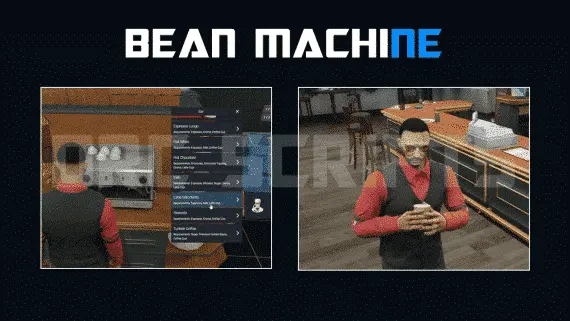
DRC Beanmachine Job
DRC Bean Machine brings a NoPixel-inspired coffee shop job to ESX, QBCore, and Qbox with 57 interactive items, multi-step cooking, 40 delivery routes, and a full boss management suite.
$10.00

- ESX
- QBCore
- Qbox
Brake Overheating
Realistic brake heat mechanics for FiveM — temperature-based brake fade, synchronized caliper glow, and brake upgrade integration. Standalone compatible, 0.00ms idle, works on all vehicles including mods.
$9.00

- ESX
- QBCore
- Qbox
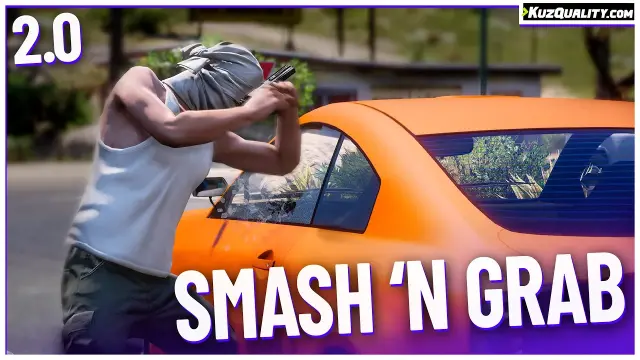
Smash N Grab 2.0
FiveM car looting script letting players raid NPC vehicles with seat-based loot placement, configurable odds by vehicle class, minigame break-ins, NPC reactions, and police dispatch — no entity limit impact.
$9.99
About this FiveM script
RCore Tattoo Shop Script is a FiveM resource for esx, qbcore, qbox servers. Review the product details, requirements, and compatibility notes before ordering.
Use the included files and documentation as the source of truth for installation, configuration, dependencies, and any stated performance information.