
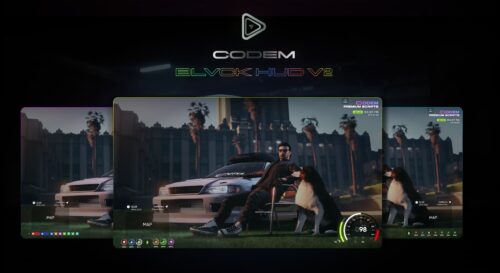
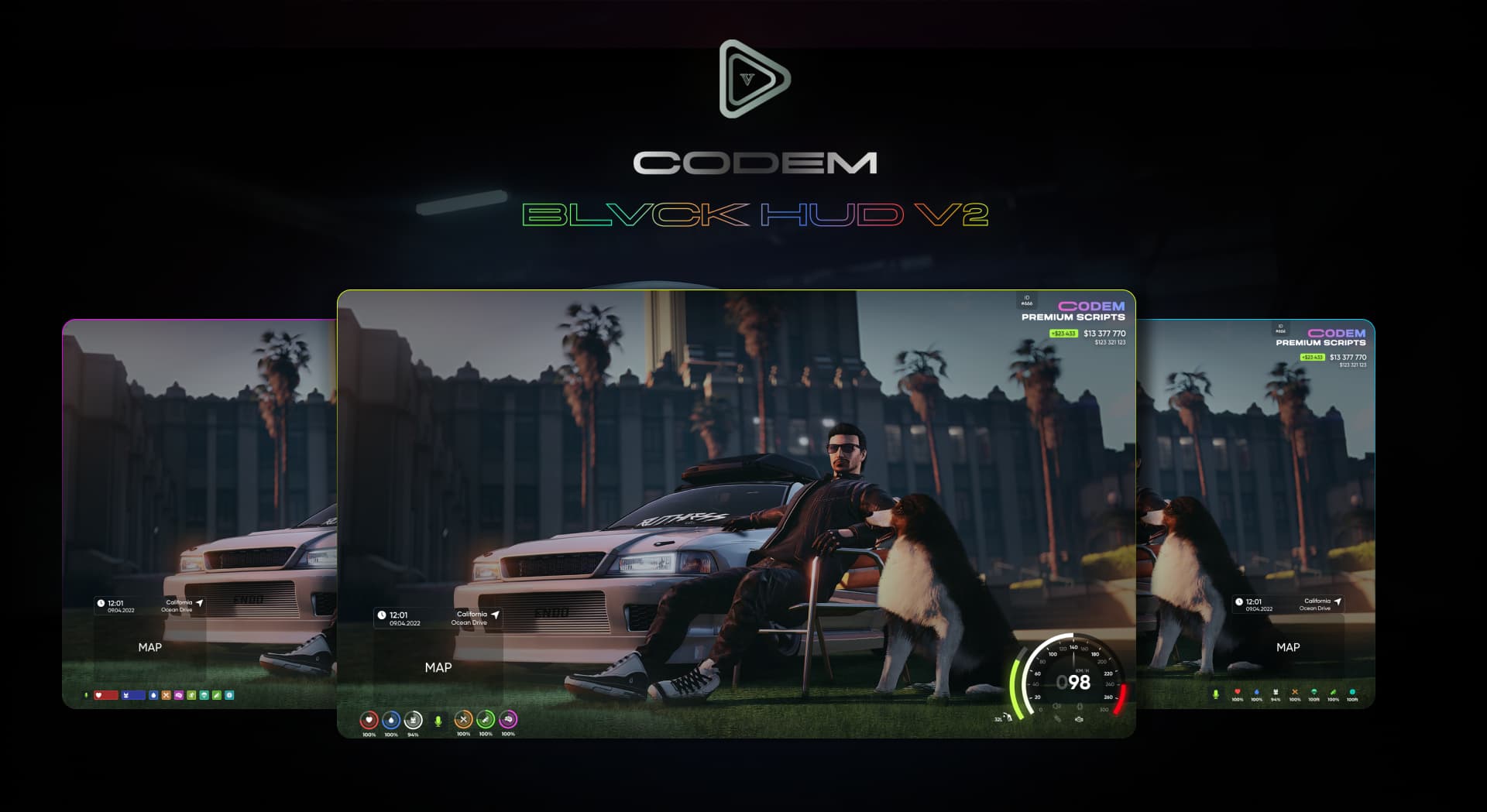
Most FiveM HUD scripts solve a display problem. BLVCK HUD V2 goes a step further by wiring the nitro system to the server, so every player nearby sees the same boost effect at the same time — no desync, no one-sided visuals. That multiplayer nitro synchronisation is the feature that separates it from the pile of single-player-style HUD replacements cluttering the market.
BLVCK HUD V2 Features
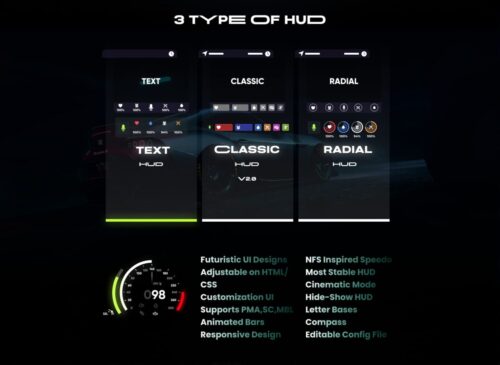
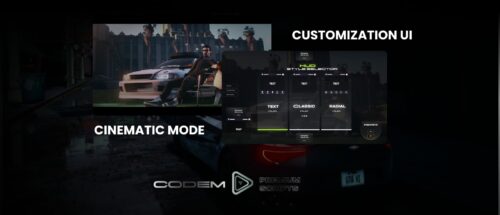
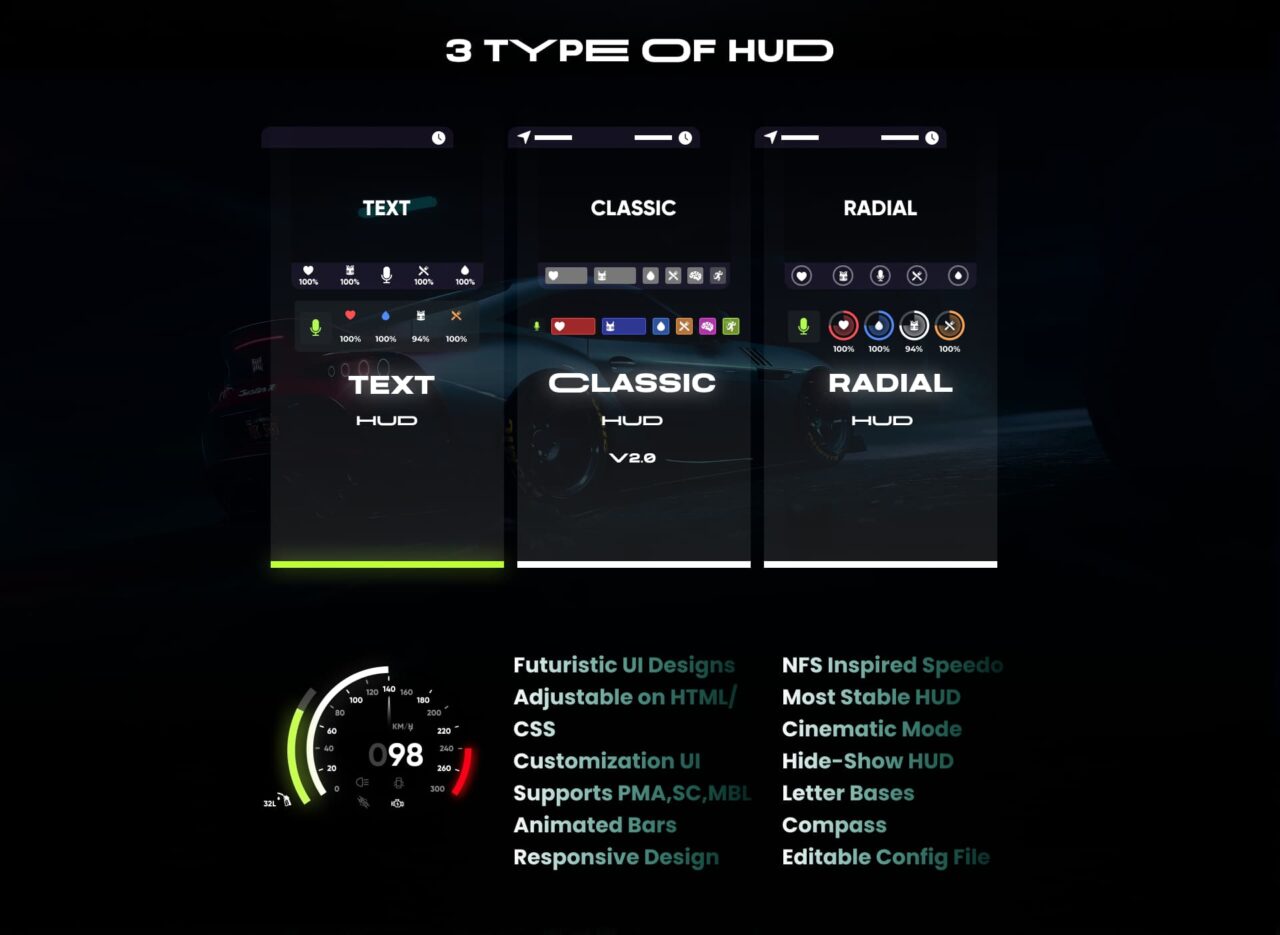
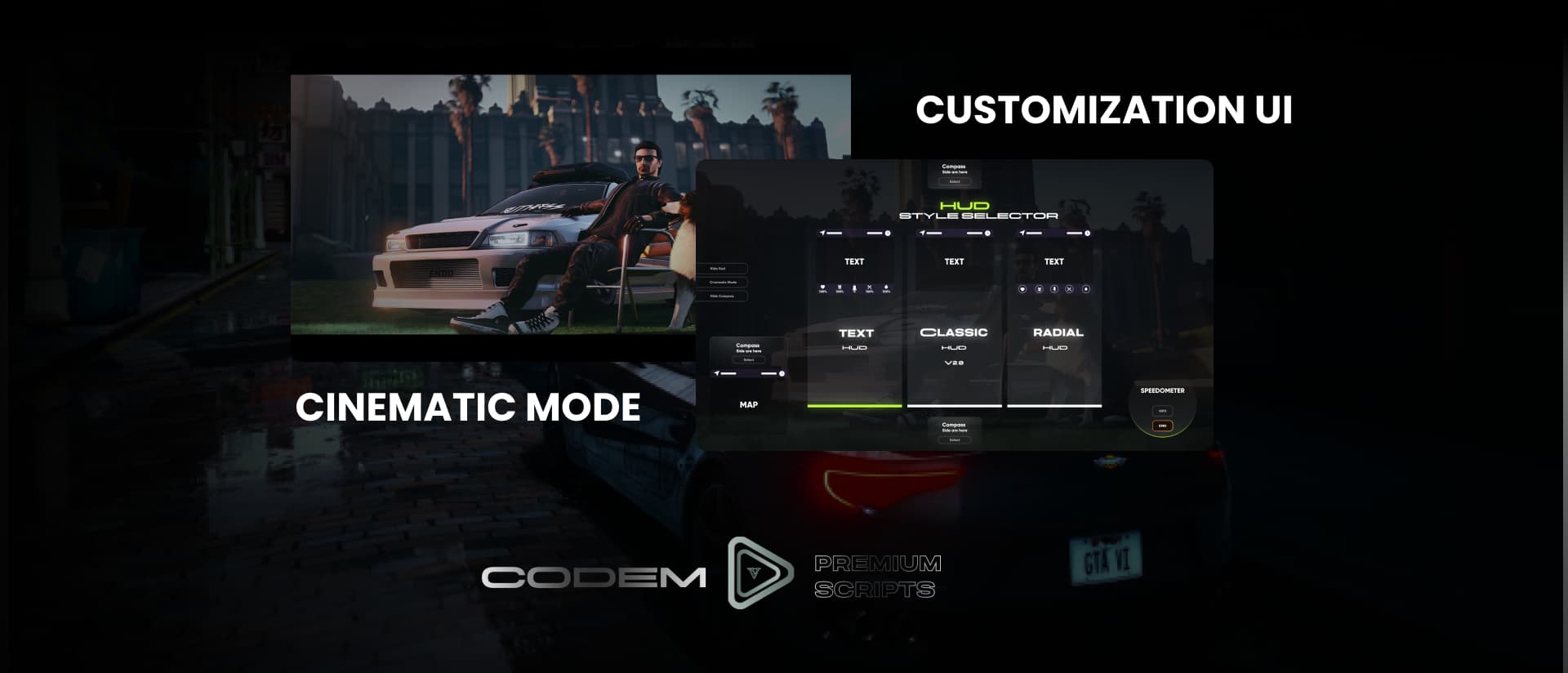
Players pick from three distinct HUD layouts through the in-game settings menu, so the look fits the server theme without requiring config file edits between restarts. The nitro system is fully synced across connected players via server-side state — if you’re boosting past someone, they’ll see it register correctly. Cinematic mode collapses the interface for clean screenshot sessions or immersive low-action roleplay without permanently toggling the HUD off.
- Three selectable HUD styles switchable per player in-game
- Server-side synchronised nitro system — visible to all nearby players
- Cinematic mode for clean screenshots and immersive RP scenes
- Engine on/off toggle integrated directly into the HUD
- Optional built-in stress system (enable or disable in config)
- Full HUD hide toggle for situations where the interface isn’t needed
- Optimised resource footprint suitable for high-population servers
Framework Compatibility
BLVCK HUD V2 is built by CodeM and supports ESX, QBCore, and Qbox out of the box. Installation is straightforward — drop it into your resources folder, add it to server.cfg, and configure the optional stress system toggle if your server already handles stress elsewhere.
Why This HUD Earns Its Place
At £5 this is a low-risk addition that punches above its price. The HUD itself covers the essentials cleanly, but the multiplayer-synced nitro is the real selling point — racing servers and car-meet communities get a feature that most free HUD scripts simply don’t offer. If players on your server are into car culture at all, the visible nitro sync alone is worth the cost of entry.




Casimir Jones (verified owner) –
BLVCK HUD V2 is an absolute game changer for my server. The ability for players to choose between three different styles is a great touch, and the synchronized nitro system works flawlessly. I also really appreciate the built-in stress system and cinematic mode. Highly recommended for anyone looking for a clean, feature-rich HUD!
James Clark (verified owner) –
BLVCK HUD V2 is a solid addition to our server. The three different HUD styles give players great variety, and the synchronized nitro system works flawlessly. I really appreciate the cinematic mode for taking screenshots. It took a little bit of time to configure everything perfectly, but it’s overall a great resource.
Quanisha Doldren (verified owner) –
This is easily one of the best HUD scripts I’ve used for FiveM. The cinematic mode is a great touch for screenshots, and the customizability with the three different styles is top-notch. Everything is optimized and was very easy to set up. Definitely worth every penny!
Lizzie Delaney (verified owner) –
I just installed BLVCK HUD V2 on my server and it’s fantastic. The three different HUD options allow my players to customize their look, and the synchronized nitro system works perfectly. It’s very polished and the cinematic mode is a great touch for screenshots. Highly recommended for anyone looking for a clean UI.
Alessandro Capparelli (verified owner) –
This HUD is absolutely amazing and works perfectly on my server. I love that players can choose between three different styles to customize their experience. The synced nitro system is a great touch and adds a lot of realism to the driving. Highly recommended for anyone looking to upgrade their UI!