Paleto Bay Bank MLO for FiveM Robberies
The Blaine County branch in Paleto Bay — a compact banking hall and vault an hour from the nearest real police response.
$15.00

A penitentiary players stay logged in for: processed at intake, housed on a block, fed, visited and treated without leaving the fence.
Locking a player up is easy. Keeping them logged in for the whole sentence is the hard part, and that comes down entirely to whether the prison is somewhere to be or just a fenced-off waiting room.
This build treats Bolingbroke as a sequence rather than a single room. A new arrival is processed at intake, put in a cell, eats in the canteen, sees family across the visitation table, and gets patched up in the infirmary when the yard goes badly. Each of those is its own space, which is what turns a countdown into something with chapters.
Every one of those rooms is a coordinate a jail script can use: where the sentence starts, where the player spawns, where meals happen, where visitors are allowed in. They also hand a corrections whitelist something to do, which is rarer than it should be — most whitelisted departments spend a shift waiting for a call, and this one opens with a population to manage.
The penitentiary is map data and nothing else, so whichever core your city runs, the install is the same drop into your resources folder. Two folders come down: the prison, and the map data bundle every build in this family expects.
Use the documentation included with the download as the final authority. This plan helps you prepare a rollback, install in the right order, and verify the resource before it reaches players.
Open the supplied documentation before moving files or changing the database. Build the install order from the package, not from assumptions.
Ready when Every dependency and required file has a place in your install plan.
Prepare the server so the change can be reversed cleanly if the resource conflicts with your current stack.
Ready when You can restore the previous database, files, and configuration.
Apply only the changes supplied for this resource, keeping dependency and startup order intact.
Ready when The resource starts without missing files, exports, tables, or dependencies.
Restart the test server, watch both server and client consoles, and exercise the resource before opening it to players.
Complete when The intended flow works twice with no new console errors.
Bolingbroke Prison MLO for FiveM Jail RP
Contact support
Reviews are moderated before appearing. Purchased the product? Your review gets a VERIFIED badge automatically.
The Blaine County branch in Paleto Bay — a compact banking hall and vault an hour from the nearest real police response.

Downtown's bank, fully enterable, from the teller counters to a vault door your heist script controls.
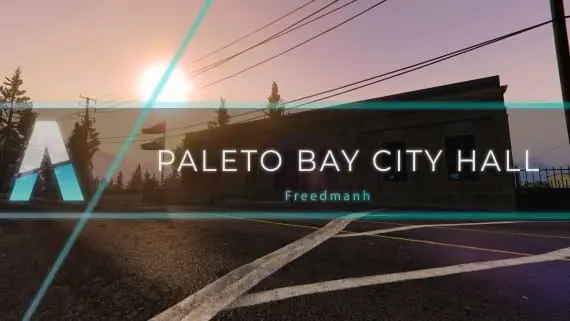
Civic premises for Paleto Bay: somewhere licences, hearings and small-town politics can happen away from the city.
Davis firehouse with an apparatus bay downstairs and bunks, kitchen, day room and the chief's office above it.
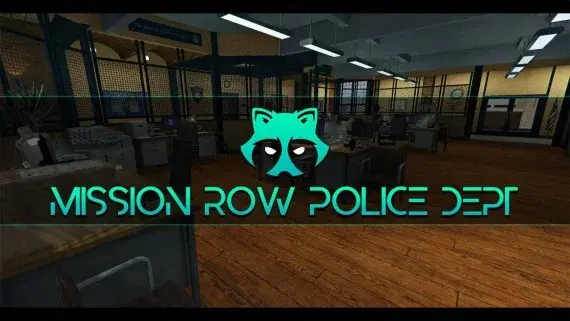
The whole Mission Row station opens up — lobby, booking desk, cells, evidence, armoury and a rooftop helipad.
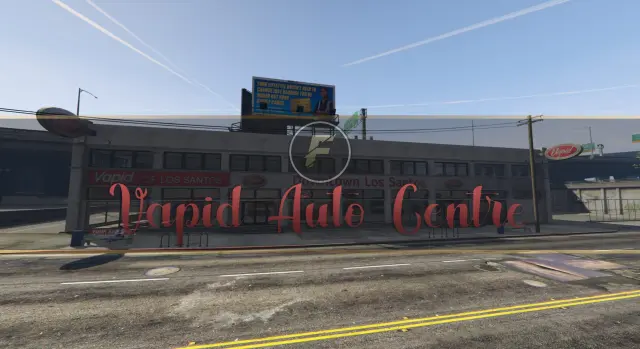
A downtown Los Santos auto centre with floor space for dealers to work and buyers to browse.
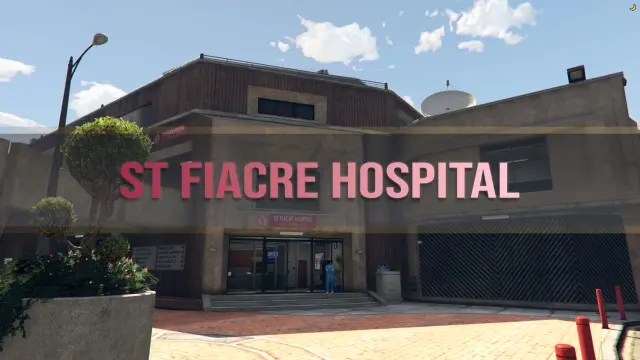
A two-floor medical centre with wards, three receptions, department offices, a gym, meeting rooms and its own garage.
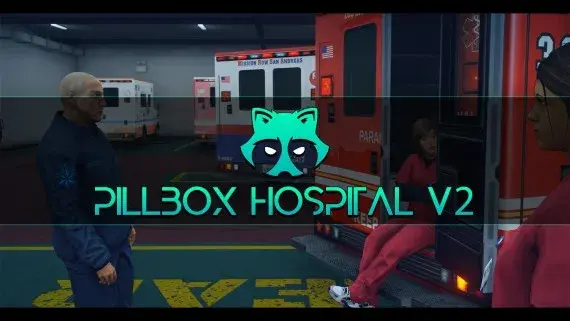
Pillbox Hill with its doors unlocked: reception, treatment bays, operating rooms and the staff corridors behind them.
Los Santos Customs as a workshop you can walk into, with bays wide enough to work a car properly.
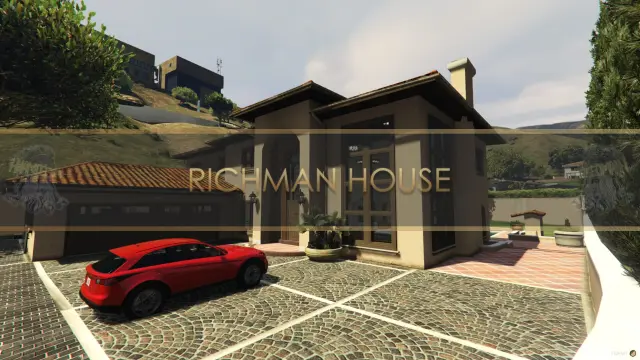
A two-floor Mediterranean villa in the city's wealthiest postcode, with its own garage and a balcony over the street.
![Latest QBCore Framework V7 [NoPixel 4.0 Inspired]](/uploads/card/29d450513a2b02f57f656184ccb3ed97.webp) Sale
Sale
Bolingbroke Prison MLO for FiveM Jail RP is a FiveM resource. Review the product details, requirements, and compatibility notes before ordering.
Use the included files and documentation as the source of truth for installation, configuration, dependencies, and any stated performance information.