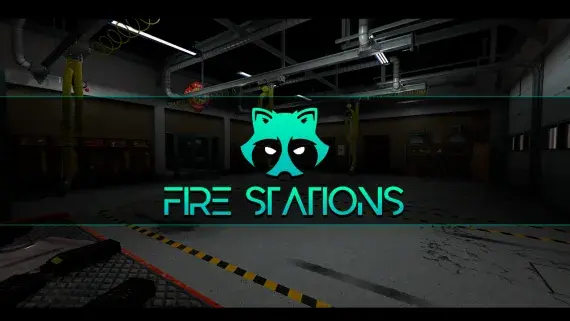
Davis LSFD Fire Station MLO for FiveM
Davis firehouse with an apparatus bay downstairs and bunks, kitchen, day room and the chief's office above it.
$15.00

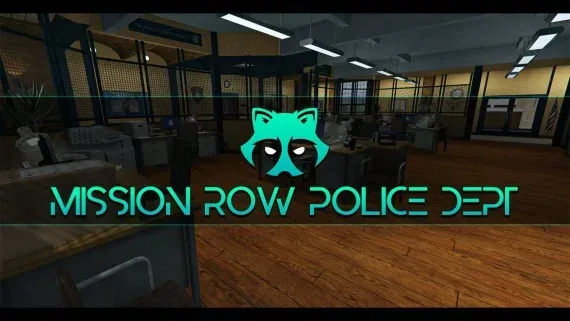
The whole Mission Row station opens up — lobby, booking desk, cells, evidence, armoury and a rooftop helipad.
Mission Row is the station most FiveM police departments are already built around, and this interior opens the whole building rather than the front counter alone. An officer walks from the lobby to booking to the cells without a menu or a fade to black.
Come in through the public doors and there is a counter with a waiting area civilians can stand in. Past that sits the briefing room where shifts start, then the booking desk, prisoner processing, the cells and two interview rooms — the entire custody chain on one floor.
Deeper into the building are the evidence store and the armoury, the detective offices, and the command rooms above them. Underground there is parking for the fleet; the roof carries a helipad for air support.
Patrol, custody, investigations and air units all work out of the same address, so a whitelisted PD can take a full shift without loading anywhere else. The rooms sit where players who have served on other cities expect them to sit, which cuts new-officer orientation to almost nothing.
Cell doors, evidence lockers and duty markers take their coordinates straight from the rooms they belong to. Your existing police resources keep every bit of their logic; only the addresses change.
Use the documentation included with the download as the final authority. This plan helps you prepare a rollback, install in the right order, and verify the resource before it reaches players.
Open the supplied documentation before moving files or changing the database. Build the install order from the package, not from assumptions.
Ready when Every dependency and required file has a place in your install plan.
Prepare the server so the change can be reversed cleanly if the resource conflicts with your current stack.
Ready when You can restore the previous database, files, and configuration.
Apply only the changes supplied for this resource, keeping dependency and startup order intact.
Ready when The resource starts without missing files, exports, tables, or dependencies.
Restart the test server, watch both server and client consoles, and exercise the resource before opening it to players.
Complete when The intended flow works twice with no new console errors.
Mission Row (MRPD) Police Station MLO for FiveM
Contact support
Reviews are moderated before appearing. Purchased the product? Your review gets a VERIFIED badge automatically.
Davis firehouse with an apparatus bay downstairs and bunks, kitchen, day room and the chief's office above it.
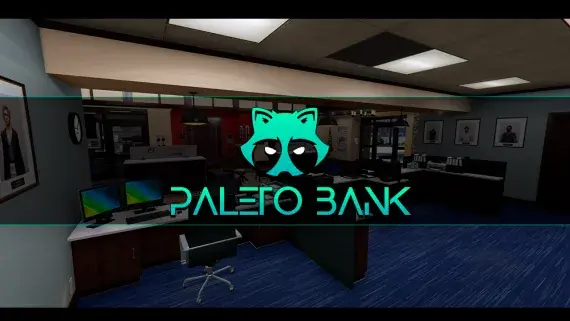
The Blaine County branch in Paleto Bay — a compact banking hall and vault an hour from the nearest real police response.
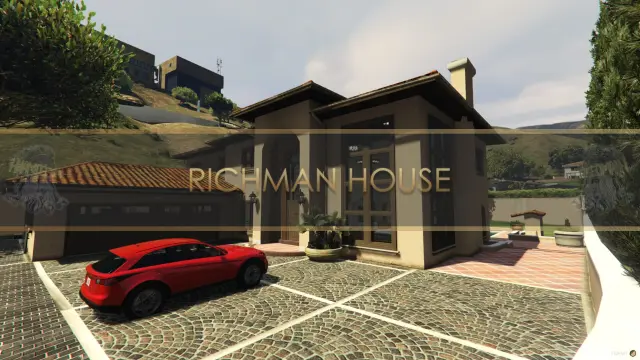
A two-floor Mediterranean villa in the city's wealthiest postcode, with its own garage and a balcony over the street.
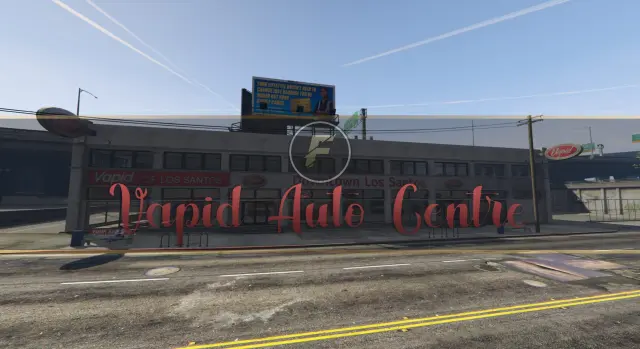
A downtown Los Santos auto centre with floor space for dealers to work and buyers to browse.
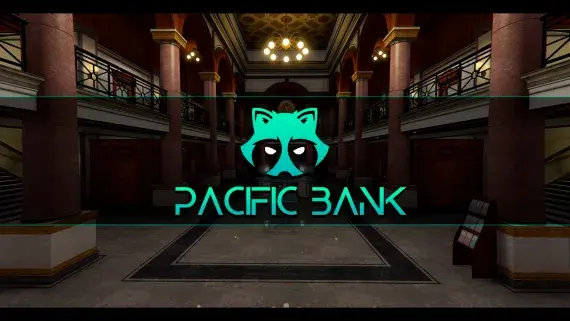
Downtown's bank, fully enterable, from the teller counters to a vault door your heist script controls.
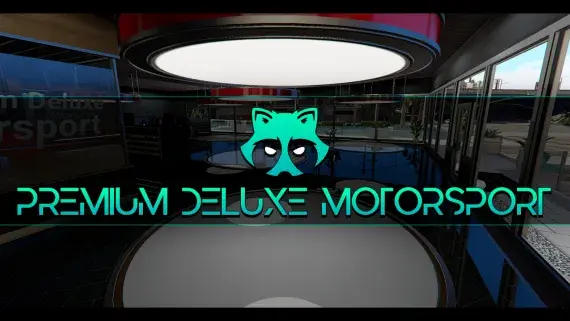
The Premium Deluxe glass showroom, opened up: display floor, sales desks and offices for a dealership with an actual address.

A high-end showroom up in Rockford Hills, garage attached, sized to trade in the expensive end of the market.
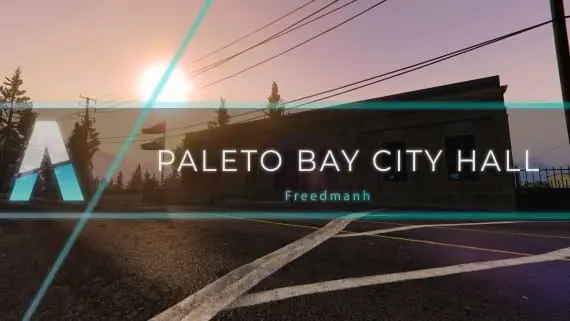
Civic premises for Paleto Bay: somewhere licences, hearings and small-town politics can happen away from the city.
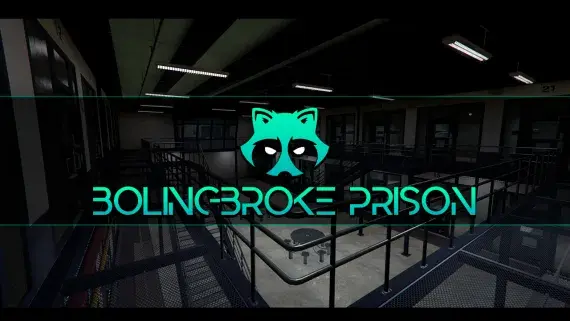
A penitentiary players stay logged in for: processed at intake, housed on a block, fed, visited and treated without leaving the fence.
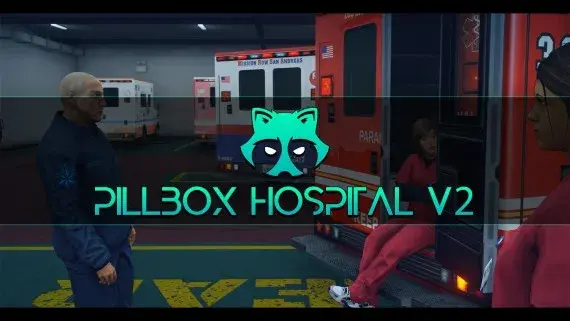
Pillbox Hill with its doors unlocked: reception, treatment bays, operating rooms and the staff corridors behind them.
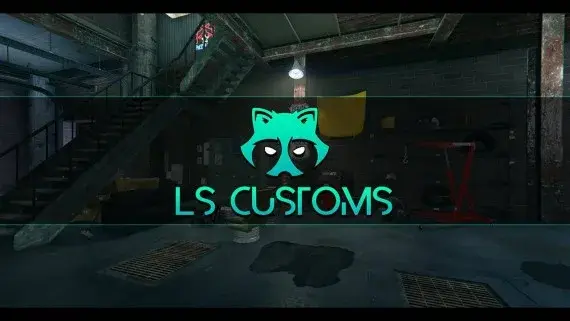
Los Santos Customs as a workshop you can walk into, with bays wide enough to work a car properly.
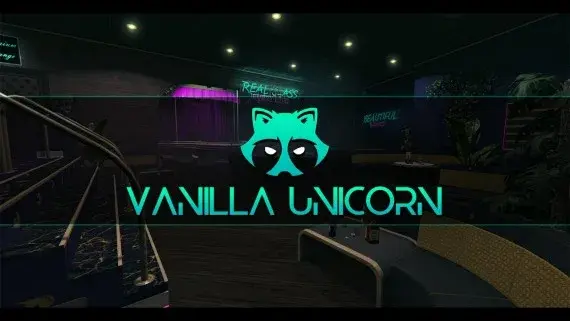
A club with enough rooms to staff — stage, bar, DJ booth, private rooms, dressing room and back office.
Mission Row (MRPD) Police Station MLO for FiveM is a FiveM resource. Review the product details, requirements, and compatibility notes before ordering.
Use the included files and documentation as the source of truth for installation, configuration, dependencies, and any stated performance information.