PDM Premium Deluxe Motorsport MLO for FiveM
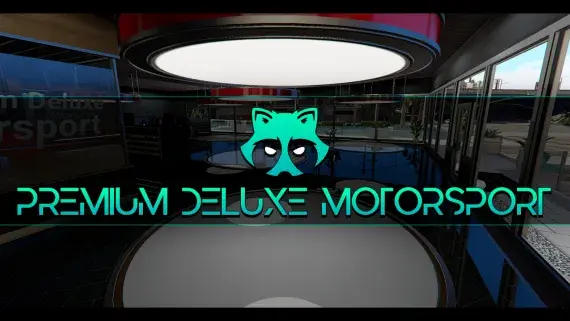
The Premium Deluxe glass showroom, opened up: display floor, sales desks and offices for a dealership with an actual address.
$15.00

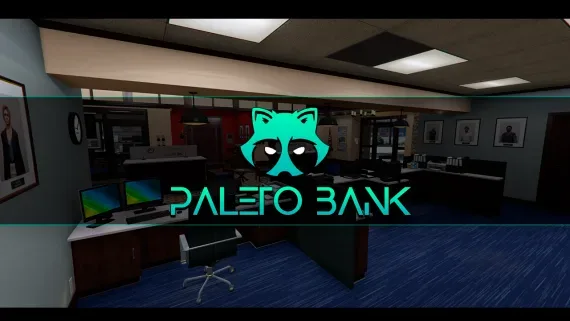
The Blaine County branch in Paleto Bay — a compact banking hall and vault an hour from the nearest real police response.
Paleto Bay's branch is the other bank job, and it plays nothing like the downtown one. It is small, it sits a long way from any meaningful police response, and the way out is a single highway with mountains on either side.
The modest scale is the point. A crew of three can work it, a thin Blaine County sheriff response can still contest it, and the whole thing is over in the time a downtown server would spend assembling a plan. That makes it the middle rung a heist economy usually lacks — harder than a Fleeca, nowhere near the endgame gear the big city vault demands.
Everything that decides how the robbery resolves — the door, the timers, the take, the dispatch call — stays with your heist resource. What the location contributes is geography: one road out, long sightlines over open ground, and a building small enough that the crew inside can hear exactly how badly it is going.
It pulls roleplay north as well. A server whose entire criminal economy happens within four blocks of the city centre gets a reason to send people an hour up the highway. The install is core-agnostic, and the download carries the bank alongside the same map data dependency the rest of this family uses.
Use the documentation included with the download as the final authority. This plan helps you prepare a rollback, install in the right order, and verify the resource before it reaches players.
Open the supplied documentation before moving files or changing the database. Build the install order from the package, not from assumptions.
Ready when Every dependency and required file has a place in your install plan.
Prepare the server so the change can be reversed cleanly if the resource conflicts with your current stack.
Ready when You can restore the previous database, files, and configuration.
Apply only the changes supplied for this resource, keeping dependency and startup order intact.
Ready when The resource starts without missing files, exports, tables, or dependencies.
Restart the test server, watch both server and client consoles, and exercise the resource before opening it to players.
Complete when The intended flow works twice with no new console errors.
Paleto Bay Bank MLO for FiveM Robberies
Contact support
Reviews are moderated before appearing. Purchased the product? Your review gets a VERIFIED badge automatically.
The Premium Deluxe glass showroom, opened up: display floor, sales desks and offices for a dealership with an actual address.
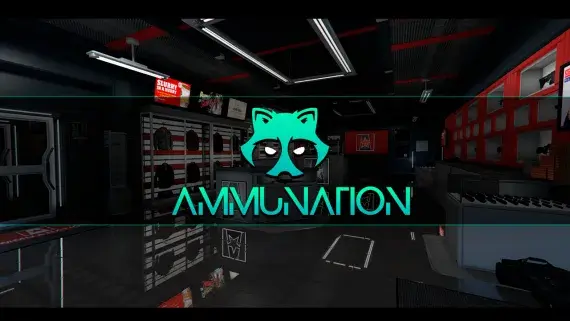
Eleven AmmuNation branches in three interior sizes, each with a counter worth standing at.

A high-end showroom up in Rockford Hills, garage attached, sized to trade in the expensive end of the market.
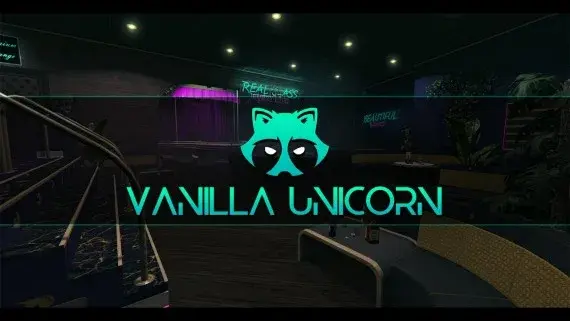
A club with enough rooms to staff — stage, bar, DJ booth, private rooms, dressing room and back office.
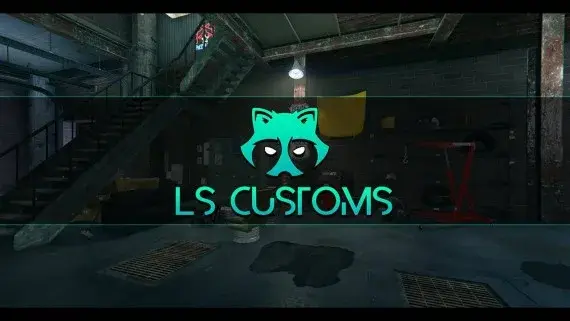
Los Santos Customs as a workshop you can walk into, with bays wide enough to work a car properly.
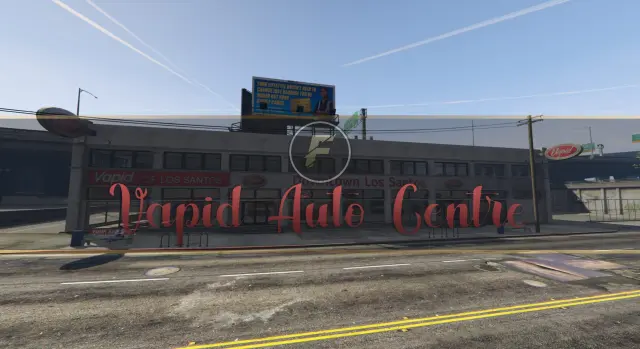
A downtown Los Santos auto centre with floor space for dealers to work and buyers to browse.
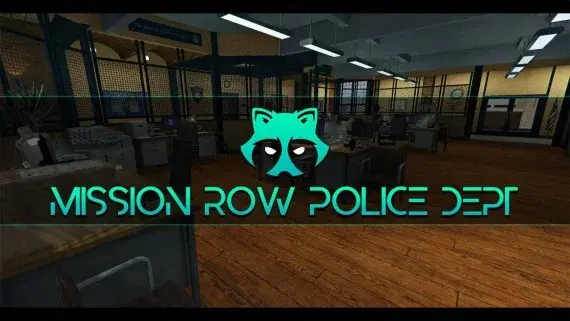
The whole Mission Row station opens up — lobby, booking desk, cells, evidence, armoury and a rooftop helipad.
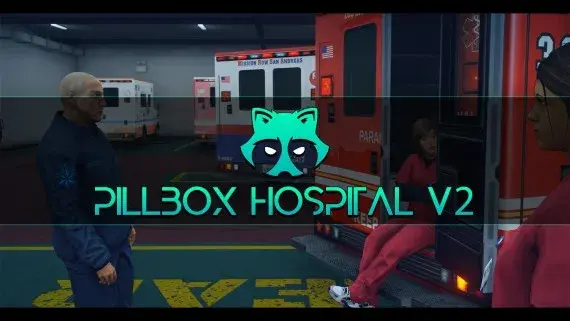
Pillbox Hill with its doors unlocked: reception, treatment bays, operating rooms and the staff corridors behind them.
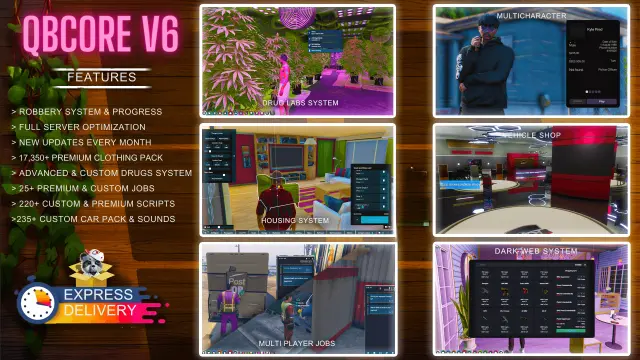
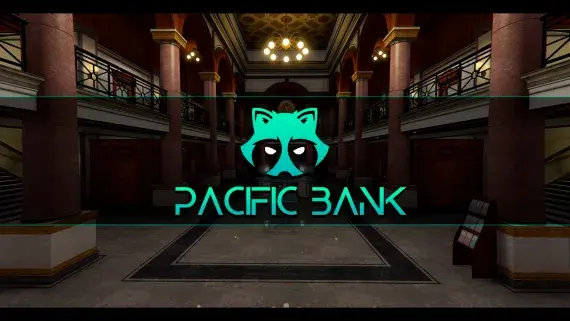
Downtown's bank, fully enterable, from the teller counters to a vault door your heist script controls.
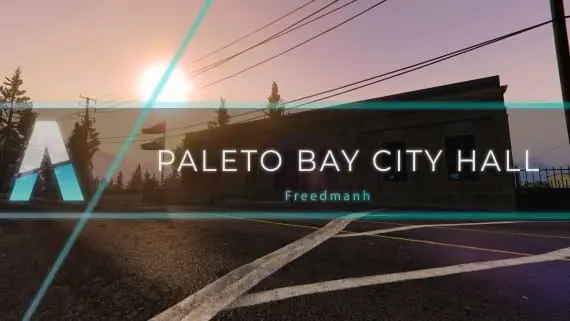
Civic premises for Paleto Bay: somewhere licences, hearings and small-town politics can happen away from the city.
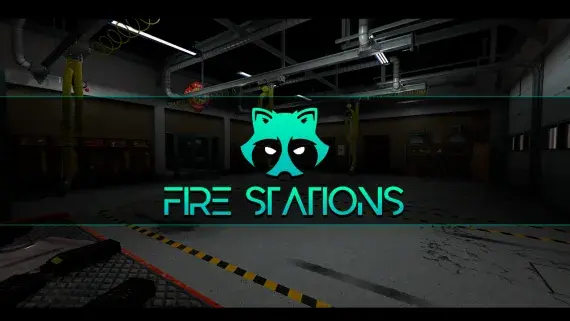
Davis firehouse with an apparatus bay downstairs and bunks, kitchen, day room and the chief's office above it.
Paleto Bay Bank MLO for FiveM Robberies is a FiveM resource. Review the product details, requirements, and compatibility notes before ordering.
Use the included files and documentation as the source of truth for installation, configuration, dependencies, and any stated performance information.