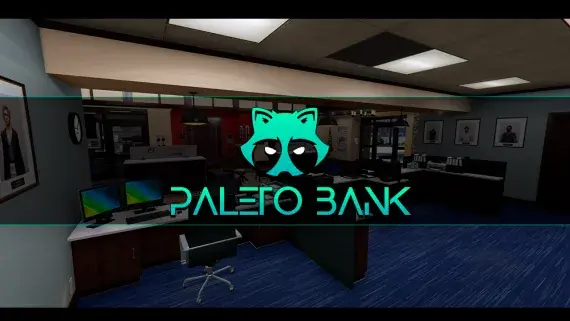
Paleto Bay Bank MLO for FiveM Robberies
The Blaine County branch in Paleto Bay — a compact banking hall and vault an hour from the nearest real police response.
$15.00


Downtown's bank, fully enterable, from the teller counters to a vault door your heist script controls.
The Pacific Standard job is the heist most servers keep for their best crews, and this Gabz interior finally gives it a building to match.
Downtown, on the same corner players already drive past on every route across the city centre. Nothing about the exterior moves, so the approach your crews have scouted for years still reads the same from the street — it is the inside that changes.
Its door answers to a script rather than sitting permanently open, so the resource you run decides when and how it moves: thermite, a hacking minigame, a hostage trade, whichever route your economy has settled on. That single detail is what separates a bank worth robbing from a room with money in it.
The floor holds up on a quiet night as well. It works as a functioning bank, so teller shifts and customer business have somewhere to happen when nobody is masked up, and that same lobby turns tense the moment police are stacked outside the glass.
Use the documentation included with the download as the final authority. This plan helps you prepare a rollback, install in the right order, and verify the resource before it reaches players.
Open the supplied documentation before moving files or changing the database. Build the install order from the package, not from assumptions.
Ready when Every dependency and required file has a place in your install plan.
Prepare the server so the change can be reversed cleanly if the resource conflicts with your current stack.
Ready when You can restore the previous database, files, and configuration.
Apply only the changes supplied for this resource, keeping dependency and startup order intact.
Ready when The resource starts without missing files, exports, tables, or dependencies.
Restart the test server, watch both server and client consoles, and exercise the resource before opening it to players.
Complete when The intended flow works twice with no new console errors.
Pacific Standard Bank MLO for FiveM Heists
Contact support
Reviews are moderated before appearing. Purchased the product? Your review gets a VERIFIED badge automatically.
The Blaine County branch in Paleto Bay — a compact banking hall and vault an hour from the nearest real police response.
Free QBCore chop shop script with two mission types, reputation-gated export runs, configurable vehicle parts, NPC flatbed collection, and police dispatch integration — rated 4.11/5 by the community.

A club with enough rooms to staff — stage, bar, DJ booth, private rooms, dressing room and back office.
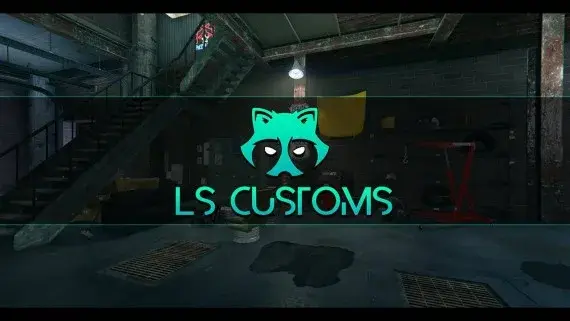
Los Santos Customs as a workshop you can walk into, with bays wide enough to work a car properly.
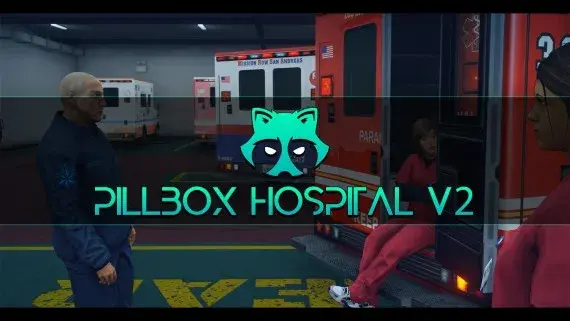
Pillbox Hill with its doors unlocked: reception, treatment bays, operating rooms and the staff corridors behind them.
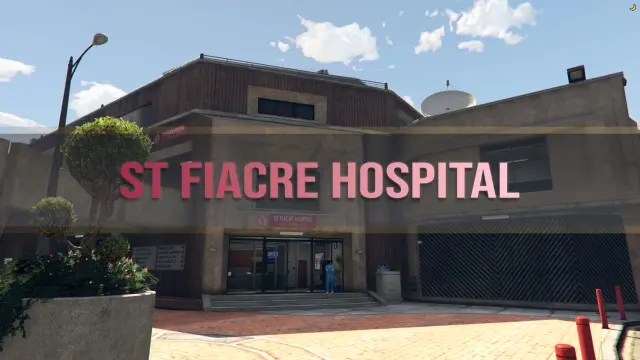
A two-floor medical centre with wards, three receptions, department offices, a gym, meeting rooms and its own garage.
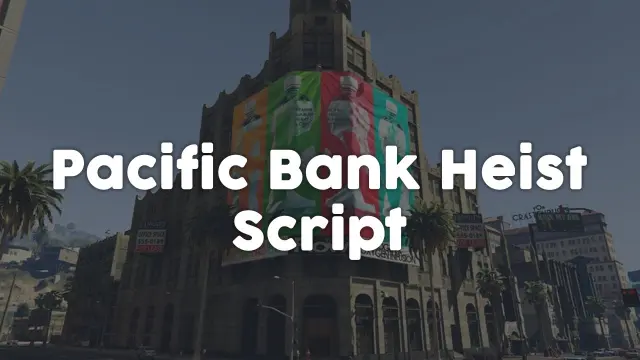
A structured FiveM bank heist with laser puzzles, thermite, voice-acted NPCs, weapon-tier loot control, and police integration. ESX, QBCore & Qbox. Event injection protected.
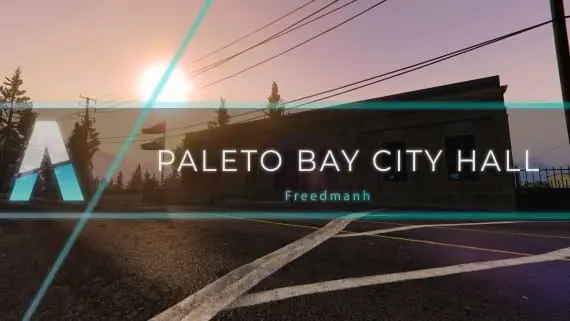
Civic premises for Paleto Bay: somewhere licences, hearings and small-town politics can happen away from the city.
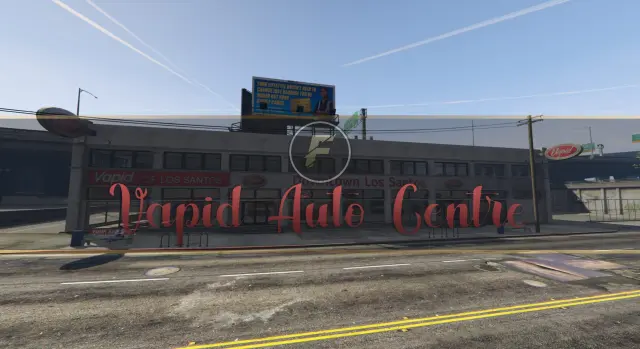
A downtown Los Santos auto centre with floor space for dealers to work and buyers to browse.

FiveM car looting script letting players raid NPC vehicles with seat-based loot placement, configurable odds by vehicle class, minigame break-ins, NPC reactions, and police dispatch — no entity limit impact.

The Premium Deluxe glass showroom, opened up: display floor, sales desks and offices for a dealership with an actual address.
Pacific Standard Bank MLO for FiveM Heists is a FiveM resource. Review the product details, requirements, and compatibility notes before ordering.
Use the included files and documentation as the source of truth for installation, configuration, dependencies, and any stated performance information.