- ESX
- QBCore
- Qbox
FREE MDT for Police
A fully free police MDT for FiveM with warrants, criminal records, vehicle database, auto nearest-player lookup, and five-language support. ESX, QBCore & Qbox. Rated 4.89/5.
FREE

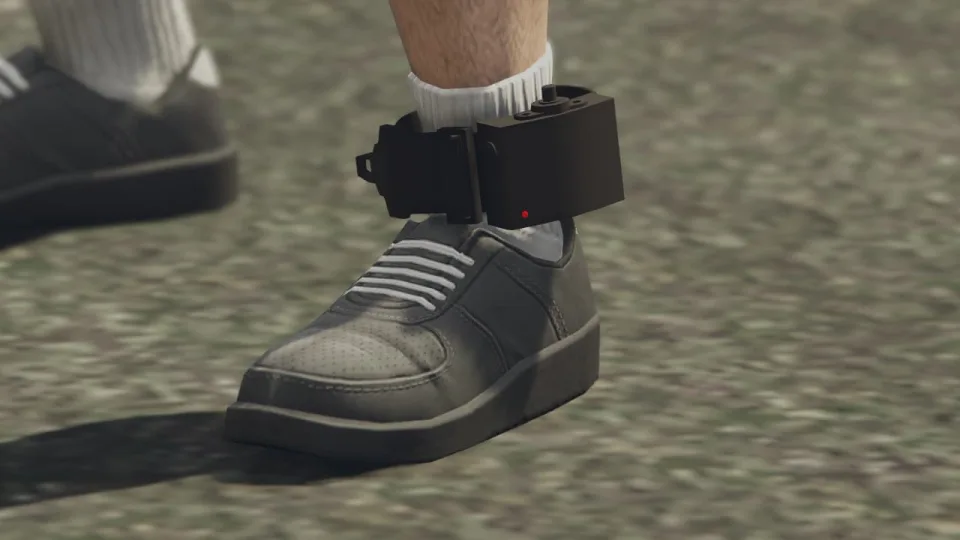
Let officers place real tracking devices on offenders — with a proper leg prop, configurable update intervals, lockpick removal, and 0.00ms idle. ESX, QBCore, and Qbox ready.
Shelved in ESX Scripts110 products on this shelf QBCore Scripts119 products on this shelf Qbox Scripts120 products on this shelf

House arrest only works as a roleplay mechanic if the tracking feels earned — not just a blip on a map that officers forget about. This ankle monitor script keeps that pressure alive on both sides. Officers equip the device through a target interaction or command; tracked players see their movement logged in real time with position updates at server-configurable intervals so you're not burning tick budget on constant polls.
The included ankle monitor prop (credited to the original creator) renders on the player's leg properly, which matters more than it sounds — a floating effect or misaligned model breaks immersion immediately. On the criminal side, lockpicking removal is toggleable: turn it off for passive RP servers, leave it on for high-stakes crime networks where breaking the monitor means choosing to go on the run.
Works out of the box with ESX, QBCore, and Qbox. Bridge functions are accessible for custom framework wiring if your server runs something non-standard.
If your court or judge RP currently ends with a sentence and nothing to show for it, this is the mechanical follow-through. Officers have a reason to patrol zones; criminals have a reason to stay careful or find someone who can pick the lock. That tension is what elevates a legal system from a spreadsheet to actual gameplay. Updated to v1.1.0 with whitelist command and blip toggle added.
resources on your server.ensure line to server.cfg so it starts alongside your other framework resources.Use the documentation included with the download as the final authority. This plan helps you prepare a rollback, install in the right order, and verify the resource before it reaches players.
Open the supplied documentation before moving files or changing the database. Build the install order from the package, not from assumptions.
Ready when Every dependency and required file has a place in your install plan.
Prepare the server so the change can be reversed cleanly if the resource conflicts with your current stack.
Ready when You can restore the previous database, files, and configuration.
Apply only the changes supplied for this resource, keeping dependency and startup order intact.
Ready when The resource starts without missing files, exports, tables, or dependencies.
Restart the test server, watch both server and client consoles, and exercise the resource before opening it to players.
Complete when The intended flow works twice with no new console errors.
Advanced Ankle Monitor Script
Contact support
Reviews are moderated before appearing. Purchased the product? Your review gets a VERIFIED badge automatically.
A fully free police MDT for FiveM with warrants, criminal records, vehicle database, auto nearest-player lookup, and five-language support. ESX, QBCore & Qbox. Rated 4.89/5.


Free, open-source FiveM drone script with full controller support, Fivemanage aerial screenshots, night vision, configurable HUD, and signal-loss mechanics. ESX, QBCore & Qbox ready.
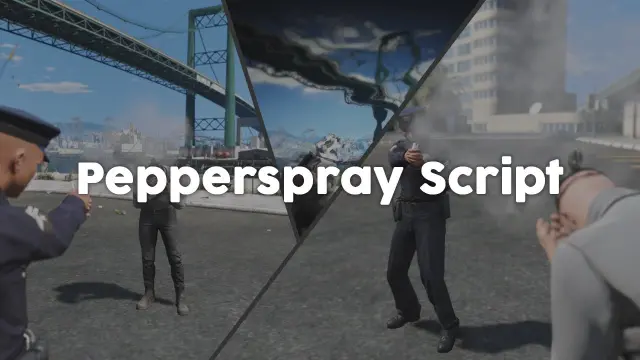
Adds a job-restricted pepper spray addon weapon to FiveM with configurable cone, range, paralysis duration, and gas mask immunity. ESX, QBCore, Qbox. Under 0.03ms at peak.
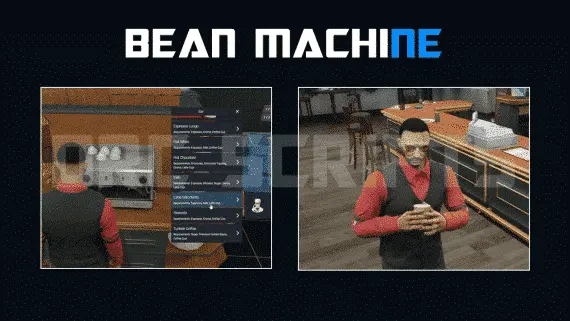
DRC Bean Machine brings a NoPixel-inspired coffee shop job to ESX, QBCore, and Qbox with 57 interactive items, multi-step cooking, 40 delivery routes, and a full boss management suite.
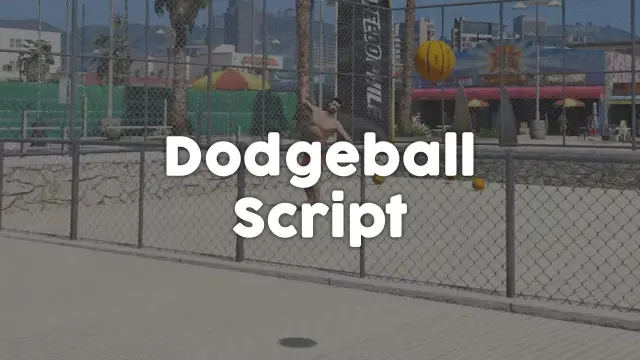
Free standalone FiveM dodgeball script with 1v1 to 5v5 match formats and a Vespucci Beach court included. No framework dependency — compatible with ESX, QBCore, Qbox, and Gamzky Scripts.
 Popular
Premade ESX Legacy V2 FiveM server with OX Inventory, iPhone 13 phone, police MDT, karting, bowling, hookah lounge, hunting, mining, and a full criminal and civilian economy on install.

 Sale
Sale
Single QBCore resource covering 14 FiveM restaurant locations — Burgershot, Bean Machine, Cat Cafe, and eleven more — with unified menus, staff storage, customer kiosks, surveillance cameras, and consumable effects.
QBCore dealership script with public showrooms — test drives, financing, license checks — and player-owned operations with stock ordering, employee commissions, and sell-back. Tested with ox_lib, oxmysql, and major banking/inventory resources.
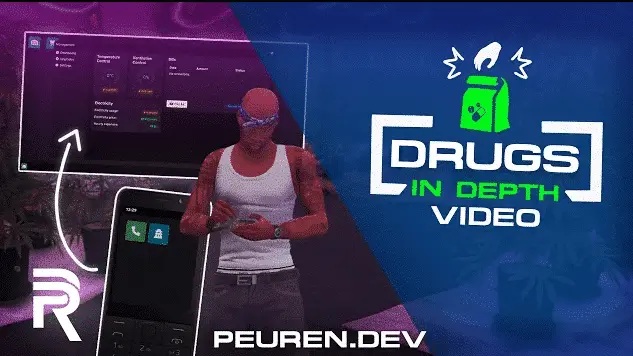
Complete FiveM drug operation script for ESX, QBCore, and Qbox — upgradeable labs, burner phone dark web sourcing, multi-drug production, built-in money laundering, and 0.00ms server load.
Advanced Ankle Monitor Script is a FiveM resource for esx, qbcore, qbox servers. Review the product details, requirements, and compatibility notes before ordering.
Use the included files and documentation as the source of truth for installation, configuration, dependencies, and any stated performance information.