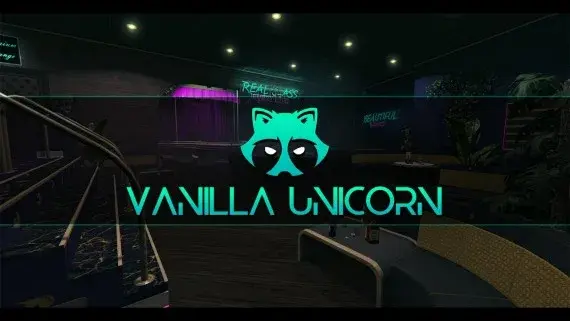
Vanilla Unicorn Nightclub MLO for FiveM
A club with enough rooms to staff — stage, bar, DJ booth, private rooms, dressing room and back office.
$15.00


A high-end showroom up in Rockford Hills, garage attached, sized to trade in the expensive end of the market.
Shelved in FiveM MLOs17 products on this shelf
Not every city wants one enormous dealership handling everything from scooters to supercars. Rockford Hills is the argument for a second showroom that only deals at the expensive end.
What is inside is a polished showroom rather than a forecourt, and that suits a luxury dealer exactly. A buyer walks in already knowing the price bracket, and a player running a high-end business finally has premises that match what they claim to sell. A garage sits alongside it for the parts of the job that are not meant to happen in front of customers.
Display positions, the garage and the floor all give a dealership resource somewhere concrete to hang its markers, so buying a car turns into a visit instead of a menu. It works particularly well as a second location in a city that already runs a main dealer: volume downtown, luxury up in the hills, and a reason for a salesperson to drive between the two.
The interior is built to run light, and it carries no framework code at all, so which core your city runs makes no difference to the install.
Explore more FiveM MLOs and interior maps to compare locations and spaces for your server.
resources folder.ensure line to server.cfg so the assets stream on start-up.The interior carries no framework code, so ESX, QBCore and Qbox servers install it identically and nothing else needs to be running for the building to show. Only the vehicle sales resource you pair with it cares which core you run.
Use the documentation included with the download as the final authority. This plan helps you prepare a rollback, install in the right order, and verify the resource before it reaches players.
Open the supplied documentation before moving files or changing the database. Build the install order from the package, not from assumptions.
Ready when Every dependency and required file has a place in your install plan.
Prepare the server so the change can be reversed cleanly if the resource conflicts with your current stack.
Ready when You can restore the previous database, files, and configuration.
Apply only the changes supplied for this resource, keeping dependency and startup order intact.
Ready when The resource starts without missing files, exports, tables, or dependencies.
Restart the test server, watch both server and client consoles, and exercise the resource before opening it to players.
Complete when The intended flow works twice with no new console errors.
Rockford Luxury Autos Dealership MLO for FiveM
Contact support
Reviews are moderated before appearing. Purchased the product? Your review gets a VERIFIED badge automatically.
A club with enough rooms to staff — stage, bar, DJ booth, private rooms, dressing room and back office.
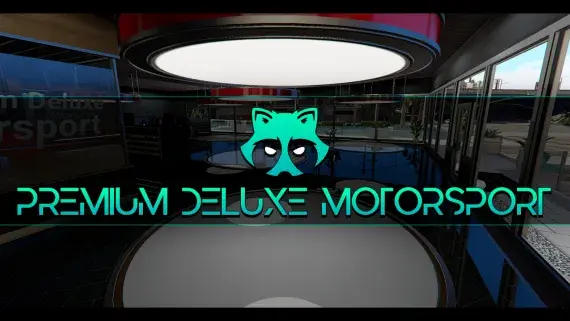
The Premium Deluxe glass showroom, opened up: display floor, sales desks and offices for a dealership with an actual address.
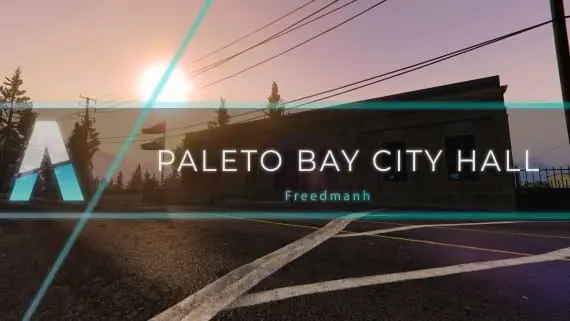
Civic premises for Paleto Bay: somewhere licences, hearings and small-town politics can happen away from the city.
![Latest QBCore Framework V7 [NoPixel 4.0 Inspired]](/uploads/card/29d450513a2b02f57f656184ccb3ed97.webp) Sale
Sale
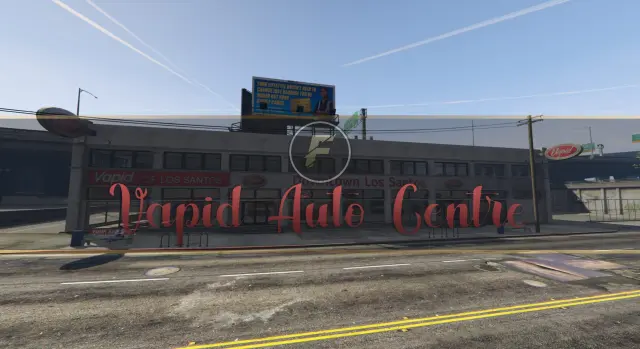
A downtown Los Santos auto centre with floor space for dealers to work and buyers to browse.
Downtown's bank, fully enterable, from the teller counters to a vault door your heist script controls.
Davis firehouse with an apparatus bay downstairs and bunks, kitchen, day room and the chief's office above it.
Pillbox Hill with its doors unlocked: reception, treatment bays, operating rooms and the staff corridors behind them.
Los Santos Customs as a workshop you can walk into, with bays wide enough to work a car properly.
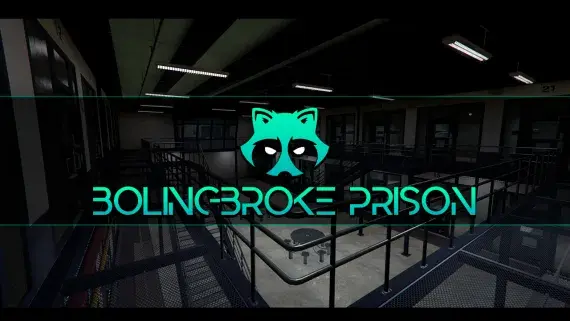
A penitentiary players stay logged in for: processed at intake, housed on a block, fed, visited and treated without leaving the fence.
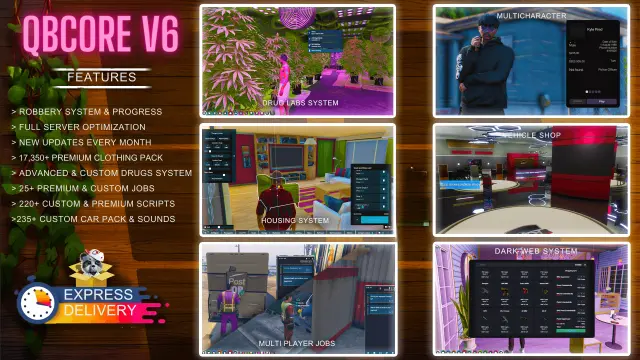
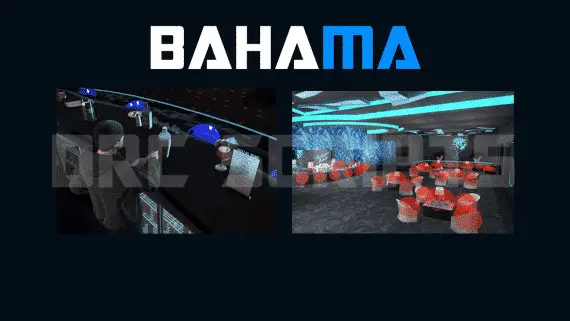
Advanced Bahama Mamas bar job for FiveM — duty system, drink crafting with animations, boss menu, dance platforms, and 3000+ lines of open-source code. Runs on ESX and QBCore with Marc or XnBahamaMamas MLO.
Rockford Luxury Autos Dealership MLO for FiveM is a FiveM resource. Review the product details, requirements, and compatibility notes before ordering.
Use the included files and documentation as the source of truth for installation, configuration, dependencies, and any stated performance information.