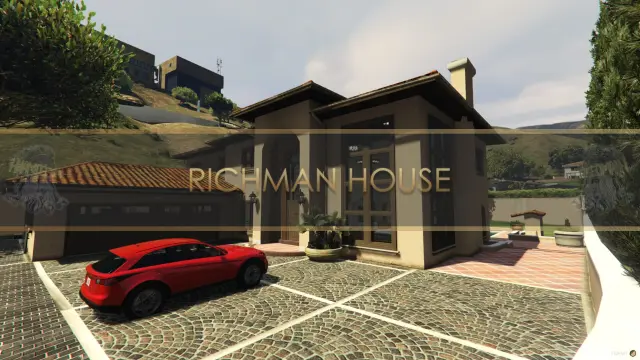
Richman House Gang Mansion MLO for FiveM
A two-floor Mediterranean villa in the city's wealthiest postcode, with its own garage and a balcony over the street.
$10.00

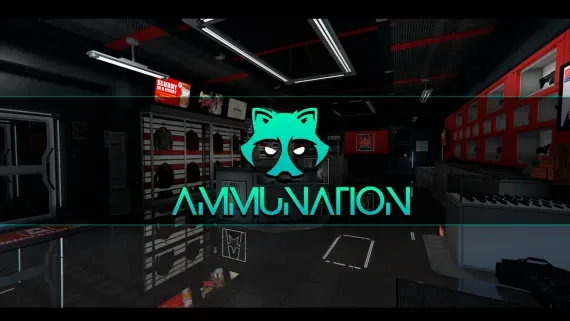
Eleven AmmuNation branches in three interior sizes, each with a counter worth standing at.
AmmuNation is not one shop. Branches sit all over the map, and on a stock server every one of them is the same locked door with a vendor loitering outside it.
This pack opens eleven of them at once, which matters more than the count suggests. A city gets consistent interiors everywhere instead of installing separate maps per location and then reconciling the conflicts between them.
The branches come in three interior sizes, so a downtown store and a highway outpost do not read as the same room with different scenery outside the window. Counters and display walls are arranged to suit licensed-dealer jobs and shop scripts, and those same counters make the stores a credible robbery target — several of the well-known gun-store robbery resources were written around these interiors specifically.
Licence checks, stock, pricing and the firearms register all stay with whichever weapon resource you run. What the interiors add is somewhere for those rules to be enforced in person, and being refused a purchase across a counter lands differently than a greyed-out row in a menu.
Two folders ship, the stores and the usual map data dependency underneath these interiors, and neither cares which core your server runs.
Use the documentation included with the download as the final authority. This plan helps you prepare a rollback, install in the right order, and verify the resource before it reaches players.
Open the supplied documentation before moving files or changing the database. Build the install order from the package, not from assumptions.
Ready when Every dependency and required file has a place in your install plan.
Prepare the server so the change can be reversed cleanly if the resource conflicts with your current stack.
Ready when You can restore the previous database, files, and configuration.
Apply only the changes supplied for this resource, keeping dependency and startup order intact.
Ready when The resource starts without missing files, exports, tables, or dependencies.
Restart the test server, watch both server and client consoles, and exercise the resource before opening it to players.
Complete when The intended flow works twice with no new console errors.
AmmuNation Gun Store MLO Pack for FiveM
Contact support
Reviews are moderated before appearing. Purchased the product? Your review gets a VERIFIED badge automatically.
A two-floor Mediterranean villa in the city's wealthiest postcode, with its own garage and a balcony over the street.
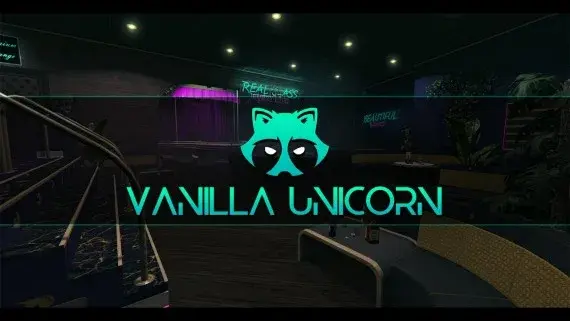
A club with enough rooms to staff — stage, bar, DJ booth, private rooms, dressing room and back office.
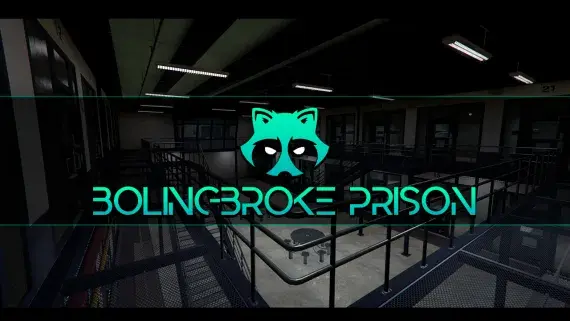
A penitentiary players stay logged in for: processed at intake, housed on a block, fed, visited and treated without leaving the fence.
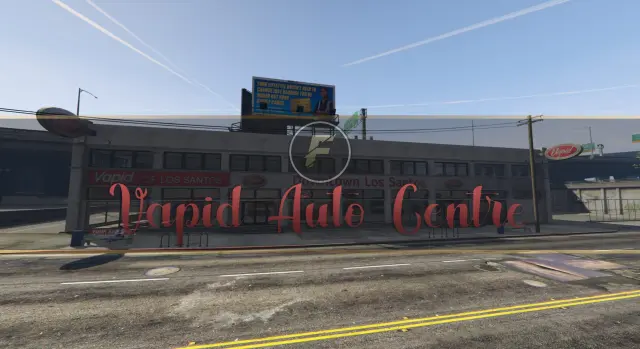
A downtown Los Santos auto centre with floor space for dealers to work and buyers to browse.
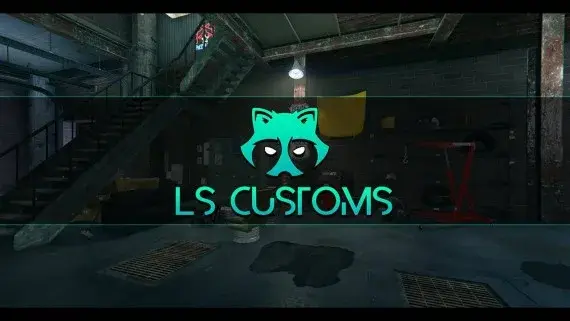
Los Santos Customs as a workshop you can walk into, with bays wide enough to work a car properly.
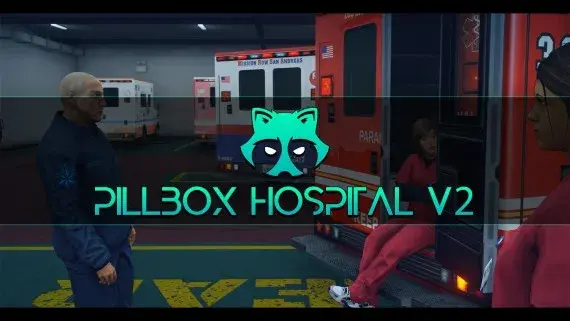
Pillbox Hill with its doors unlocked: reception, treatment bays, operating rooms and the staff corridors behind them.
 Sale
Sale
84 real-world-inspired vehicles with all manufacturer badges removed and 15%+ model modifications for full CFX TOS compliance. Spans 1966 classics to 2024 supercars. Compatible with QBCore, ESX, and any FiveM framework.
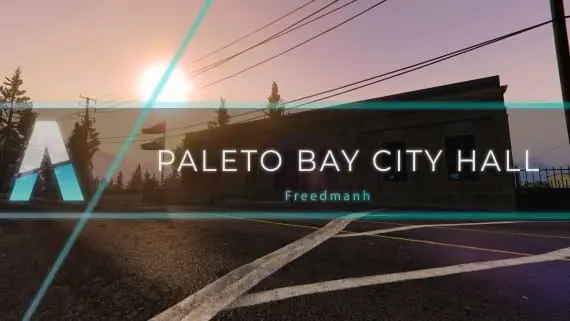
Civic premises for Paleto Bay: somewhere licences, hearings and small-town politics can happen away from the city.
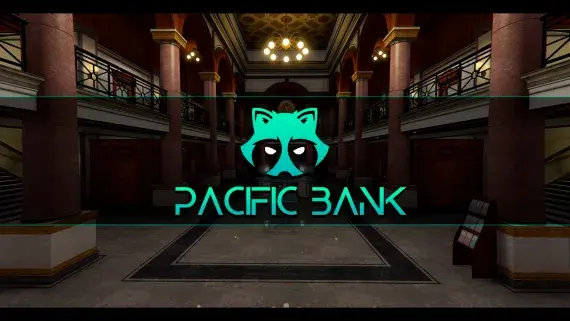
Downtown's bank, fully enterable, from the teller counters to a vault door your heist script controls.
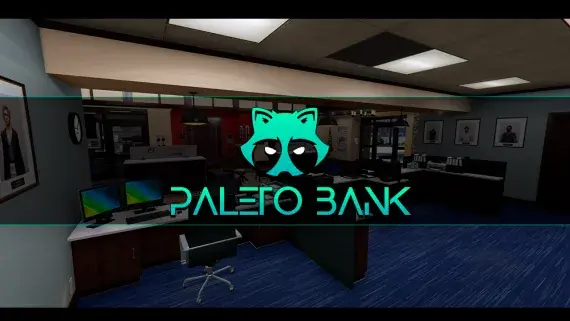
The Blaine County branch in Paleto Bay — a compact banking hall and vault an hour from the nearest real police response.
![Latest QBCore Framework V7 [NoPixel 4.0 Inspired]](/uploads/card/29d450513a2b02f57f656184ccb3ed97.webp) Sale
Sale
AmmuNation Gun Store MLO Pack for FiveM is a FiveM resource. Review the product details, requirements, and compatibility notes before ordering.
Use the included files and documentation as the source of truth for installation, configuration, dependencies, and any stated performance information.