
 New
New
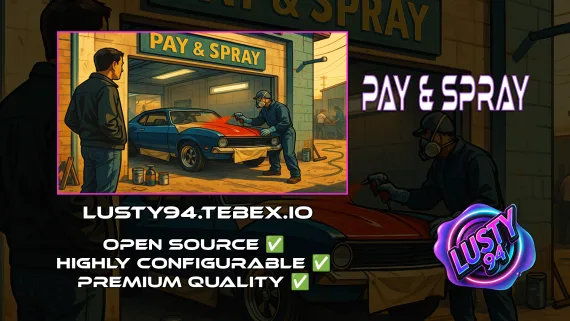
Pay And Spray
Per-location Pay and Spray script for FiveM with individual pricing, job locking, livery preview, chameleon paint, and vehicle repairs. Runs on ESX, QBCore, and Qbox with broad inventory, banking, and fuel compatibility.
Shelved in ESX Scripts110 products on this shelf QBCore Scripts119 products on this shelf Qbox Scripts120 products on this shelf
$6.00

Secure checkout by Tebex
Digital delivery after checkout
Tebex
Your Game Studio, Extended.
Overview
Reviews
Most respray scripts treat every location the same — same prices, same access, same everything. This Pay and Spray script works differently. Each location you place on the map has its own config block: its own cost, its own repair duration, its own job lock setting, and its own required items if you want that layer of gating. That per-location granularity is the core feature, and it changes how you design your server economy.
Build a Tiered Vehicle Economy
You can run a cheap public spray shop out in Paleto, a mechanic-job-locked premium location downtown, and a high-cost luxury detailing shop near the airport — all from one script, each with independent settings. Job locking through ox_target or qb-target means only your mechanic whitelisted players can bill through a shop location, which gives mechanic job owners a real revenue stream instead of competing with free public sprays. For locations you want fully open, disable job locking per location and let any player walk in.
Features
- Unlimited Pay & Spray locations, each with individual cost, duration, and access settings
- Job-locked billing per location — or fully public, configured per zone
- Required items gate per location (optional)
- Vehicle repairs with configurable costs, animations, and props
- Livery application with live preview before applying
- Livery removal support
- Custom paint jobs with spray effects and chameleon paint support
- Native GTA color previews — players see the finish before they pay
- Banking via renewed-banking, okokBanking, or qb-banking
- Notifications via okokNotify, mythic_notify, qb-core notify, or ox_lib
- Fuel compatibility: ps-fuel, LegacyFuel, cdn_fuel, renewed-fuel
- Inventory support: qb-inventory and ox_inventory (qs-inventory experimental)
Framework and Dependency Support
The script runs on ESX, QBCore, and Qbox with ox_lib as the core dependency. Targets default to qb-target or ox_target. The wide notification and banking compatibility means you most likely won't need to add anything to your stack — just drop it in, configure your locations, and start placing zones.
Economy Zoning in Practice
Server owners who care about player economy know that blanket access to cheap resprays kills mechanic job income. The ability to lock specific locations to whitelisted jobs — while keeping others open — lets you design around that. Put the cheap public spray shops in low-income map areas. Lock the better ones to mechanics. Charge premium rates at high-traffic intersections. The config makes all of that possible without writing a single line of Lua.
Installation
- Put the resource in
resourcesand add itsensureline toserver.cfg, below ox_lib. - Define each location in the config, giving every one its own cost, repair duration and job lock.
- Add the required-items gate to any location that should need it, and leave the public shops open.
- Set your target (ox_target or qb-target) and inventory (ox_inventory, qb-inventory, or qs-inventory if you accept its experimental status), then the banking and notification options your stack already uses.
- Restart and test a respray, a livery change and a repair at one zone before copying that block out to the others.
Installation plan
Set up Pay And Spray safely
Use the documentation included with the download as the final authority. This plan helps you prepare a rollback, install in the right order, and verify the resource before it reaches players.
- Resource type
- FiveM script
- Catalog category
- ESX Scripts
- Package source
- Shop Tebex
-
Audit the package and requirements
Open the supplied documentation before moving files or changing the database. Build the install order from the package, not from assumptions.
- Identify the actual resource folder, required dependencies, and supported framework version.
- Locate any SQL, configuration examples, permissions, or optional integrations.
- Check whether the documentation requires a specific start order.
Ready when Every dependency and required file has a place in your install plan.
-
Create a rollback point
Prepare the server so the change can be reversed cleanly if the resource conflicts with your current stack.
- Keep an untouched copy of the downloaded package.
- Back up the database and every configuration file you will edit.
- Use a test server or schedule a maintenance window before changing production.
Ready when You can restore the previous database, files, and configuration.
-
Install in the documented order
Apply only the changes supplied for this resource, keeping dependency and startup order intact.
- Place the resource folder where your server loads resources, without renaming it unless instructed.
- Install dependencies first, then import included SQL once and review configuration values.
- Add the documented resource name to the server startup configuration after its dependencies.
Ready when The resource starts without missing files, exports, tables, or dependencies.
-
Verify the complete player flow
Restart the test server, watch both server and client consoles, and exercise the resource before opening it to players.
- Test the main workflow with an authorized player and a player without permission.
- Reconnect and restart once to confirm saved state and startup behavior.
- Review console output again before promoting the same configuration to production.
Complete when The intended flow works twice with no new console errors.
Support reference
Use the exact listing name when you contact support.
Pay And Spray
Contact support
Pay And Spray compatibility and specs
Category
Delivery
After checkout — order download link
Product terms
See product details — terms vary by resource
No reviews yet — be the first to write one.
Write a review
Reviews are moderated before appearing. Purchased the product? Your review gets a VERIFIED badge automatically.
[ You might also like ]
Related scripts
New

- ESX
- QBCore
- Qbox
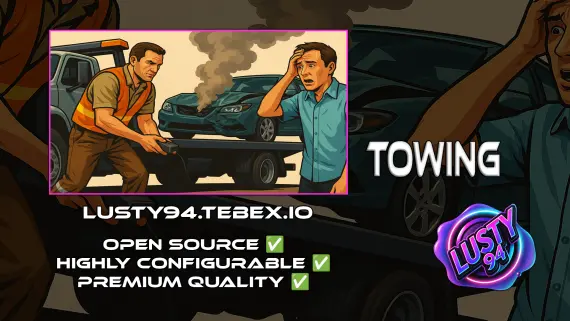
Free Towing Job Script
Free FiveM towing job script with NPC missions, player-to-player requests, /towbilling to society accounts with optional commission splits, and server-side anti-exploit distance checks. QBCore, ESX, Qbox.
FREE
- ESX
- QBCore
- Qbox
Vehicle Shops
QBCore dealership script with public showrooms — test drives, financing, license checks — and player-owned operations with stock ordering, employee commissions, and sell-back. Tested with ox_lib, oxmysql, and major banking/inventory resources.
$15.00
- ESX
- QBCore
- Qbox
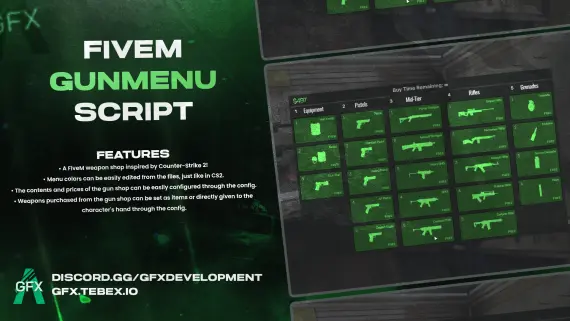
GFX GunMenu for FiveM
CS2-style FiveM gun menu with configurable colors, stock, and pricing. Delivers weapons to inventory or hand. Minimal setup. ESX, QBCore, Qbox and standalone compatible.
$10.00
- ESX
- QBCore
- Qbox
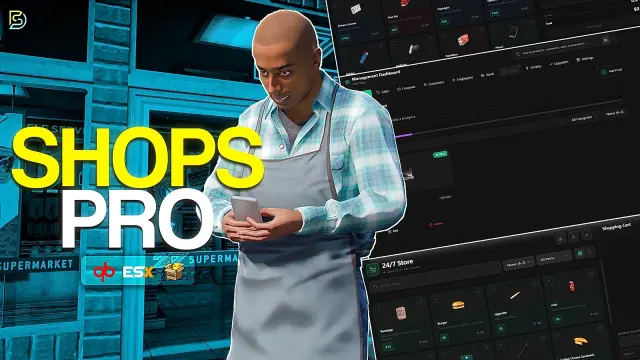
Custom Shops Pro
Custom Shops Pro is a full player-owned shop system for FiveM with loyalty tiers, coupon campaigns, pawn and dirty money support, 55+ staff permissions, and deep analytics across ESX, QBCore, and QBox.
FREE
- ESX
- QBCore
- Qbox
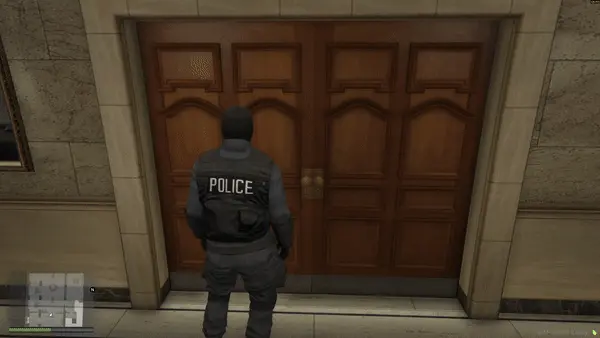
FREE Snake Cam / Under Door Camera
Free FiveM snake cam gives officers a live under-door feed before breaching. Auto door detection, configurable angles, item-gateable, 0.02ms active. ESX, QBCore & Qbox.
FREE
- ESX
- QBCore
- Qbox
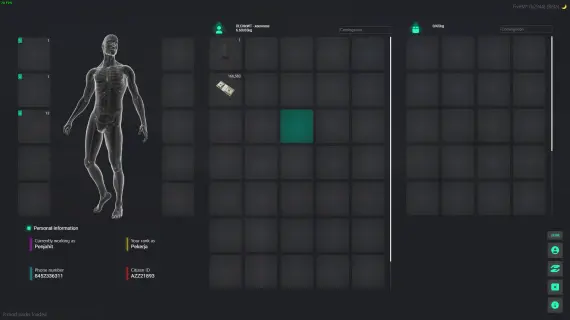
Prodigy 2.0 Inventory System
ox_inventory rework for FiveM with metadata-driven item uniqueness, configurable rarity tiers, backpack system, and built-in crafting UI. ESX, QBCore & Qbox. Base script unencrypted.
$40.00
- ESX
- QBCore
- Qbox
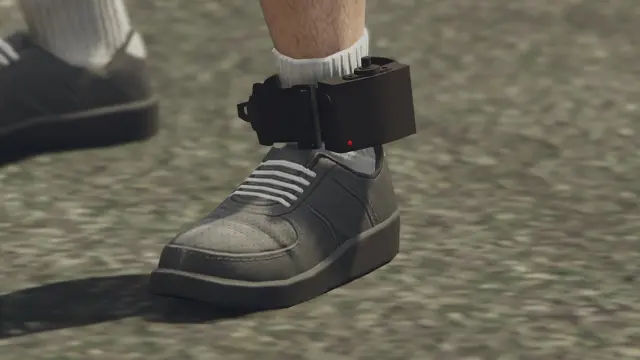
Advanced Ankle Monitor Script
Let officers place real tracking devices on offenders — with a proper leg prop, configurable update intervals, lockpick removal, and 0.00ms idle. ESX, QBCore, and Qbox ready.
$10.00
About this FiveM script
Pay And Spray is a FiveM resource for esx, qbcore, qbox servers. Review the product details, requirements, and compatibility notes before ordering.
Use the included files and documentation as the source of truth for installation, configuration, dependencies, and any stated performance information.