
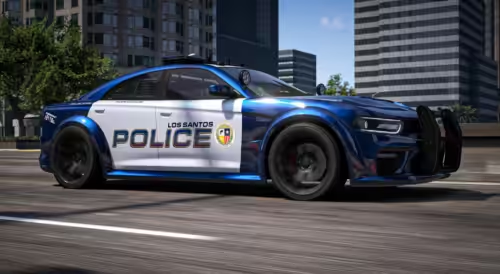
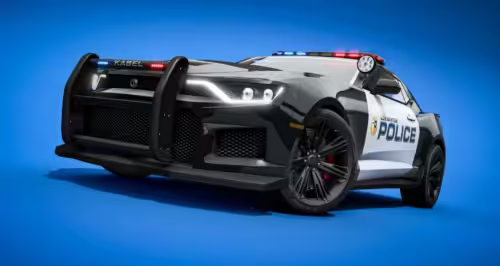
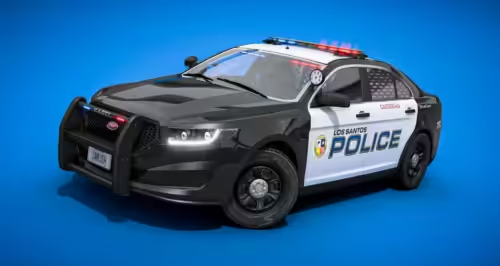
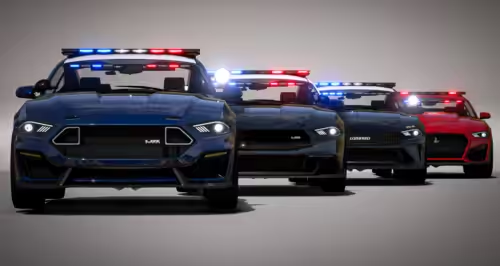
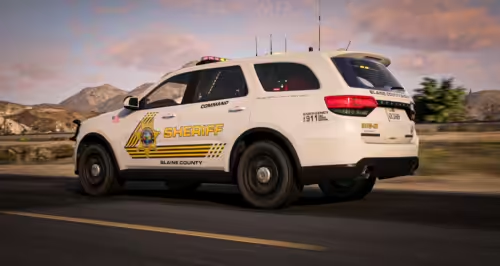
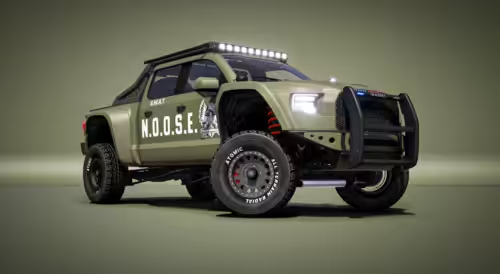
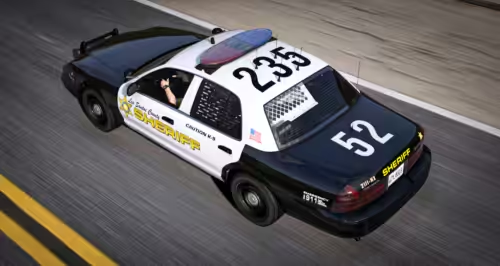
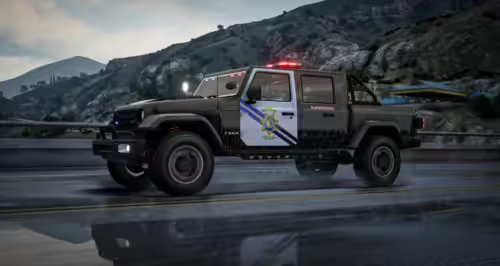
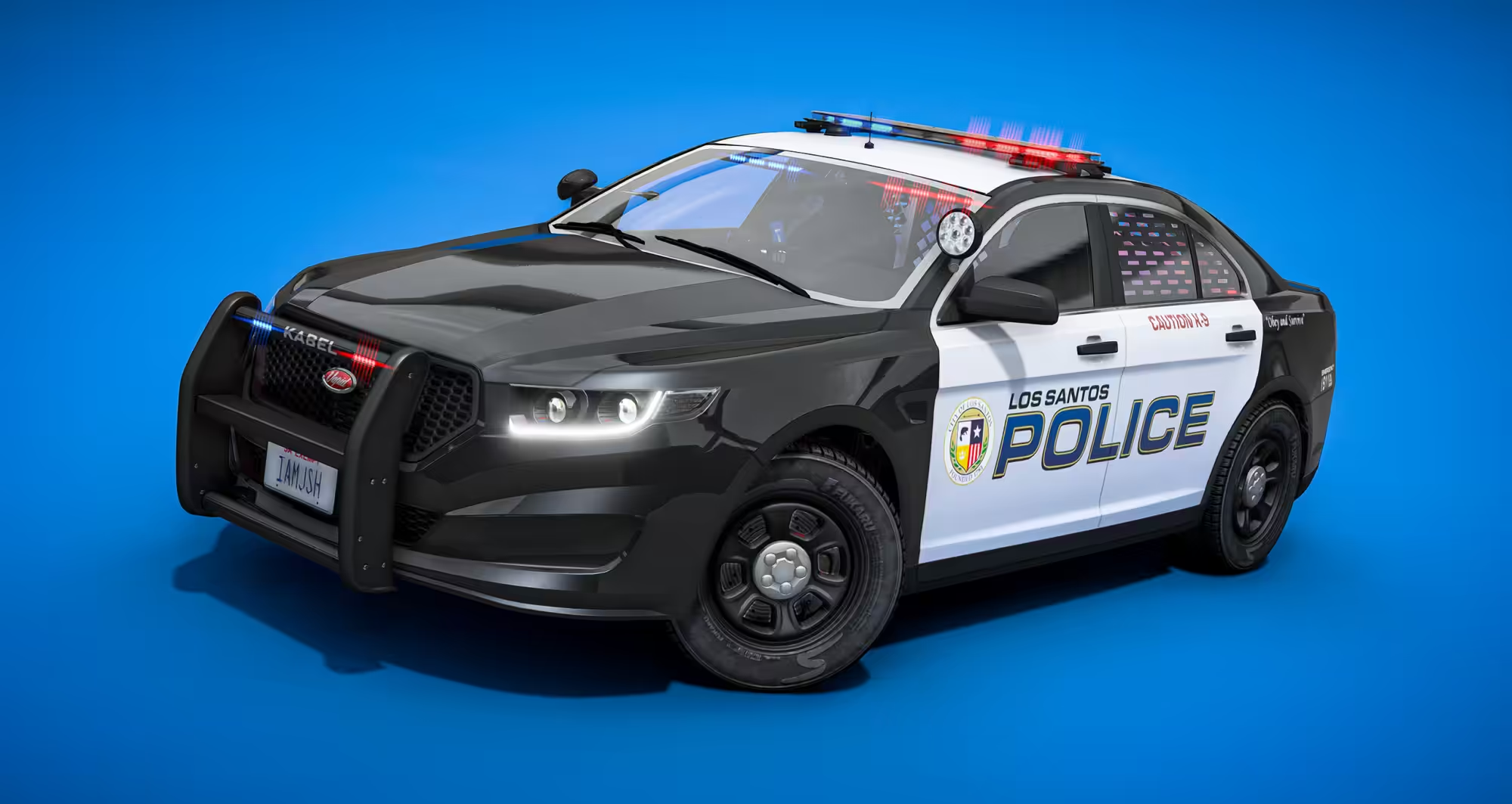
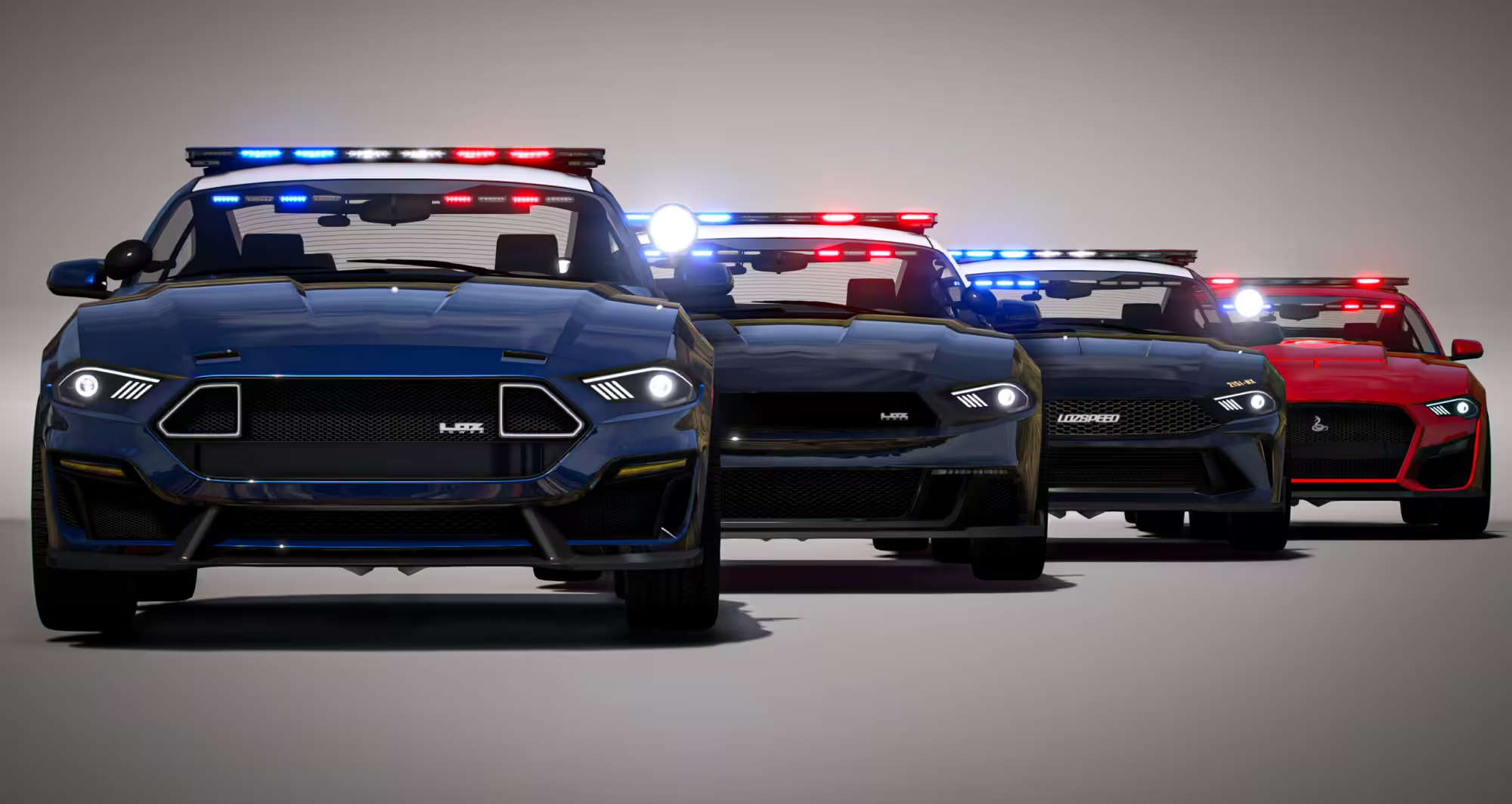
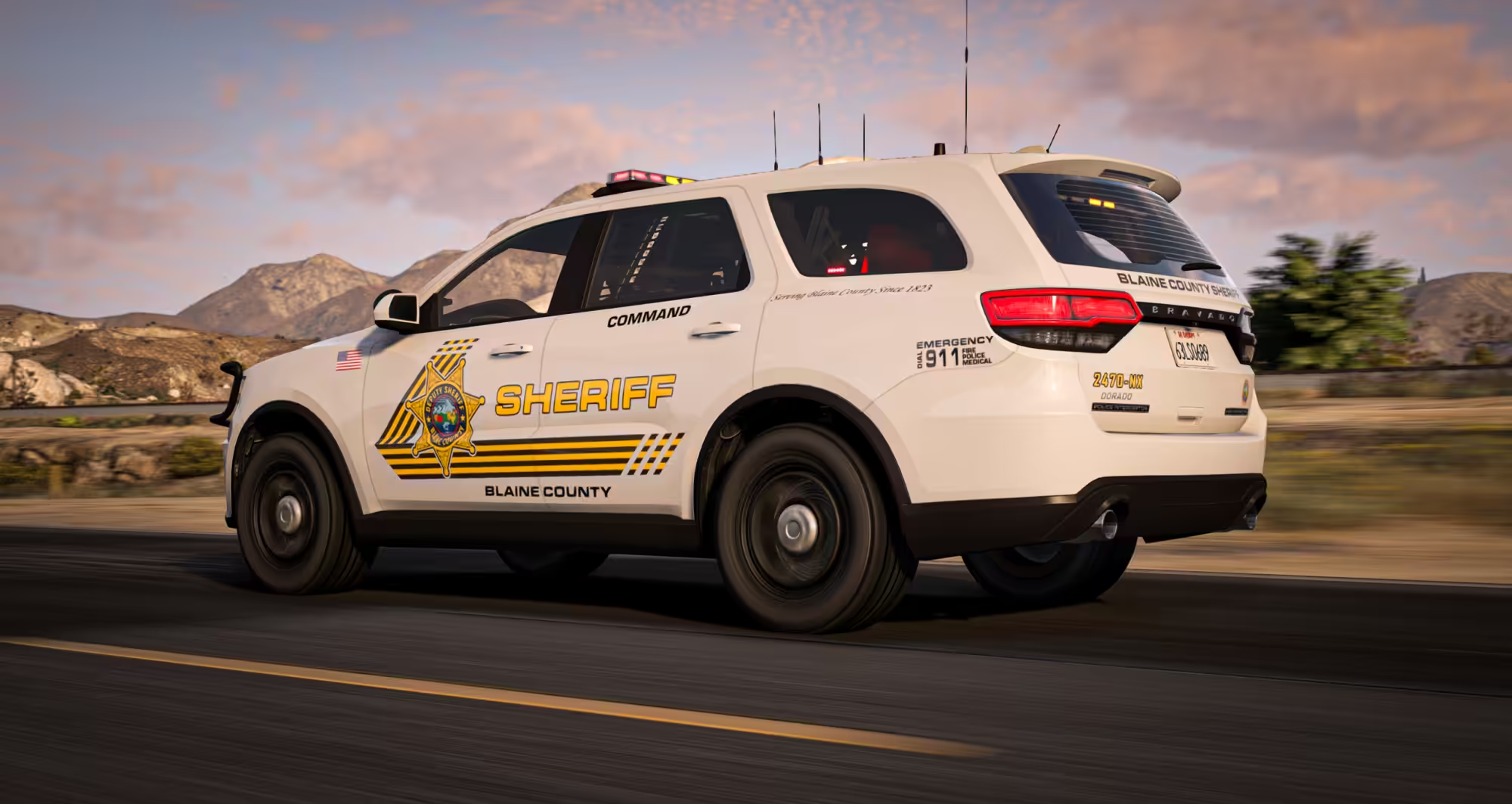
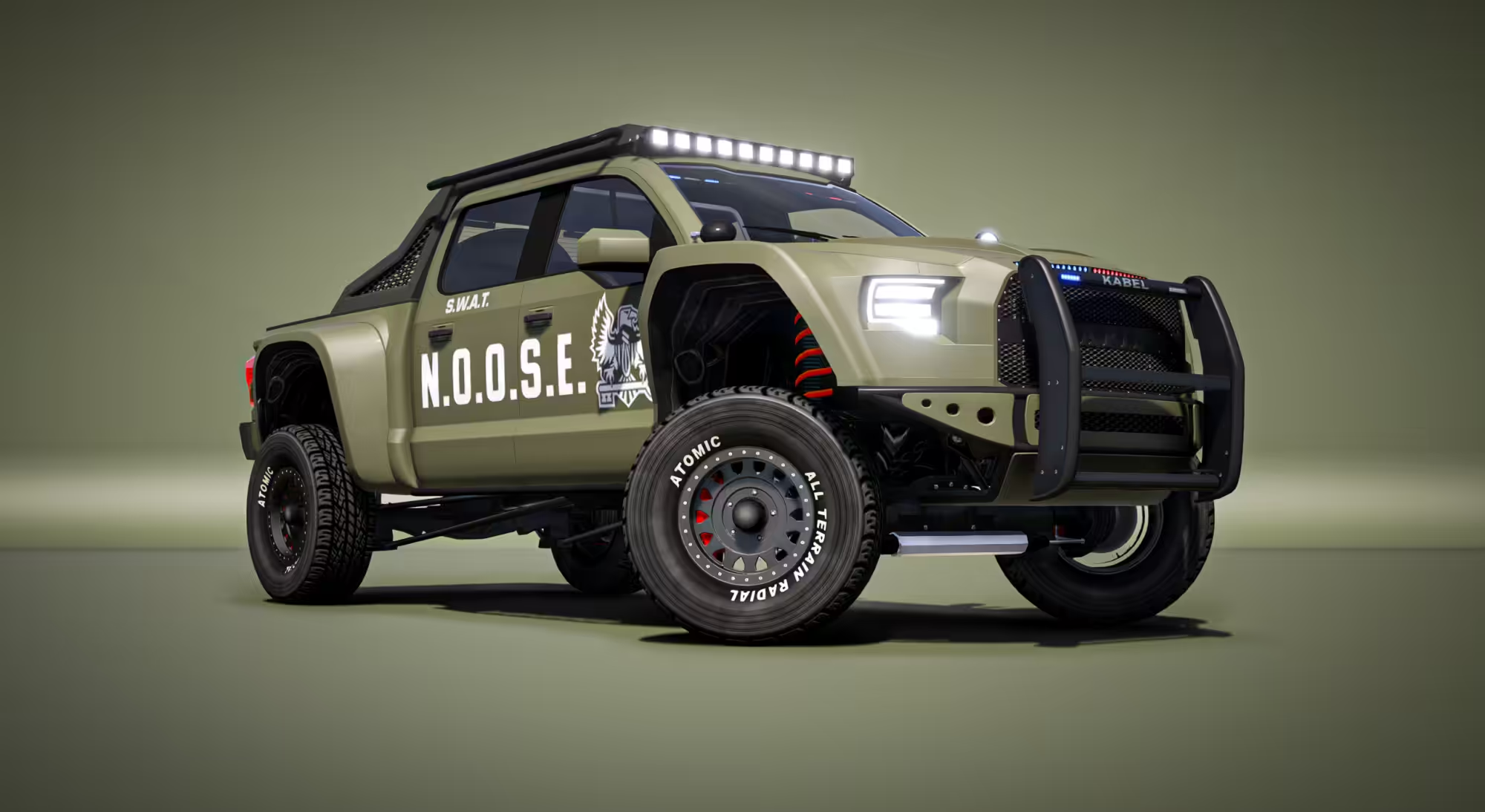
EVP V1: Emergency Police EMS Vehicle Pack
WiseGuy’s EVP: Emergency Police & EMS Vehicle Pack
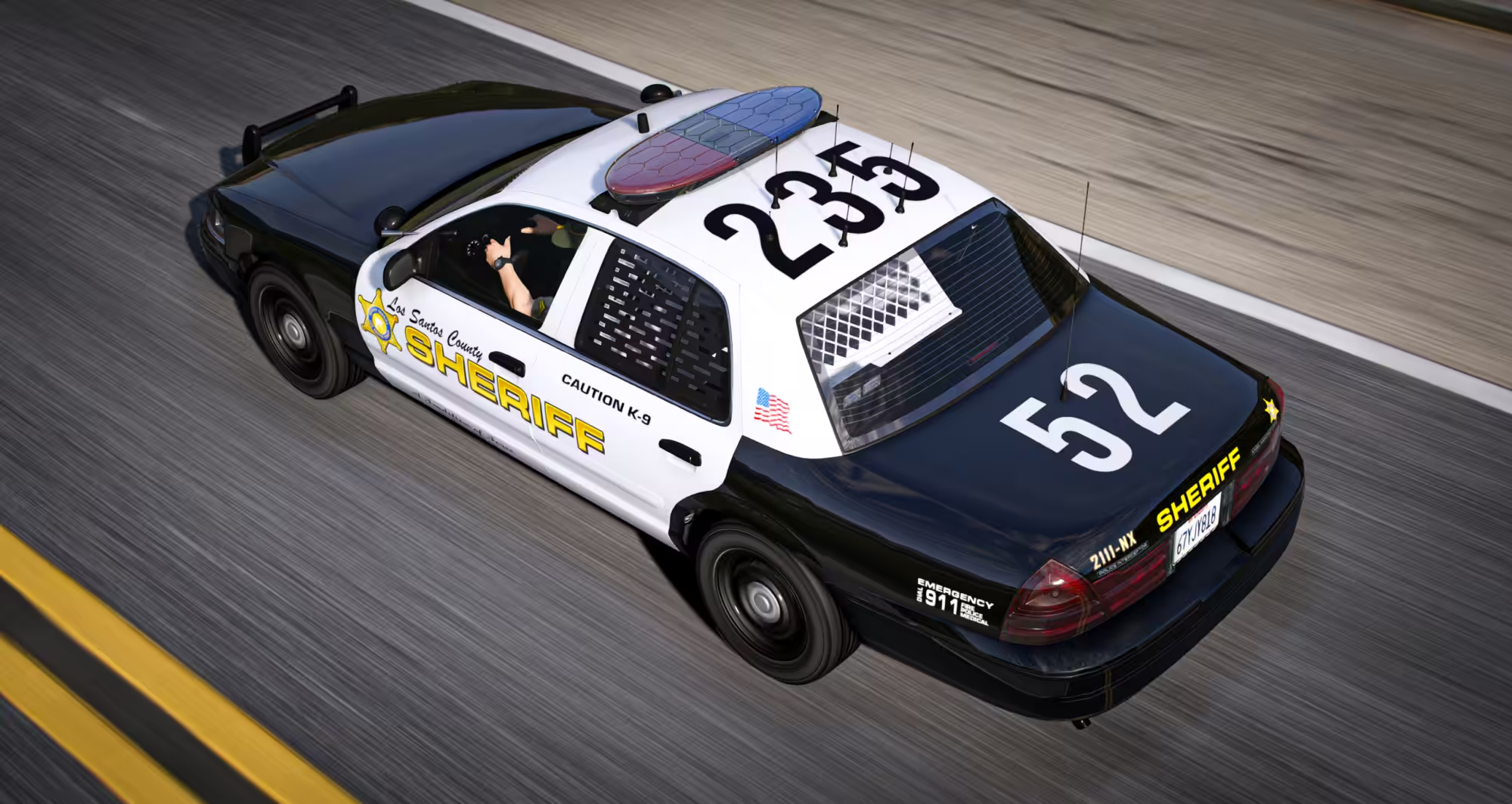
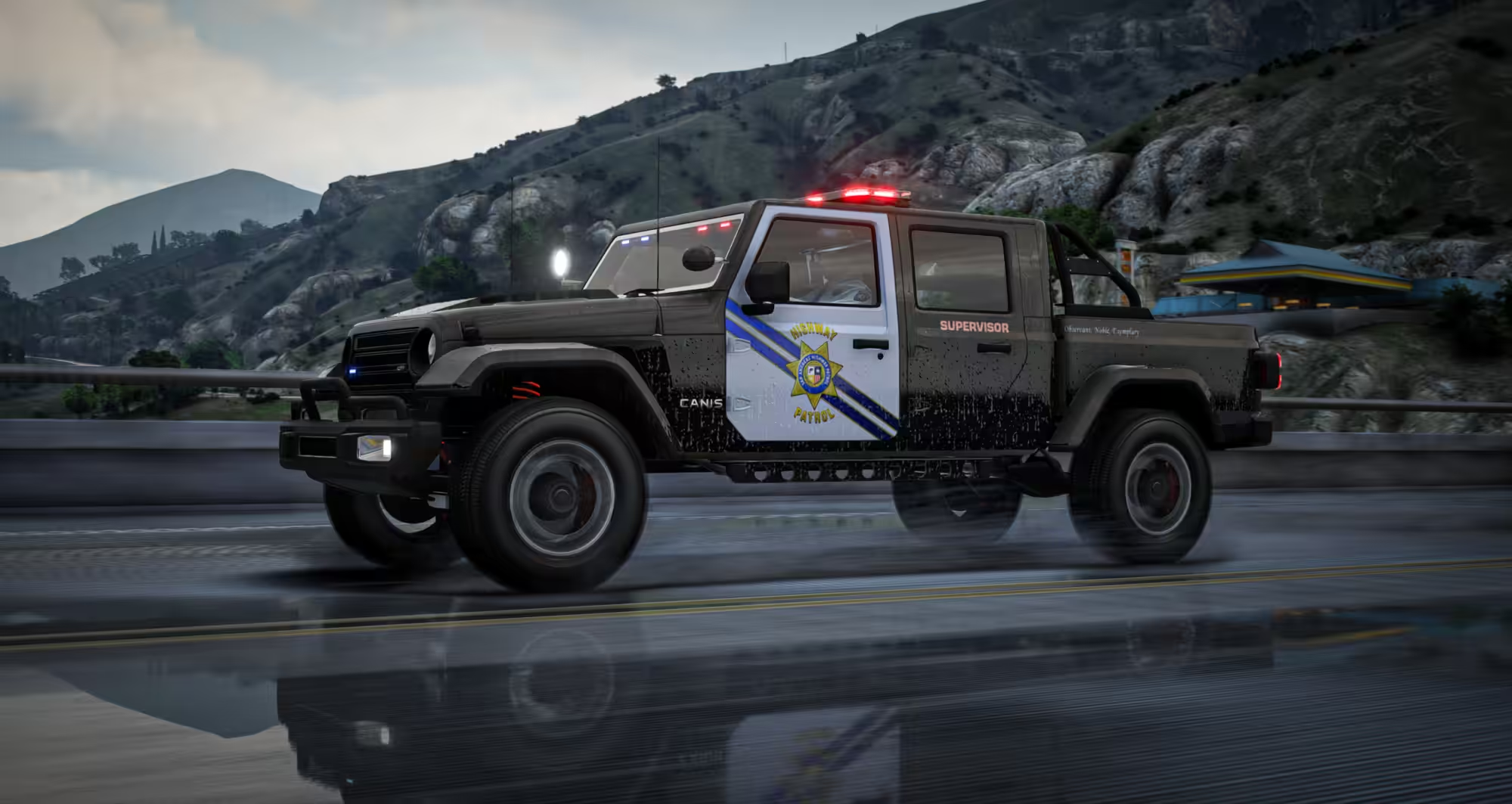
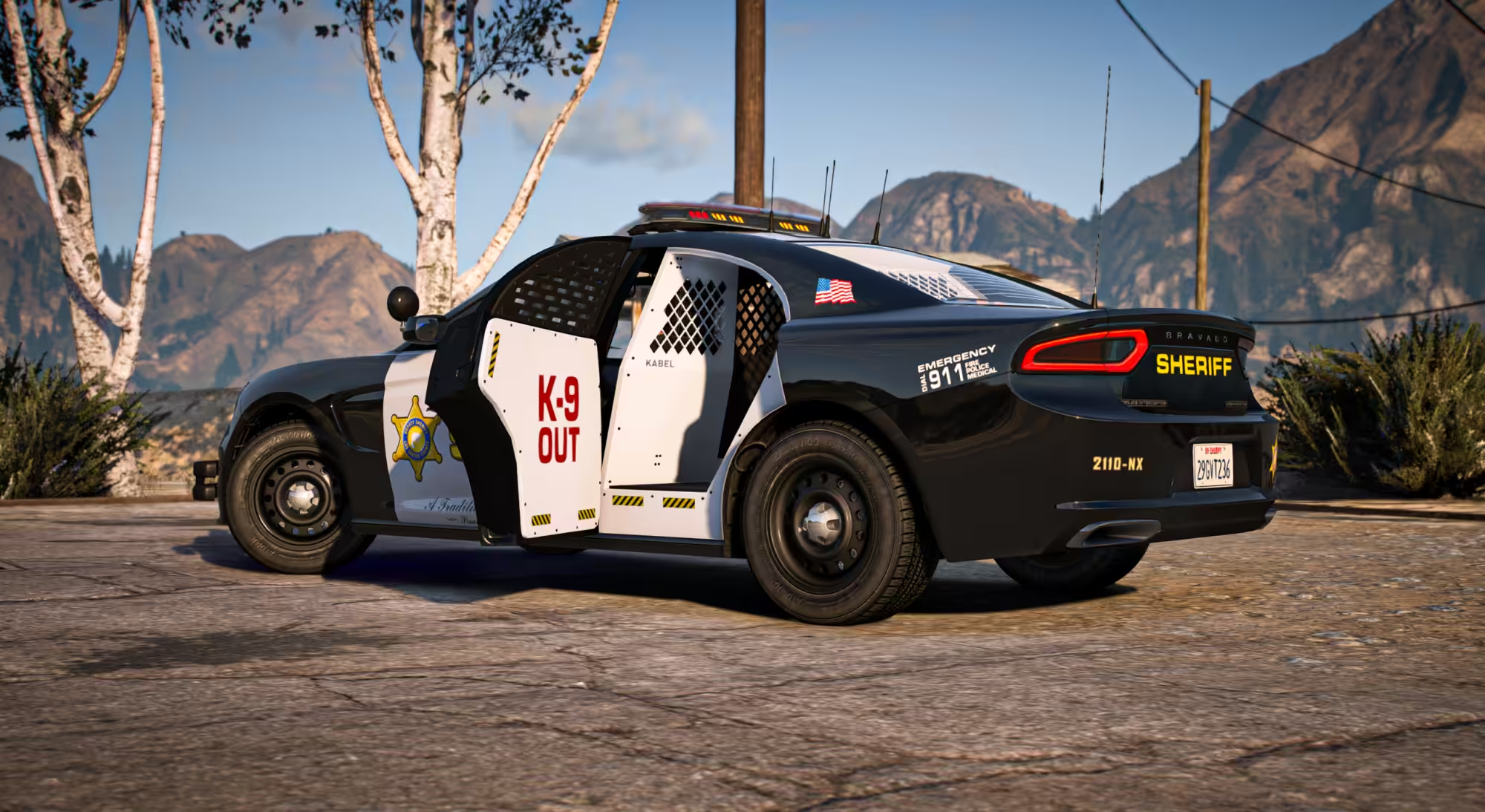
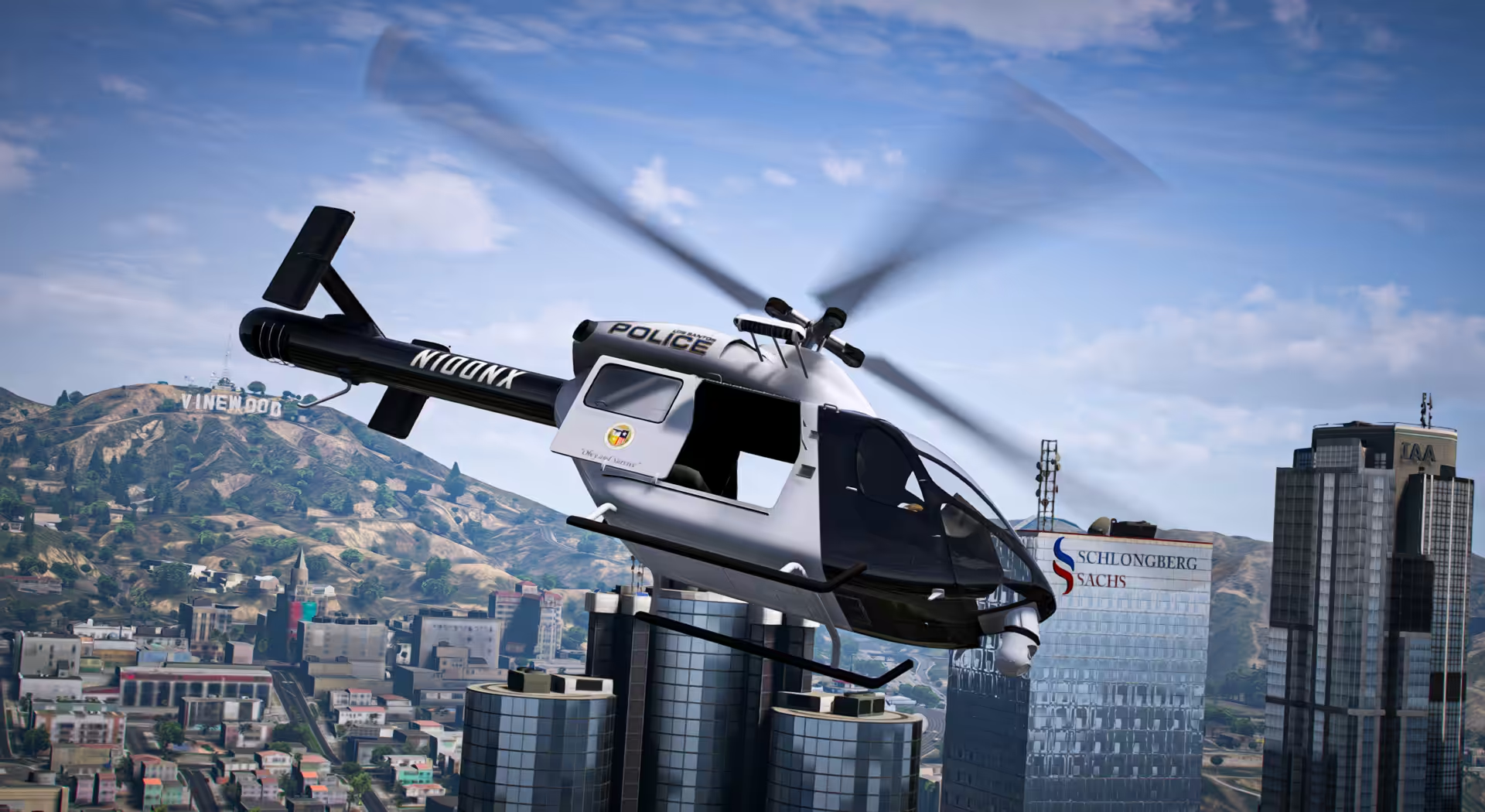
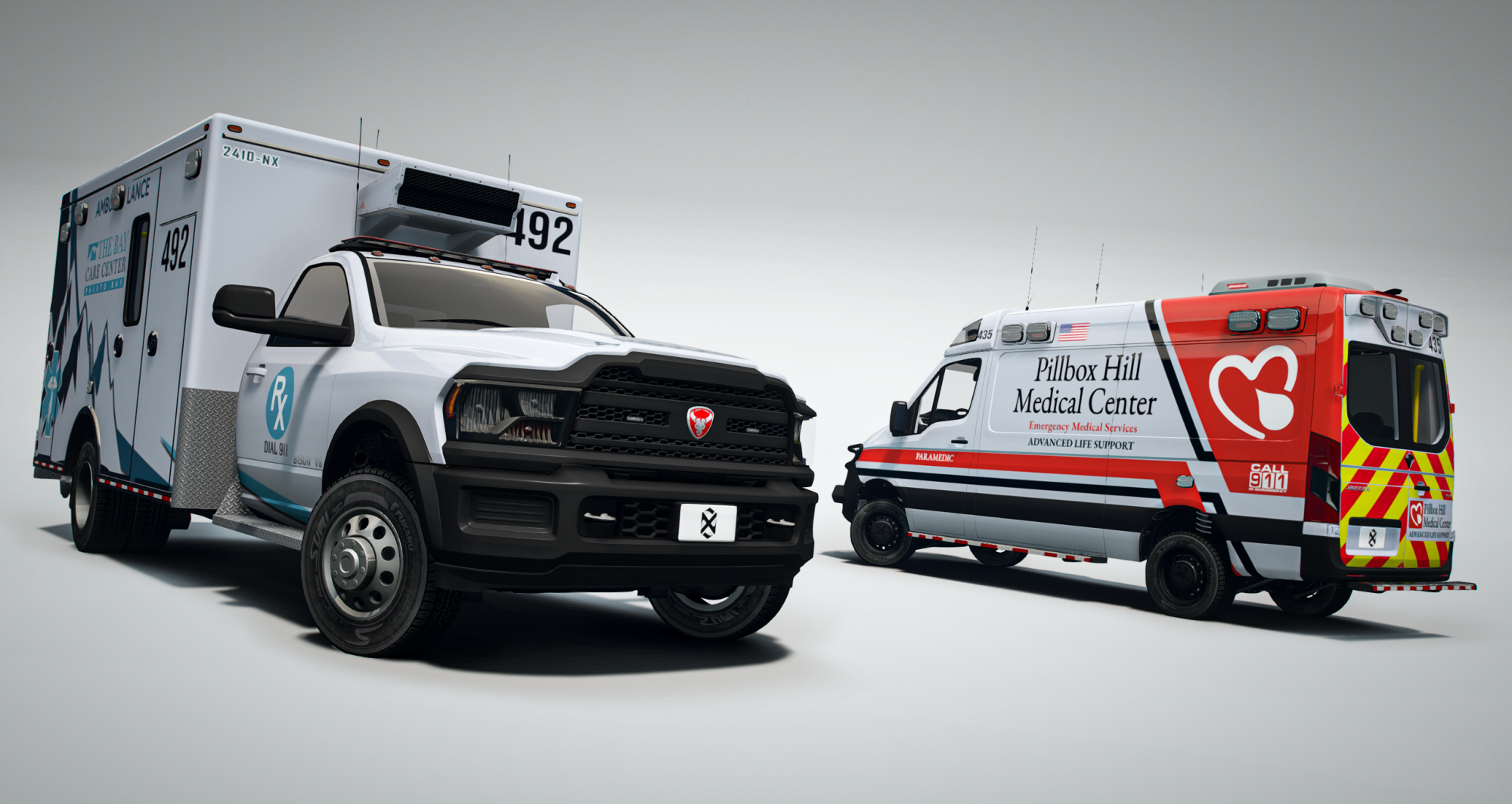
40+ Lore Friendly PD EMS Cars, Non-ELS, Lightbars & Callsigns System
Built for FiveM roleplay servers. Fully modular, non-ELS, and performance-optimized. 40+ LEO & EMS vehicles with 200+ customization options per vehicle and shared parts.
THIS IS A LIFETIME SINGLE PURCHASE FOR EVP V1.
If you’re not a server owner you can also purchase this package and gift it to the owner of the server you play on!
Vehicles (spawn codes)
Use the spawn codes below in your vehicle spawner, menu, or command system.
Vapid
- Aleutian (2024-2025)
onx_polaleu - Caracara Raid (2017-2020)
onx_polcara - Dominator GT (2018-2023)
onx_poldom - Monarch (1998-2011)
onx_polmonar - Sandstorm D205 (2022-2025)
onx_polsand - Sandstorm D205 SWB (2022-2025)
onx_polsandsc - Sandstorm D205 XL (2022-2025)
onx_polsandxl - Sandstorm D205 Hellenbach (2022-2025)
onx_polsandh - Scout (2024-2025)
onx_polscout - Scout Classic (1991-1994)
onx_polscout2 - Tavros (2013-2016)
onx_poltavros
Declasse
- Alamo 2700LX (2022-2025)
onx_polalamo - Granger 3600LX (2015-2020)
onx_polgrang - Granger 3700LX (2022-2025)
onx_polgrang2 - Merit (1991-1996)
onx_polmerit - Merit Classic (1977-1985)
onx_polmerit3 - Tulip M-100 (1978-1983)
onx_poltulip - Vigero ZX (2016-2025)
onx_polvigero
Canis
- Invictus (2022-2025)
onx_polinvict - Invictus Overland (2022-2025)
onx_polinvict2 - Seminole Frontier (1984-1996)
onx_polsem - Terminus (2022-2025)
onx_polterm - Terminus Overland (2022-2025)
onx_polterm2
Bravado
- Bison 25XD (2022-2025)
onx_polbison4 - Bison 35XD (2022-2025)
onx_polbison3 - Bison 45XD (2022-2025)
onx_polbison2 - Bison 45XD Sasquatch (2022-2025)
onx_polbison3 - Buffalo A/C (2015-2023)
onx_polbuff - Buffalo Hellfire (2015-2023)
onx_polbuffhf - Dorado (1998-2003)
onx_poldorado2 - Dorado AC (2011-2023)
onx_poldorado - Gauntlet Hellfire (2021-2025)
onx_polgaunt
Brute
- Regent (2022-2025)
onx_polregent - Regent XL (2022-2025)
onx_polregentxl
Albany
- Cavalcade XL (2021-2025)
onx_polcava - Presidente VSTR (2016-2020)
onx_polvstr
Buckingham
- Conada (2022-2025)
onx_polcon
Ubermacht
- Kandra (2020-2025)
onx_polkandra
Dundreary
- Landstalker (1984-1996)
onx_polstalk
Dinka
- Verus (2024-2025)
onx_polverus
Major Features
- 🎨 Two-tone paint independent of livery (single/two-tone supported)
- 🔢 Callsign system: 5-digit, editable, colorable callsign system
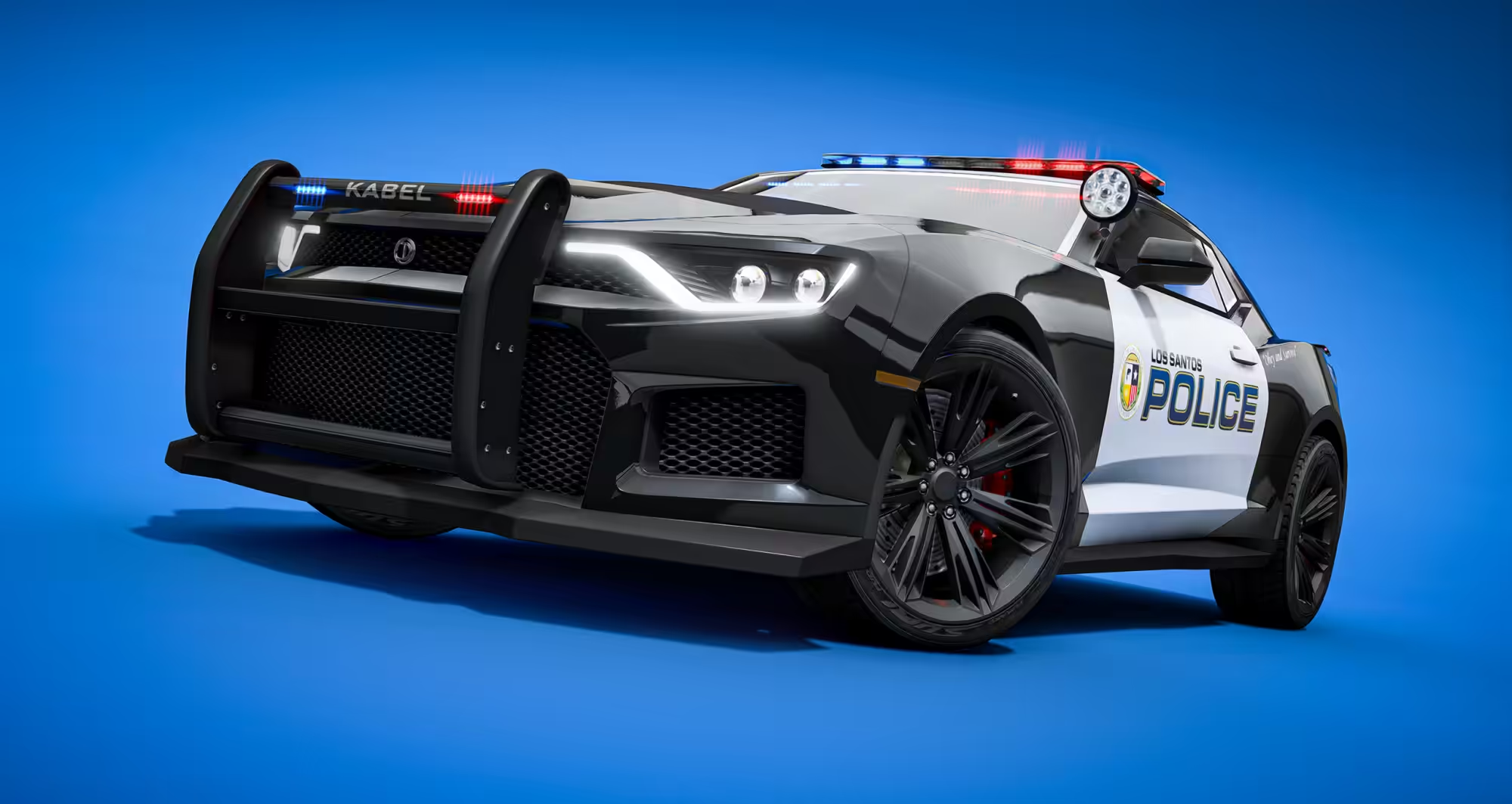
- 🚦 Lightbars: ALPR attachments, slicktop/undercover. Extra lightbars and siren controller script available with EVP Companion
- 🔀 1 Vehicle model that each doubles as LEO/EMS/DOC/Federal/Unmarked/Decomissioned
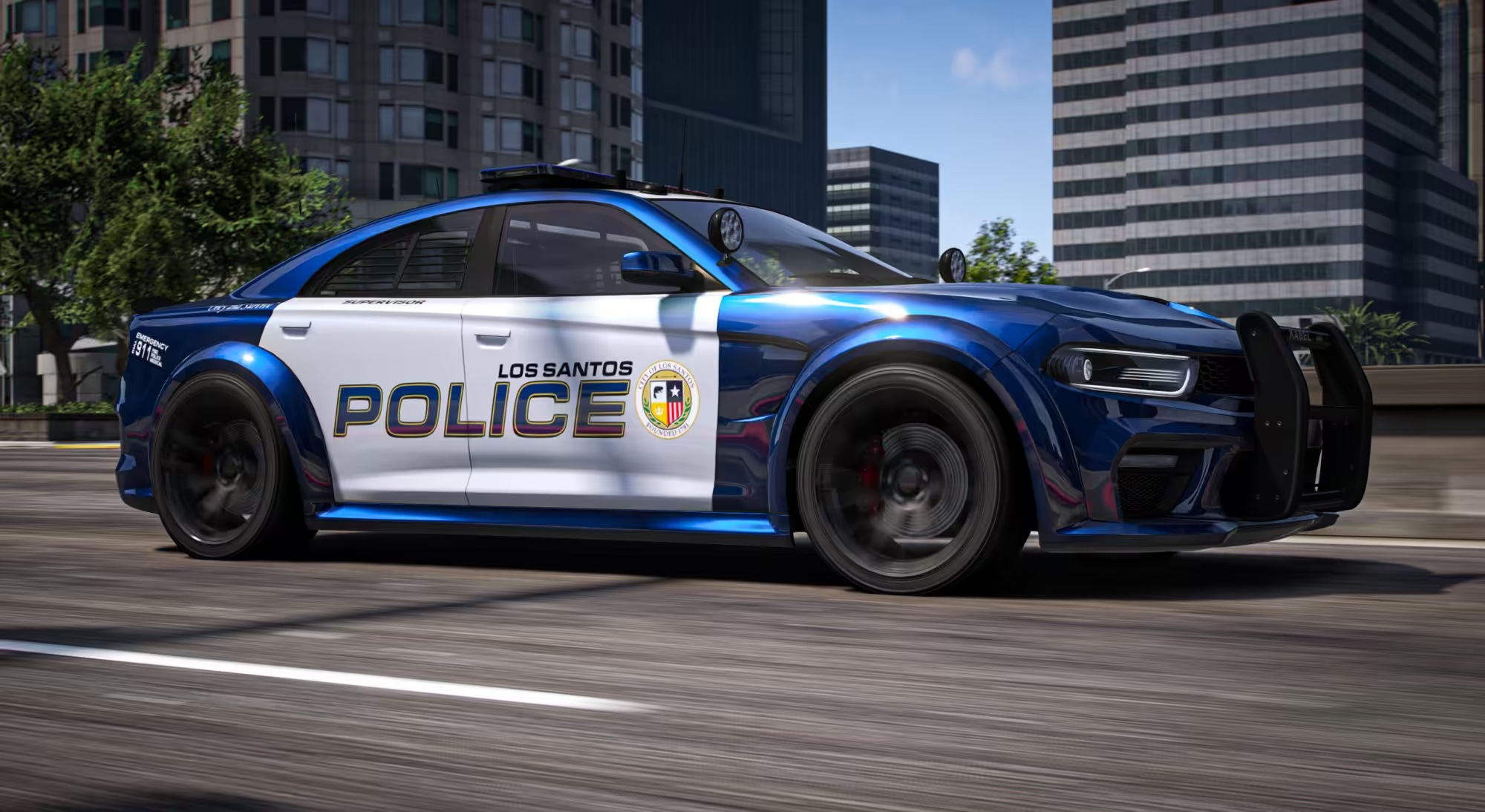
- 🛡️ Departments & liveries: LSPD, LSSD, SAHP
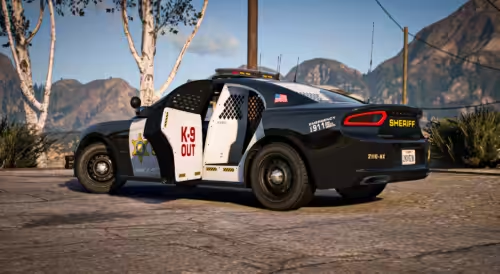
📦 Plus subscription-only extras (BCSO, DOC, SAFR(EMS), LSFD, Del Perro PD, Grapeseed Sheriff’s. Future updates include: Rangers, Davis PD, Paleto Sheriff’s, Rockford PD, Vinewood PD, NOOSE, LSIA, SAMA, etc.). - 🏷️ Unit tags (16): Supervisor, Command, Warden, Paramedic, SWAT, Gang Unit, K9, Caution K9 (colorable & red reflective variants)
- 📡 Antenna arrays: regular/specialist/tactical/retrofit wobble variants (city/county/state)
- 🚔 Exterior options: ram bars by jurisdiction, spotlights (player-controlled options)
- 💻 Interior loadouts: 45+ console/radio/siren controller/laptop setups, dash radar, divider/roof/trunk gun racks
- 🐕 K9-ready: multiple vehicles with cages incl. split K9/suspect seating; window bars/dividers
- 🧰 Trunks: animated lockboxes, drawers, organized/messy layouts, raised boxes, loose clutter
- 🎛️ Native UX: labeled extras/mod categories for quick toggles
- 👮 Matching uniforms: liveries align with ONX EUP
- 📚 Livery templates + install guides included (easy to brand for your departments)
Highlights
- 🤝 Gabz PD cars compatibility (lightbar script compatibility & consistent look)
- 🚦 Custom lightbars script (no more locked to minimal lightbars and basic light patterns or duped vehicles for new lightbars, multiple lightbar options with full light patterns)
-
🚨 Non-ELS lighting (server-friendly, no client ELS dependency) [SIREN SCRIPT IS PROVIDED FOR FREE]
- 🏙️ Lore-friendly models (scratch-made + reimagined vanilla)
- 🎨 2K liveries (quality balanced for performance)
- 🛞 Custom wheel pack (emergency service wheels for multiple brands)
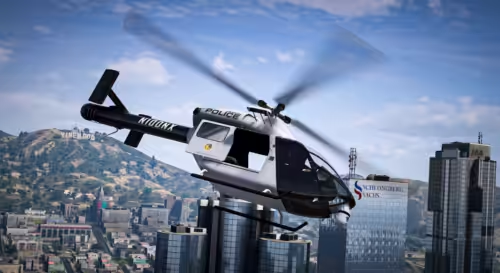
- 🚓 Multiple vehicle types (sedans, SUVs, pickups, sports interceptors, motorcycles, ATVs, aircraft)
- 🔧 200+ customization options per vehicle via modkit/extras (no custom menus required)
- ⚙️ Universal consistent parts system across fleet (lightbars, antennas, consoles, cages, tags)
- ⚡ Optimized assets: full LODs, tuned polycounts, compressed textures
- 💥 Rockstar-style dirt/crash mapping and custom handling (RP realism/arcade balance blend)
What You Get
- 📘 Support & documentation (templates, install tutorials, best practices)
- 🔁 Continuous updates for sub-pack + weekly standalone drops
- 🧰 Universal parts library (shared across models for optimized, fast, consistent builds)
- 🚓 Full fleet access (LEO/EMS/DOC/Federal/Legacy/Interceptors/Bikes/ATVs/Air)
Performance & Integration
- 🧩 Drag and drop add-on resource structure; standard start order; works with common frameworks
- 🏁 Realism/Arcade Handling for realistic feel and personality with arcade balance
- 🗜️ Full LODs across vehicles, optimized textures (YTD ≤ 1024; embedded liveries ≤ 2048)
- 🚨 Non-ELS, synced patterns; no duplicate model spam
Installation (Quick)
- Add the ONX vehicle resources to your server’s
resourcesfolder, make a folder called[onx_vehicles]. ensure [onx_vehicles]in your server cfg.- Use a customization menu to configure lightbars, liveries, ALPR, cages, consoles, antennas, trunks, tags, etc in game.
- Add VMT_Lightbar category to your customization menu introduced in build 3095 to access custom ALPR & Lightbar options.
Developer details: polycounts, LODs, file sizes, texture resolutions, texture count, yft counts
Full documentation for installation and livery templates available on our github
Support
Built by the ONX Development Team for roleplay communities that value depth, quality, and performance.
Contributors: ONX, WiseGuy, Dayashii, Tidemo, JunkyWRX, BarnabyJones, Momo, Witteh
Terms
- Redistribution outside your subscribed server(s) is prohibited.
- No reuploading, resale, or rebranding of assets other than liveries/textures.
- For use on licensed subscriber servers only with assets granted in your Cfx keymaster portal.
![Latest QBCore Framework V7 [NoPixel 4.0 Inspired]](https://scripts-tebex.io/wp-content/uploads/QBCore-Framework-V7.png)
Reviews
There are no reviews yet.