

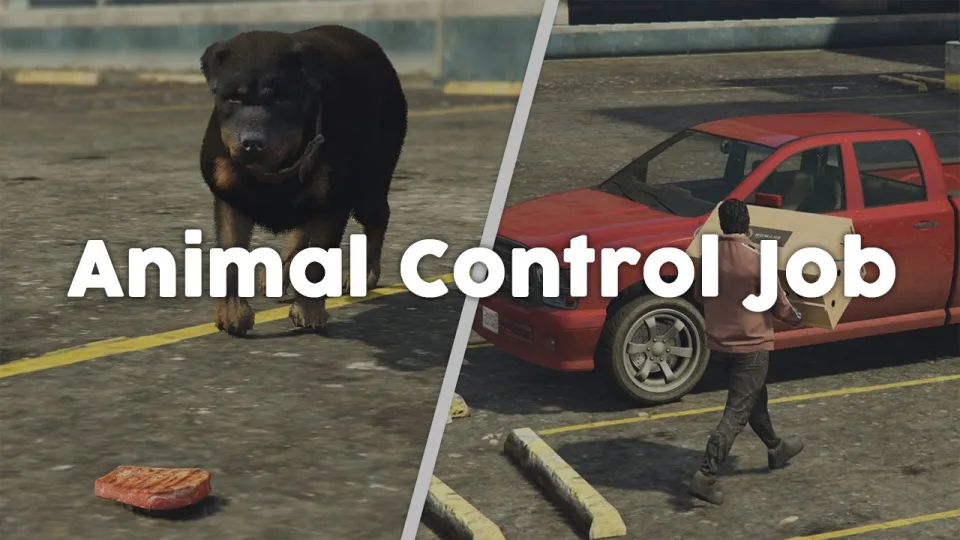
Animal Control Job
Six-step FiveM animal control job for ESX, QBCore, and Qbox — bait placement, habitat-specific spawns, server-side anti-cheat, anti-grief job cancellation, and configurable per-animal payouts at 0.02ms resmon.
Shelved in ESX Scripts110 products on this shelf QBCore Scripts119 products on this shelf Qbox Scripts120 products on this shelf
$10.00

Secure checkout by Tebex
Digital delivery after checkout
Tebex
Your Game Studio, Extended.
Overview
Reviews
Most civilian jobs on FiveM are a collect-and-deliver loop with a coat of paint. Animal control isn't. There's a six-step sequence that has to complete in order — report in at the NPC, rent the vehicle, locate the animal via tracking blip, place bait, wait for the animal to approach, then capture and return it. Skip a step, the job doesn't complete. That structure is the point: it's a proper job loop, not a farm route.
The Six-Step Job Loop
Players start at the Animal Ark NPC in Sandy Shores, which sets the tone — this isn't a Los Santos metro job, it has geography. From there, the sequence is enforced server-side at every stage:
- Check in at Animal Ark NPC — activates job session and vehicle rental with deposit
- Receive tracking blip — each animal has a habitat-specific spawn zone (desert fauna doesn't appear near the docks)
- Locate the animal — blip updates as you close in; no instant waypoint snap
- Place bait — animals won't approach without it; placement is the actual skill check
- Capture via crate — timed window after the animal is lured in
- Return to Animal Ark — payout calculated on animal type, condition, and deposit refund
Anti-Grief and Economy Protection
Server admins adding any paid job immediately ask two questions: can players break it, and can they farm it? Both are addressed here. If the animal dies during capture — hit by another player's vehicle, shot, whatever — the job cancels automatically. If the animal despawns due to streaming distance or server cleanup, same outcome. Players don't get paid for animals they didn't actually return. The payout is also per-animal-type rather than flat, so boars and hens don't yield the same money. Economy tuning is configurable in the config file, so you're not stuck with default numbers.
Animal Roster and Habitat Logic
The script ships with boars, cats, coyotes, multiple dog breeds, and hens. Each species spawns in terrain that matches it — coyotes appear in the hills and desert scrub, hens near farm areas, cats anywhere with enough cover. That habitat specificity means players are actively driving around the map rather than circling a single grind zone.
Performance and Compatibility
Resmon sits at 0.00ms at idle and 0.02ms when an animal is actively tracked — you won't see this in your server's performance profile under normal conditions. All capture validation runs server-side, which closes off the standard event injection exploits that break lighter civilian job implementations. Cross-player sync keeps animal state consistent across the session so two players can't capture the same animal independently.
Compatible with ESX, QBCore, and Qbox. No additional bridge scripts required — framework detection is handled internally.
Installation
- Move the resource into your
resourcesdirectory. - Add its
ensureline toserver.cfg. - Go through the config: the Animal Ark check-in point, the rental deposit, the habitat spawn zones and what each animal pays on return.
- Restart the server and run the loop once — check in, rent, track, bait, capture, return — to confirm each stage unlocks the next.
Requirements
ESX, QBCore and Qbox servers are supported, and nothing else is listed as a dependency, so the job arrives without dragging other resources in behind it. The step order is enforced server-side, which means the anti-farm and anti-grief behaviour holds without a permissions resource layered on top.
Installation plan
Set up Animal Control Job safely
Use the documentation included with the download as the final authority. This plan helps you prepare a rollback, install in the right order, and verify the resource before it reaches players.
- Resource type
- FiveM script
- Catalog category
- ESX Scripts
- Package source
- Shop Tebex
-
Audit the package and requirements
Open the supplied documentation before moving files or changing the database. Build the install order from the package, not from assumptions.
- Identify the actual resource folder, required dependencies, and supported framework version.
- Locate any SQL, configuration examples, permissions, or optional integrations.
- Check whether the documentation requires a specific start order.
Ready when Every dependency and required file has a place in your install plan.
-
Create a rollback point
Prepare the server so the change can be reversed cleanly if the resource conflicts with your current stack.
- Keep an untouched copy of the downloaded package.
- Back up the database and every configuration file you will edit.
- Use a test server or schedule a maintenance window before changing production.
Ready when You can restore the previous database, files, and configuration.
-
Install in the documented order
Apply only the changes supplied for this resource, keeping dependency and startup order intact.
- Place the resource folder where your server loads resources, without renaming it unless instructed.
- Install dependencies first, then import included SQL once and review configuration values.
- Add the documented resource name to the server startup configuration after its dependencies.
Ready when The resource starts without missing files, exports, tables, or dependencies.
-
Verify the complete player flow
Restart the test server, watch both server and client consoles, and exercise the resource before opening it to players.
- Test the main workflow with an authorized player and a player without permission.
- Reconnect and restart once to confirm saved state and startup behavior.
- Review console output again before promoting the same configuration to production.
Complete when The intended flow works twice with no new console errors.
Support reference
Use the exact listing name when you contact support.
Animal Control Job
Contact support
Animal Control Job compatibility and specs
Category
Delivery
After checkout — order download link
Product terms
See product details — terms vary by resource
No reviews yet — be the first to write one.
Write a review
Reviews are moderated before appearing. Purchased the product? Your review gets a VERIFIED badge automatically.
[ You might also like ]
Related scripts
 Sale
Sale
Sale
Sale
- ESX
- QBCore
- Qbox
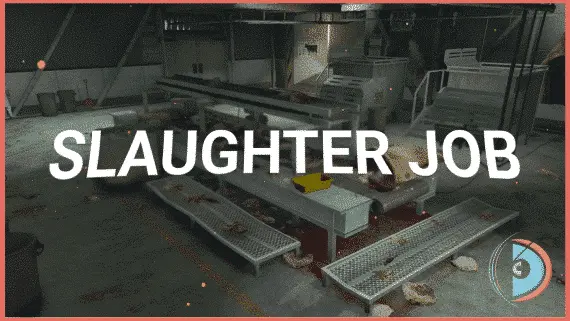
Realistic Slaughtering Job /w Animations
FiveM slaughterhouse job with a full catch-to-grind processing chain, XP-gated success rates, dynamic market pricing, and dual delivery options for ESX, QBCore and Qbox servers.
$15.00
$30.00
 Sale
Sale
- ESX
- QBCore
- Qbox
JG Mechanic Script
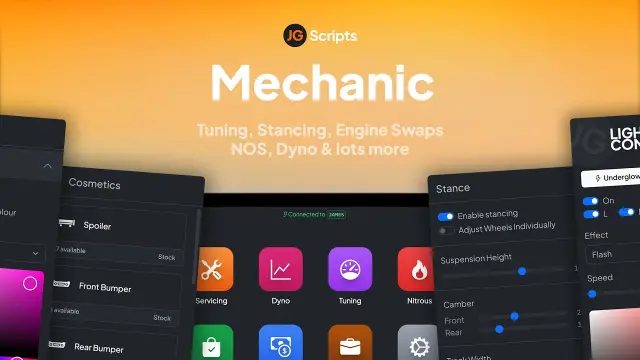
JG Mechanic gives FiveM servers a full RGB and chameleon respray system, OneSync-synced visuals, engine swaps, dyno testing, and mileage-based servicing at 0.0-0.1ms resmon on ESX, QBCore, and Qbox.
$24.90
$30.00
- ESX
- QBCore
- Qbox
Closed Shops NPC
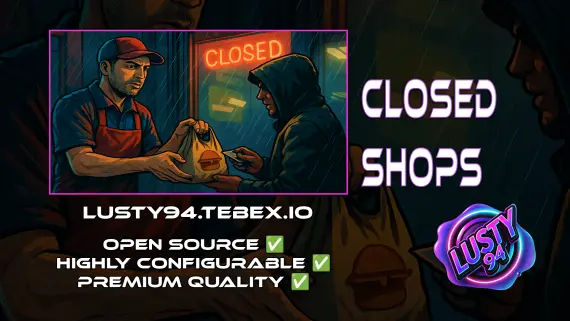
Closed Shops NPC keeps food job locations open when workers log off. Workers restock inventory to earn passive income; the NPC despawns the moment real staff return. QBCore, ESX, Qbox. Live pricing with admin price caps.
$3.00
- ESX
- QBCore
- Qbox
Lusty Pawn Shop - The Ultimate Buy & Sell System
FiveM pawn shop script with dirty money payout routing, unlimited map locations, player-owned shop support, and anti-exploit event guards. QBCore, ESX, Qbox — configurable buy-sell economy in one resource.
$10.00
- ESX
- QBCore
- Qbox
Advanced Crafting
Samuel’s Advanced Crafting delivers branching tech trees, placeable persisted workbenches, blueprint durability, shared crew queues, and 11+ inventory integrations for ESX, QBCore, and QBox at under 0.01ms resmon.
FREE
 New
New
- ESX
- QBCore
- Qbox
Metal Detecting
FiveM metal detecting script covering 8 named beach and coastal zones with 20 discoverable items, detector overheating for natural pacing, and configurable loot rates. ESX, QBCore, Qbox. Solo leisure content for £5.
$5.00
- ESX
- QBCore
- Qbox
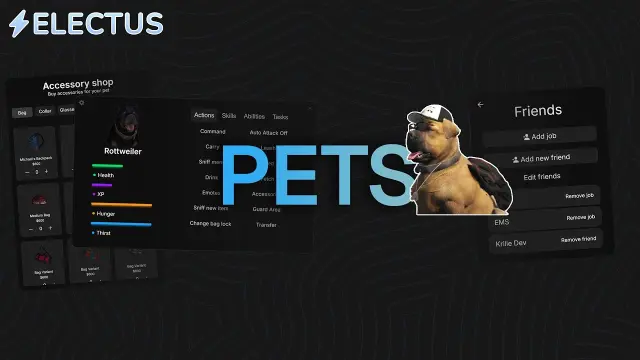
FiveM Pet System
Dynamic pet system featuring leveling, breeding, and over 400 accessories
$15.00
- ESX
- QBCore
- Qbox
Vehicle Shops
QBCore dealership script with public showrooms — test drives, financing, license checks — and player-owned operations with stock ordering, employee commissions, and sell-back. Tested with ox_lib, oxmysql, and major banking/inventory resources.
$15.00
About this FiveM script
Animal Control Job is a FiveM resource for esx, qbcore, qbox servers. Review the product details, requirements, and compatibility notes before ordering.
Use the included files and documentation as the source of truth for installation, configuration, dependencies, and any stated performance information.