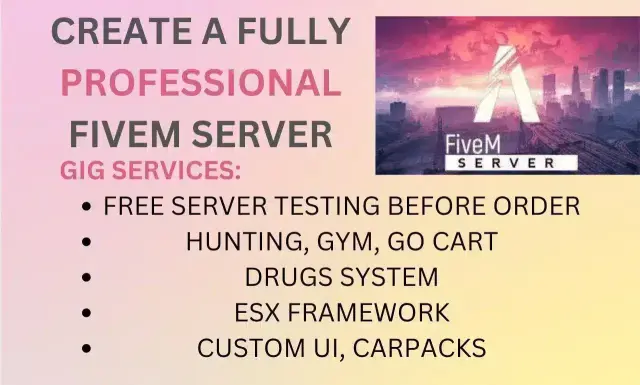
ESX Framework V3

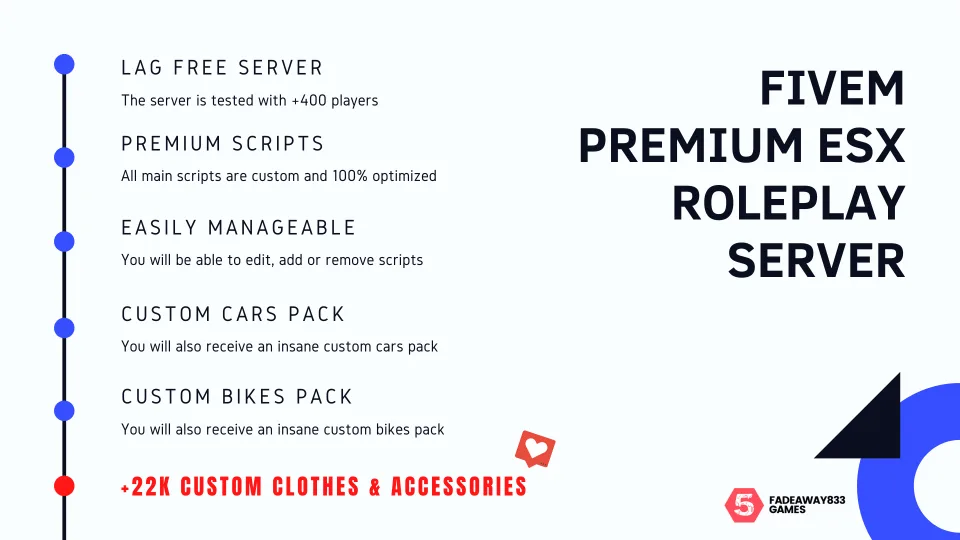
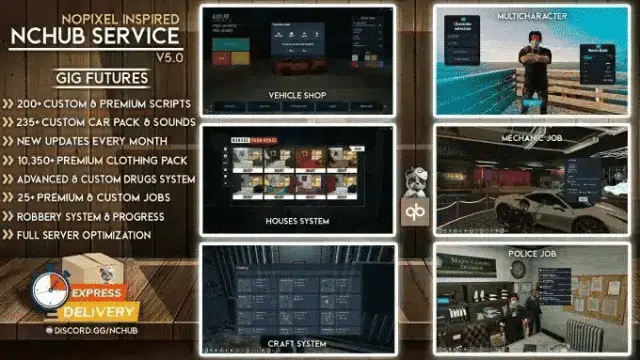
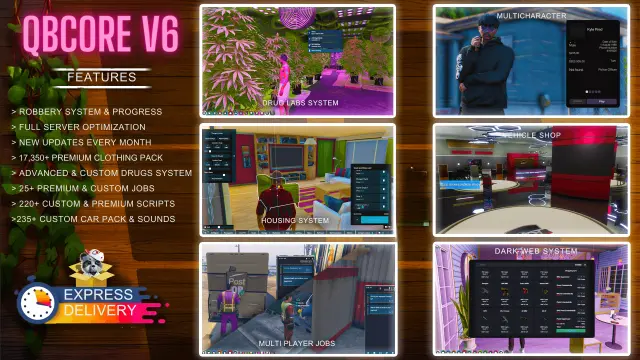
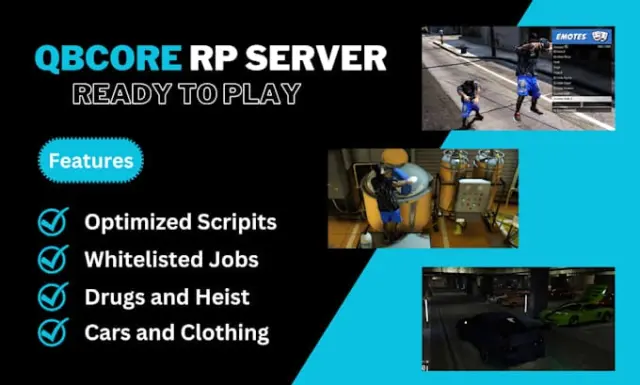
ESX Legacy V3 FiveM server with 750+ custom cars, 250+ bikes, 44,000+ clothing items, exclusive scripts, and complete database and server files — full RP server ready on first install.

$100.00
Secure checkout by Tebex Digital delivery after checkout Tebex Your Game Studio, Extended.
Overview

ESX Framework V3 is built for server owners who understand that first impressions in FiveM come from two things: the clothing menu and the car park. Players judge a server within the first ten minutes — either the selection is there or it isn't. V3 answers that with numbers that are hard to argue with: 750+ custom cars, 250+ custom bikes, and 44,000+ clothing items. That's not a checkbox count padded with duplicates — it's a curated wardrobe and vehicle roster that gives players genuine choice from session one.

Asset Depth

The clothing count alone is the primary differentiator over earlier ESX builds. At 44,000+ items, players can build distinct character identities rather than cycling through the same ten outfit combinations that populate screenshots on every average ESX server. Combined with the vehicle roster, the aesthetic experience of V3 is a clear step above what stock ESX packages offer.

  • 750+ custom addon cars — pre-loaded, named, and categorised in the spawn menu
  • 250+ custom motorcycles covering sport, cruiser, and off-road classes
  • 44,000+ custom clothing items covering all character slot types
  • Exclusive custom scripts not available in generic open-source ESX builds
  • Complete database files — no manual table creation or schema patching required
  • Complete server files — drop in and configure, nothing to assemble from parts
  • Optimised resource list — lag-free performance under normal player loads
  • Customer support available post-purchase for setup and configuration questions

Installation and Hosting

V3 ships as a complete server package: database files, resource folder, and server.cfg in a single download. There's no dependency hunting across GitHub repos or version-matching exercise between resources. The database schema is included, so you're not building tables by hand or guessing column types from resource source code. Standard Pterodactyl and ZAP hosting setups are compatible out of the box.

Framework Base

Built on ESX Legacy — the current maintained ESX branch. Resources written for ESX Legacy (the majority of paid ESX scripts released since 2022) load without modification. ESX's established economy model gives server owners predictable player behaviour: jobs pay, items have value, and the criminal economy has natural demand for goods the legitimate economy produces. That loop is harder to break in ESX than in frameworks with more open-ended economy systems, which makes ESX V3 a safer bet for communities where staff capacity is limited.

Who Buys V3

Server owners who've run a smaller ESX community and are ready to step up to a server that looks the part. The clothing and vehicle counts make V3 the logical choice when your existing server's main complaint from players is "not enough variety." It's also a strong pick for owners launching a first server who want to compete visually with established communities from week one, not month three.


Installation plan

Set up ESX Framework V3 safely

Use the documentation included with the download as the final authority. This plan helps you prepare a rollback, install in the right order, and verify the resource before it reaches players.

Resource type
FiveM resource
Compatibility shown
Standalone / framework-neutral
Catalog category
FiveM Readymade Servers
Package source
Shop Tebex
  1. Audit the package and requirements

    Open the supplied documentation before moving files or changing the database. Build the install order from the package, not from assumptions.

    • Identify the actual resource folder, required dependencies, and supported framework version.
    • Locate any SQL, configuration examples, permissions, or optional integrations.
    • Check whether the documentation requires a specific start order.

    Ready when Every dependency and required file has a place in your install plan.

  2. Create a rollback point

    Prepare the server so the change can be reversed cleanly if the resource conflicts with your current stack.

    • Keep an untouched copy of the downloaded package.
    • Back up the database and every configuration file you will edit.
    • Use a test server or schedule a maintenance window before changing production.

    Ready when You can restore the previous database, files, and configuration.

  3. Install in the documented order

    Apply only the changes supplied for this resource, keeping dependency and startup order intact.

    • Place the resource folder where your server loads resources, without renaming it unless instructed.
    • Install dependencies first, then import included SQL once and review configuration values.
    • Add the documented resource name to the server startup configuration after its dependencies.

    Ready when The resource starts without missing files, exports, tables, or dependencies.

  4. Verify the complete player flow

    Restart the test server, watch both server and client consoles, and exercise the resource before opening it to players.

    • Test the main workflow with an authorized player and a player without permission.
    • Reconnect and restart once to confirm saved state and startup behavior.
    • Review console output again before promoting the same configuration to production.

    Complete when The intended flow works twice with no new console errors.

Support reference Use the exact listing name when you contact support.
ESX Framework V3 Contact support

ESX Framework V3 compatibility and specs

Frameworks
Standalone
Delivery
After checkout — order download link
Product terms
See product details — terms vary by resource
[ You might also like ]

Related scripts

About this FiveM script

ESX Framework V3 is a FiveM resource. Review the product details, requirements, and compatibility notes before ordering.

Use the included files and documentation as the source of truth for installation, configuration, dependencies, and any stated performance information.